
💻 Dell Pro Plus 14 vs ThinkPad T14s Gen 6 vs MacBook Air 15
AI-powered analysis across 32 matched specifications
Performance Overview
Scores based on quantifiable specification values (1-10 scale)
Detailed Specifications
| Specification | Dell Pro Plus 14 Dell | ThinkPad T14s Gen 6 Lenovo | MacBook Air 15" (M5) Apple |
|---|---|---|---|
| Key Metrics | |||
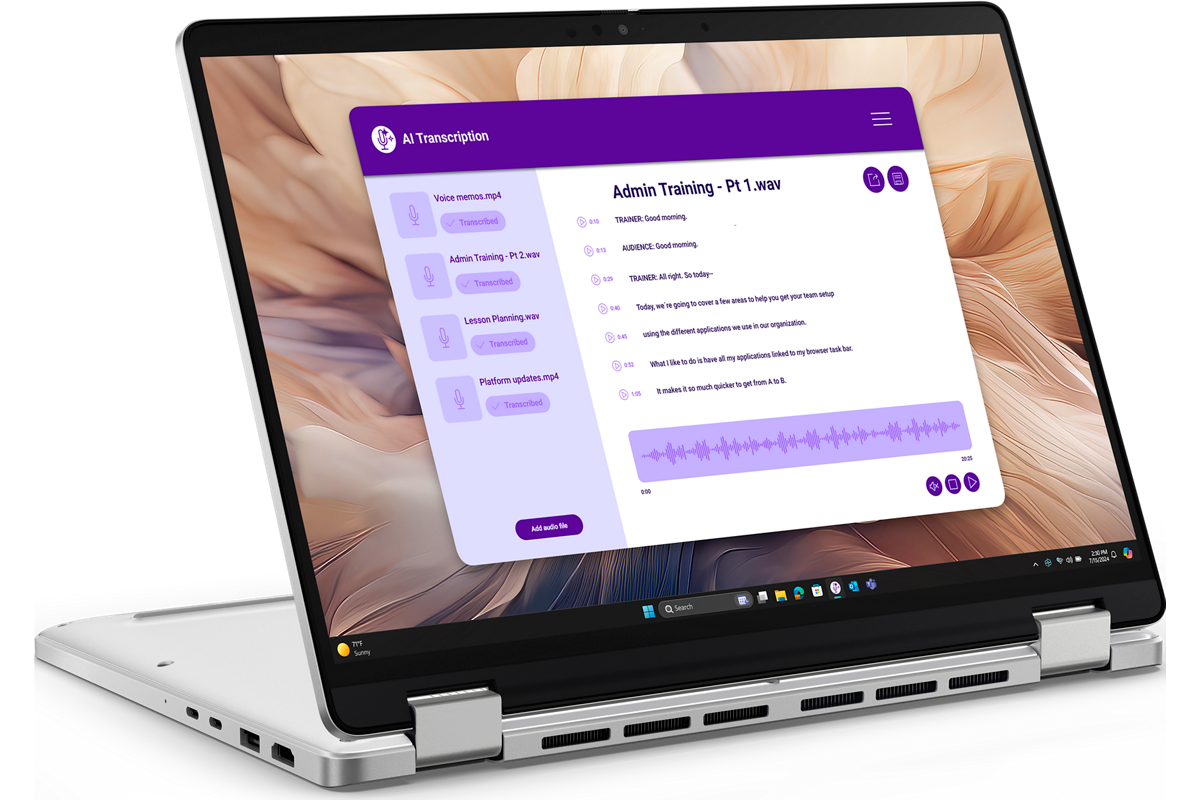
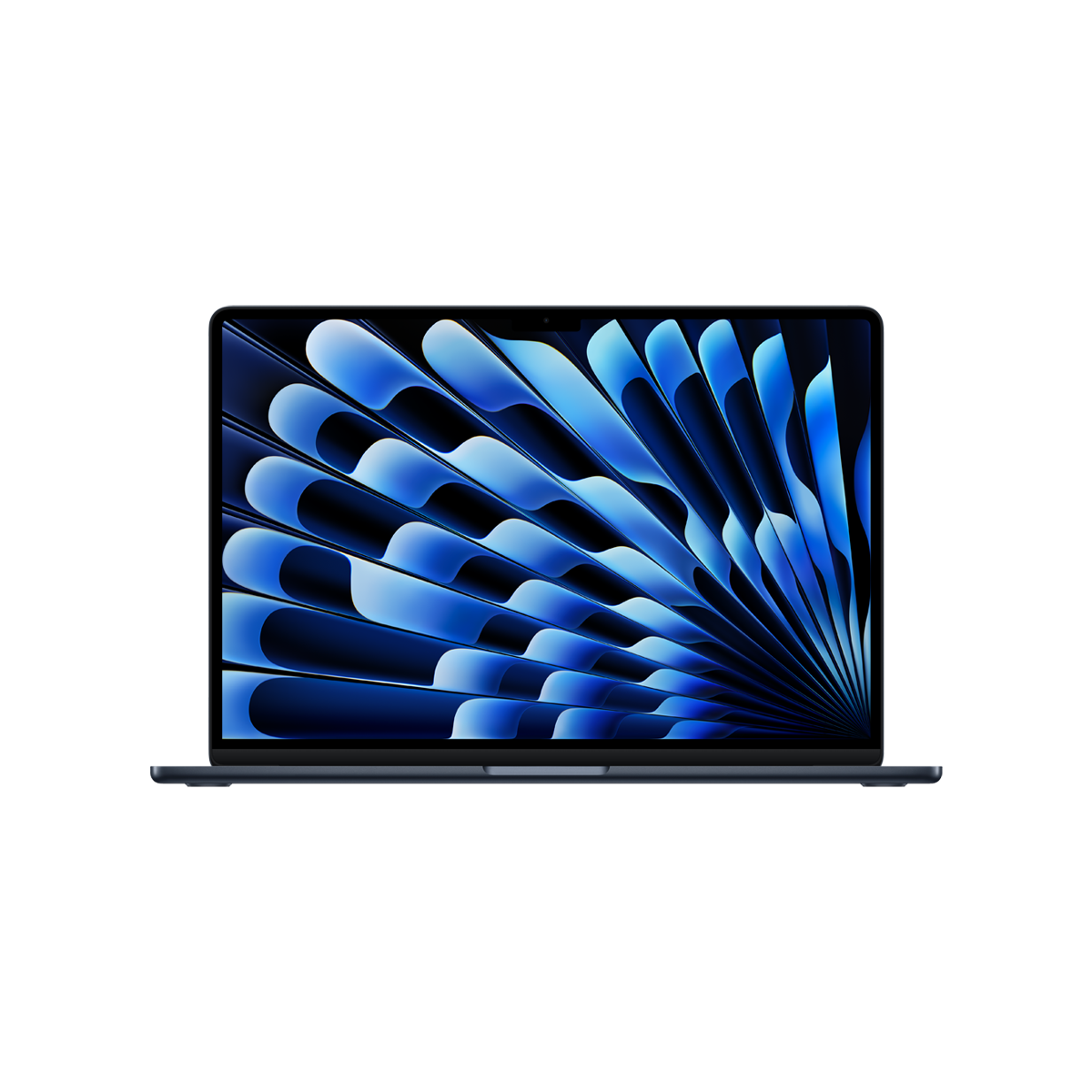
| Display size & resolution | 14.0" QHD+ 2560×1600 touch | 14.0" WUXGA 1920×1200 (2.8K OLED option) | 15.3" Liquid Retina 2880×1864 |
| Processor | Intel Core Ultra 5/7 Series 2 (vPro optional) | Intel Core Ultra 5/7 Series 2 (vPro) | Apple M5 10-core CPU / 10-core GPU |
| Maximum memory | 64 GB LPDDR5x | 64 GB LPDDR5x-8533 | 32 GB unified memory |
| Form factor | 360° convertible 2-in-1 | Clamshell | Clamshell |
| Starting weight | Sub-1.4 kg | Sub-1.3 kg | 1.51 kg |
| WWAN option | 5G with eSIM | -- | -- |
| Display | |||
| Panel type | IPS touch | IPS (WUXGA) or OLED (2.8K) touch | Liquid Retina IPS |
| Native resolution | 2560 × 1600 | 1920 × 1200 / 2880 × 1800 | 2880 × 1864 |
| Brightness | -- | -- | 500 nits |
| Touch / pen | Touch + active pen | Touch on OLED SKU | Non-touch |
| Aspect ratio | 16:10 | 16:10 | ~16:10 |
| Compute & Memory | |||
| CPU family | Intel Core Ultra Series 2 (Lunar Lake) | Intel Core Ultra Series 2 (Lunar Lake) | Apple Silicon M5 |
| NPU / AI acceleration | Intel AI Boost NPU (Copilot+ class) | Intel AI Boost NPU (Copilot+ class) | 16-core Neural Engine + per-core GPU Neural Accelerators |
| vPro / fleet management silicon | Intel vPro optional | Intel vPro | No (Apple Silicon — uses MDM) |
| Memory type | LPDDR5x soldered | LPDDR5x-8533 soldered | Unified memory on-package |
| Max memory | 64 GB | 64 GB | 32 GB |
| Storage, Ports & Connectivity | |||
| Max SSD | -- | -- | 4 TB |
| Wi-Fi | Wi-Fi 7 | Wi-Fi 7 | Wi-Fi 7 (Apple N1) |
| Bluetooth | -- | -- | Bluetooth 6 |
| Cellular | 5G WWAN with eSIM | 5G WWAN option | -- |
| Thunderbolt / USB-C | Thunderbolt 4 | Thunderbolt 4 | 2× Thunderbolt 4 |
| Charging | USB-C PD | USB-C PD | MagSafe 3 + USB-C |
| Build, Battery & Audio | |||
| Chassis | CNC-milled aluminium | Aluminium | Aluminium unibody |
| Durability testing | -- | MIL-STD-810H | -- |
| Battery life (vendor claim) | -- | -- | Up to 18 hours |
| Speakers | -- | -- | 6-speaker with force-cancelling woofers |
| Microphones | Quad-mic array with AI noise cancellation | -- | -- |
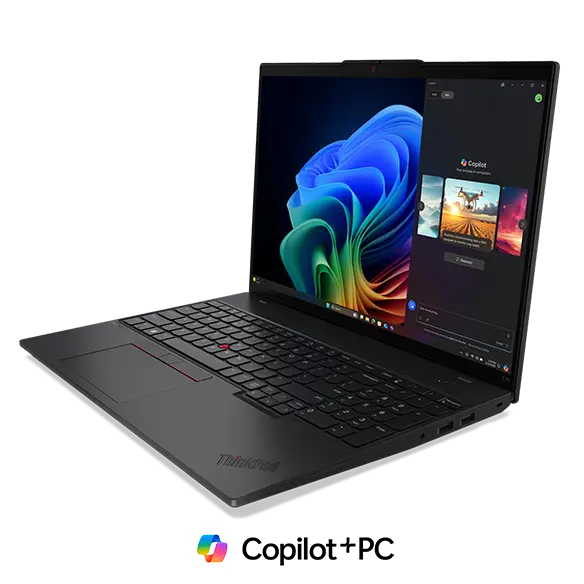
| Keyboard | Standard chiclet | ThinkPad with TrackPoint | Magic Keyboard |
| Management & Security | |||
| OS | Windows 11 Pro | Windows 11 Pro | macOS |
| Enterprise management | Intune / SCCM / Dell Client Management | Intune / SCCM / Lenovo Commercial Vantage | Jamf / Intune / Apple Business Manager |
| Firmware security | Dell SafeBIOS / SafeID | ThinkShield, dTPM 2.0 | Apple Secure Enclave |
| Biometrics | IR camera + fingerprint reader | IR camera + match-on-chip fingerprint | Touch ID |
Expert Analysis
The most important practical difference here is platform, not hardware quality — all three are well-engineered premium ultraportables, but they target different fleets. The Dell Pro Plus 14 and ThinkPad T14s Gen 6 are Windows 11 Pro / Intel vPro machines that drop into an existing Microsoft estate via Intune or SCCM, while the MacBook Air 15 M5 is an Apple Silicon device managed through Jamf or Apple Business Manager (with Intune as an option). If your golden image, Conditional Access policies and AppLocker rules are built around Windows, the Dell and Lenovo are the realistic shortlist; if you're standardising on macOS or supporting a mixed estate, the Air is in a different league for battery life and silent performance.
The ThinkPad T14s Gen 6 is the most conventional business laptop of the three and arguably the most refined. Sub-1.3 kg, MIL-STD-810H tested, the best keyboard in the category, TrackPoint for users who still want it, and full vPro plus ThinkShield firmware security make it the safest pick for large regulated fleets — financial services, legal, central government. The 2.8K OLED option is genuinely excellent; the base WUXGA panel is merely adequate next to the Dell and Apple. The Dell Pro Plus 14 differentiates on form factor: it is the only convertible here, with an active-pen-capable QHD+ touch panel and an optional 5G WWAN modem with eSIM. For field roles — surveyors, clinicians on the DSPT estate, sales engineers presenting in tent mode — that flexibility is meaningful, and the higher-resolution touch display is a clear upgrade over the T14s base SKU.
The MacBook Air 15 M5 wins on the things Apple Silicon has owned for three generations now: fan-less silent operation, 18-hour real-world battery, a 500-nit 15.3" Retina display, and sustained performance on video, code compilation and on-device ML workloads that Lunar Lake cannot match at this thermal envelope. The trade-offs are equally clear — capped at 32 GB memory (versus 64 GB on the Intel pair), no cellular option, no touch, only two Thunderbolt ports, and a management story that still requires either Jamf or a mature Intune-for-Mac configuration. It is also the heaviest of the three at 1.51 kg, though the extra screen real estate justifies it.
Recommendation framework: pick the ThinkPad T14s Gen 6 if you are a Windows shop buying at volume and want the lowest-risk, best-typing, best-managed device. Pick the Dell Pro Plus 14 if users genuinely need pen, touch, convertible modes or built-in 5G — otherwise the T14s is the better clamshell. Pick the MacBook Air 15 M5 where battery life, screen size and Apple-ecosystem integration matter more than vPro and WWAN, particularly for developers, creative teams and executives.
Ready to proceed?
Want to compare different products or add more to this comparison?
Open Interactive Comparison Tool →