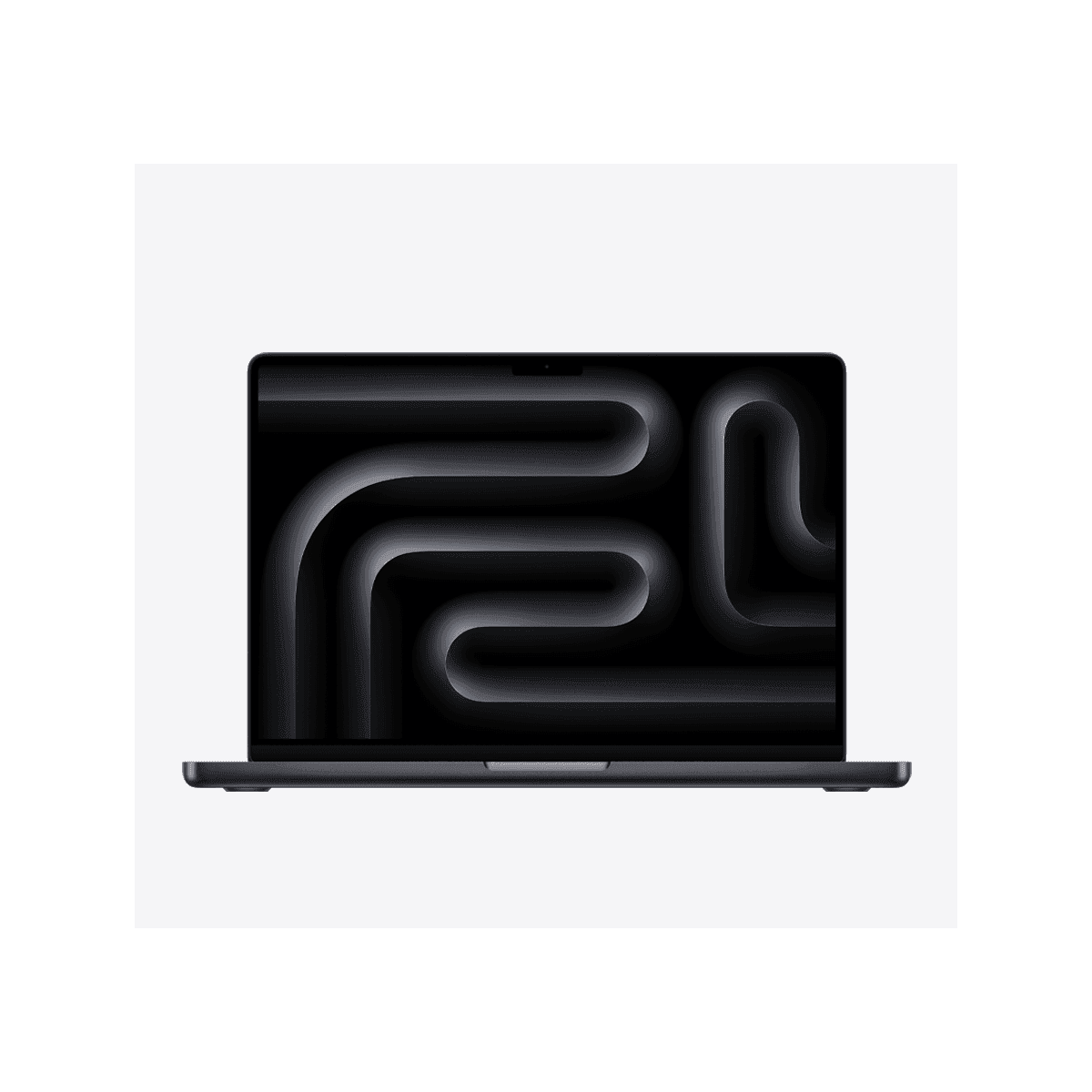
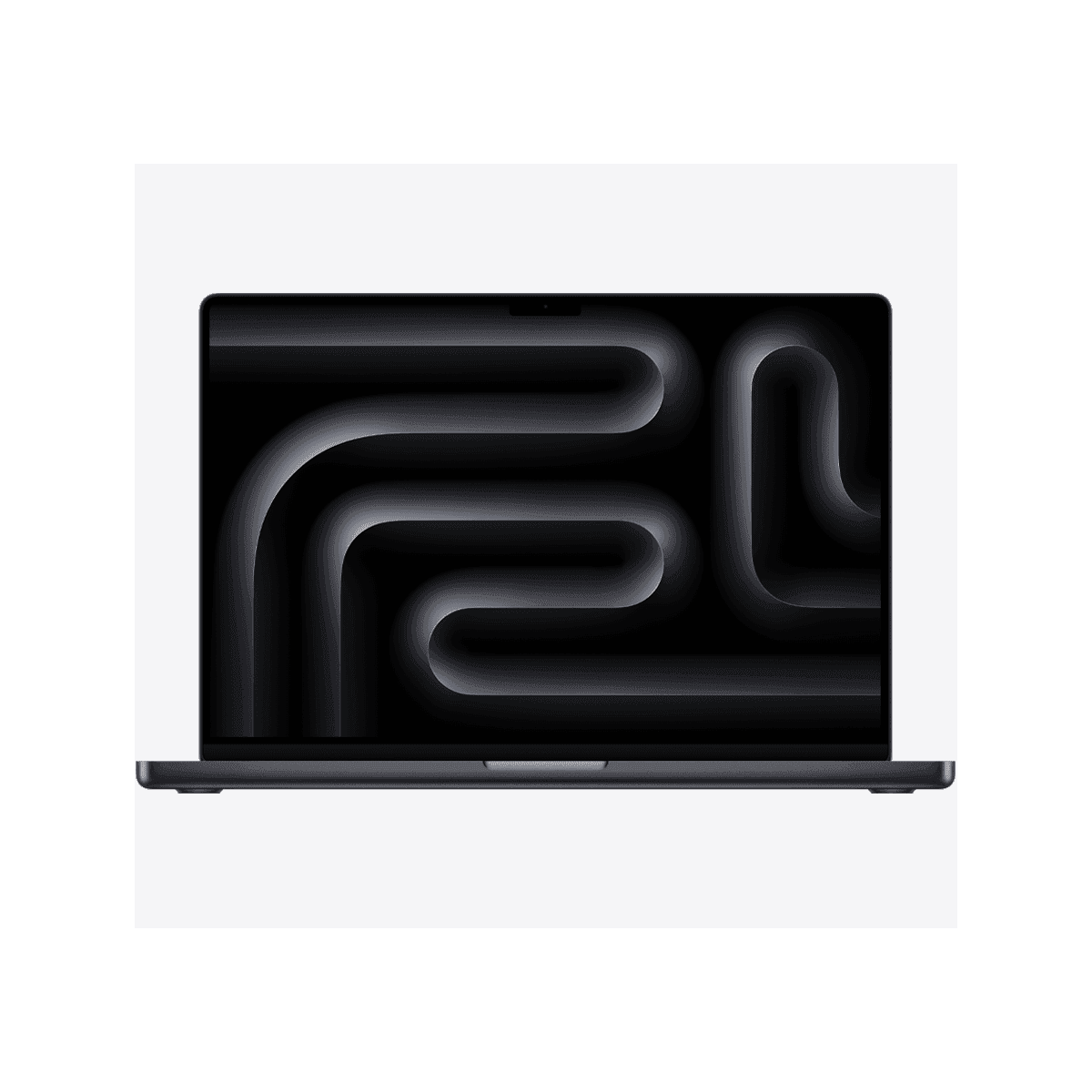
💻 MacBook Pro 14 M5 vs MacBook Pro 16 M5
AI-powered analysis across 30 matched specifications


Performance Overview
Scores based on quantifiable specification values (1-10 scale)
Detailed Specifications
| Specification | MacBook Pro 14" (M5) Apple | MacBook Pro 16" (M5 Pro / M5 Max) Apple |
|---|---|---|
| Key Metrics | ||
| Display size | 14.2-inch Liquid Retina XDR | 16.2-inch Liquid Retina XDR |
| Native resolution | 3024 × 1964 | 3456 × 2234 |
| Chip options | M5, M5 Pro, M5 Max | M5 Pro, M5 Max (no base M5) |
| Maximum unified memory | 128 GB (M5 Max) | 128 GB (M5 Max) |
| Maximum SSD | 8 TB | 8 TB |
| Quoted battery life | Up to ~18 hours (Apple, video playback) | Up to 24 hours |
| Display | ||
| Panel type | mini-LED (Liquid Retina XDR) | mini-LED (Liquid Retina XDR) |
| Refresh rate | ProMotion adaptive 10–120 Hz | ProMotion adaptive 10–120 Hz |
| Pixel density | 254 ppi | 254 ppi |
| Sustained / peak HDR brightness | 1,000 nits sustained / 1,600 nits peak HDR | 1,000 nits sustained / 1,600 nits peak HDR |
| Working area | Compact — better for travel and hot-desking | ~30% more screen real estate for timelines, DAWs, multi-window work |
| Compute & Memory | ||
| Entry chip | Apple M5 (base) | Apple M5 Pro |
| Top chip | Apple M5 Max | Apple M5 Max |
| Memory bandwidth ceiling | Highest on M5 Max configuration | Highest on M5 Max configuration |
| Sustained performance under load | Good, but smaller chassis limits thermal headroom on Max | Larger chassis and dual-fan thermals sustain Max workloads longer |
| Ports & Connectivity | ||
| Thunderbolt | 3× TB4 on base M5; 3× TB5 on M5 Pro / Max | 3× Thunderbolt 5 (up to 120 Gbps) |
| HDMI | HDMI 2.1 | HDMI 2.1 |
| SD card reader | SDXC (UHS-II) | SDXC (UHS-II) |
| Charging | MagSafe 3 | MagSafe 3 |
| Wi-Fi / Bluetooth | Wi-Fi 6E, Bluetooth 5.3 | Wi-Fi 6E, Bluetooth 5.3 |
| External display support | Up to 2 (M5) / 4 (M5 Max) external displays | Up to 4 external displays (M5 Max) |
| Portability & Power | ||
| Weight | ~1.55 kg | ~2.14–2.16 kg |
| Thickness | 1.55 cm | 1.68 cm |
| Included power adapter | 70 W or 96 W USB-C | 140 W USB-C (fast charge) |
| Fast charging | Supported with 96 W adapter | Supported (140 W in box) |
| Speaker system | Six-speaker with force-cancelling woofers | Six-speaker high-fidelity (larger drivers, more low end) |
| Security & Management | ||
| Biometrics | Touch ID in power button | Touch ID in power button |
| Secure boot / encryption | Apple Silicon Secure Enclave, FileVault 2 | Apple Silicon Secure Enclave, FileVault 2 |
| MDM / fleet management | Apple Business Manager, Jamf, Intune, Kandji | Apple Business Manager, Jamf, Intune, Kandji |
| Webcam | 12 MP Centre Stage | 12 MP Centre Stage |
Expert Analysis
The practical decision here is not really about chips — both machines top out on the same M5 Max with 128 GB of unified memory and 8 TB of SSD — it is about chassis, thermals and screen real estate. The 14-inch is the only model that offers the base M5, which is what makes it materially cheaper at the entry point and the right choice for most mobile knowledge workers. The 16-inch starts at M5 Pro, weighs around 600 g more, and earns that extra bulk through a bigger mini-LED panel, a 140 W adapter and noticeably longer sustained performance under heavy GPU or video-encode loads.
For UK creative professionals, the 16-inch is the clearer workstation-replacement. A Final Cut, DaVinci Resolve, Logic or Xcode user editing 4K/6K timelines or compiling large projects will benefit from the additional thermal headroom on M5 Max, the larger 3456 × 2234 canvas, and Apple's headline 24-hour battery figure — the longest in the MacBook line. The six-speaker system is also genuinely better for music production reference listening, not just marginally louder.
The 14-inch wins on flexibility. At ~1.55 kg it is realistically commutable, fits on an economy tray table, and the base M5 configuration is the cheapest way into the Pro line for developers, consultants and execs who mostly live in browsers, IDEs, Office and Teams. The trade-off is that pushing an M5 Max into the 14-inch chassis is possible but the smaller thermal envelope will throttle sooner under sustained multi-core or GPU loads than the 16-inch will.
Recommendation framework: if the laptop spends most of its life on a desk or dock and runs heavy media, simulation or large-codebase workloads, specify the 16-inch with M5 Pro or M5 Max. If it travels daily, is used in client meetings, or the workload is primarily productivity, light Lightroom/Photoshop and development, the 14-inch — base M5 or M5 Pro — is the better-value buy. Only specify a 14-inch M5 Max if you genuinely need Max-class GPU in a backpack-friendly form factor and accept the thermal compromise.
Ready to proceed?
Want to compare different products or add more to this comparison?
Open Interactive Comparison Tool →