

Know which one you want? Get UK pricing.
Fleet or single unit — we quote like-for-like, same working day. No obligation.
Apple MacBook Pro 14 (M5) vs Lenovo ThinkPad X1 Carbon Gen 13: performance overview
Scores based on quantifiable specification values (1-10 scale)
MacBook Pro 14" (M5)
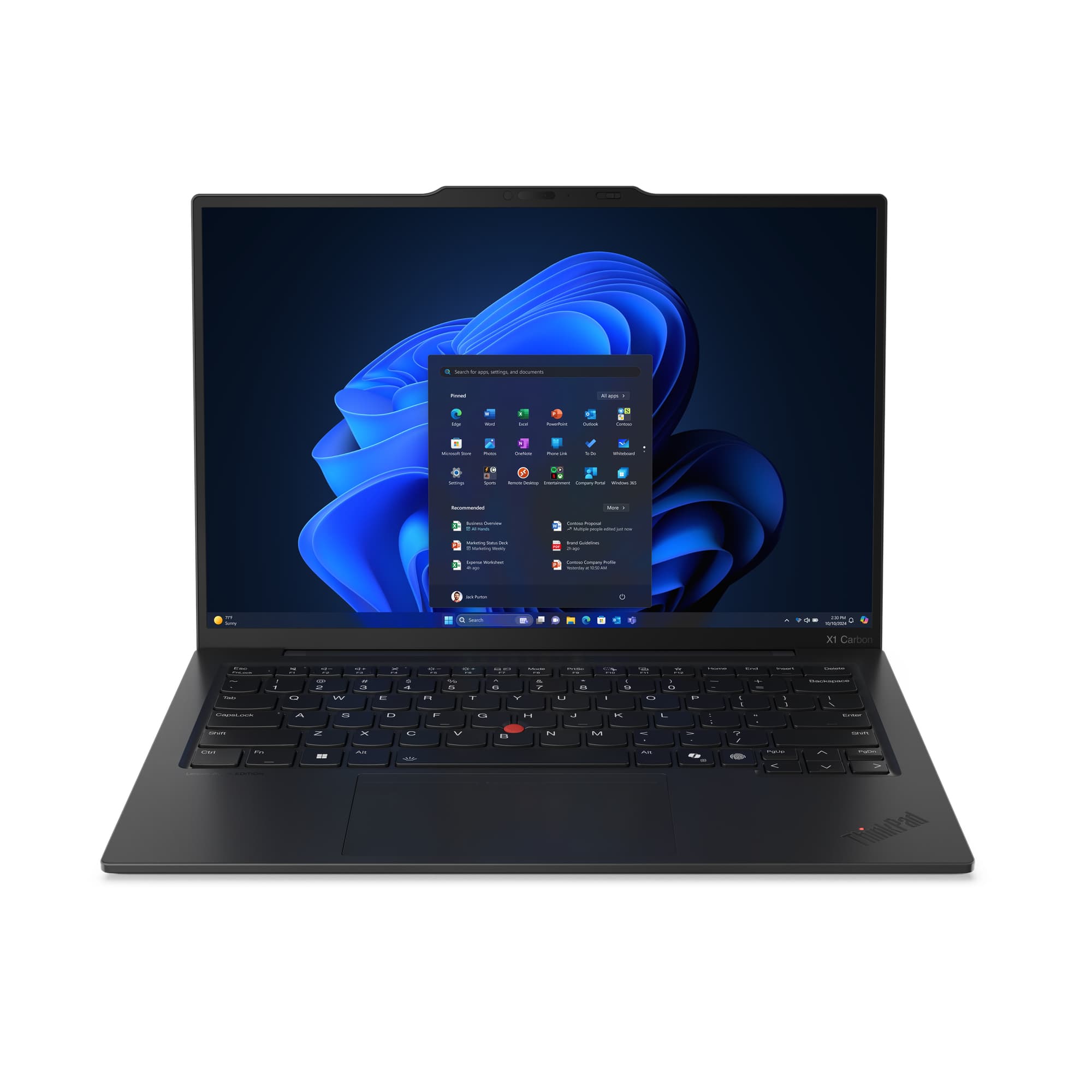
ThinkPad X1 Carbon Gen 13
Performance
9.0
7.0
Display
9.0
7.0
Battery & Thermals
9.0
6.0
Manageability & Security
6.0
9.0
Expandability & Repair
5.0
7.0
Ecosystem & Software
7.0
9.0
Value
8.0
6.0
Detailed Specifications
Ready to proceed?
MacBook Pro 14" (M5)
View Full Details →ThinkPad X1 Carbon Gen 13
View Full Details →Want to compare different products or add more to this comparison?
Open Interactive Comparison Tool →Next step
Spec the fleet and get it priced
Filter by role, spec and budget across the full range, then send the build for a fleet quotation.
Related comparisons
Other head-to-heads featuring these models — useful if you’re still shortlisting.
Dell Pro 14 Premium vs MacBook Pro 14 M5 vs ThinkPad X1 Carbon →
MacBook Pro 14 vs Dell Pro Max 14 vs ThinkPad X1 Gen 13 →
Apple MacBook Pro 14 M5 vs HP EliteBook X G2 →
Apple MacBook Pro 14 M5 vs Lenovo ThinkPad P1 Gen 7 →
ASUS ExpertBook B3 vs Dell Pro 14 vs ThinkPad X1 Carbon Gen 13 →
ASUS ExpertBook B3 vs MacBook Pro 14 M5 vs Dell Pro Premium 14 →
ASUS ExpertBook B9 vs ThinkPad X1 Carbon vs HP EliteBook Ultra →
ProArt PX13 vs MacBook Air 13 M5 vs Dell Pro Plus 13 →
ProArt PX13 vs MacBook Air 13 M5 vs Surface Laptop 8 →
ASUS ProArt PX13 vs Dell Pro Premium 13 vs Surface Laptop 8 →
Talk to a UK specialist
Get expert advice or a no-obligation quote — servers, storage, networking, maintenance, finance and cloud. We reply the same working day.