
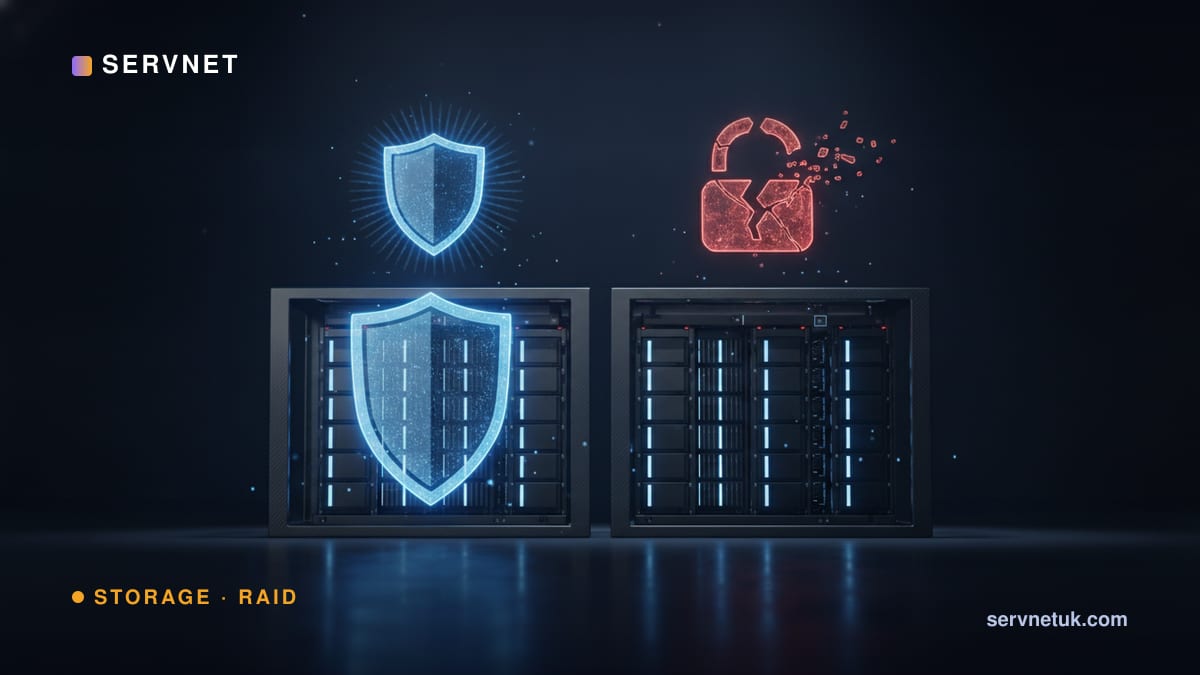
RAID keeps your data online through a drive failure — but it will happily mirror a deletion, a corruption or a ransomware encryption to every disk instantly. RAID is availability, not backup. Size your array in the RAID calculator, then make sure it is backed up.
View the data behind this chart
| RAID only | Backup only | RAID + Backup | |
|---|---|---|---|
| Drive failure | Yes | Restore | Yes |
| Accidental delete | No | Yes | Yes |
| Ransomware | No | If air-gapped | Yes |
| Site loss / fire | No | If off-site | Yes |
| Stays online | Yes | No | Yes |
What RAID protects against
RAID protects against drive failure — a disk dies, the array keeps running on parity or a mirror, and a replacement rebuilds. Depending on the level it also adds read or write performance. That is genuinely valuable: it keeps services available and buys time to replace hardware.
What it does not protect against is everything that is not a drive failure: accidental or malicious deletion, file corruption, a failed upgrade, ransomware, controller faults, fire, flood or theft. All of those affect the logical data, which RAID faithfully replicates across every drive.
The 3-2-1 rule
The backup standard is 3-2-1: three copies of your data, on two different media, with one copy off-site. Modern guidance extends it to 3-2-1-1-0 — one of those copies immutable or air-gapped, and zero backup errors after verification. RAID is, at most, part of one of those copies.
Ransomware in particular targets connected backups, so an immutable or air-gapped copy (object lock, or LTO tape on a shelf) is the copy that survives an attack. We cover the options on our tape & archive and backup & cyber-resilience pages.
View the data behind this chart
| Layer | Detail |
|---|---|
| 3 copies of data | production + two backups |
| 2 different media | e.g. disk + tape/object |
| 1 copy off-site | another site or cloud |
| 1 immutable / air-gapped | object lock or offline tape |
| 0 errors | verified, test-restored |
Build both
Use RAID for availability — pick a level that survives the failures you expect (see RAID levels explained) — and a separate backup for recoverability. The two solve different problems and you need both.
Servnet sizes and supplies both the primary array and the backup/air-gap tier. Use the calculator to plan the array, then talk to us about protecting it.