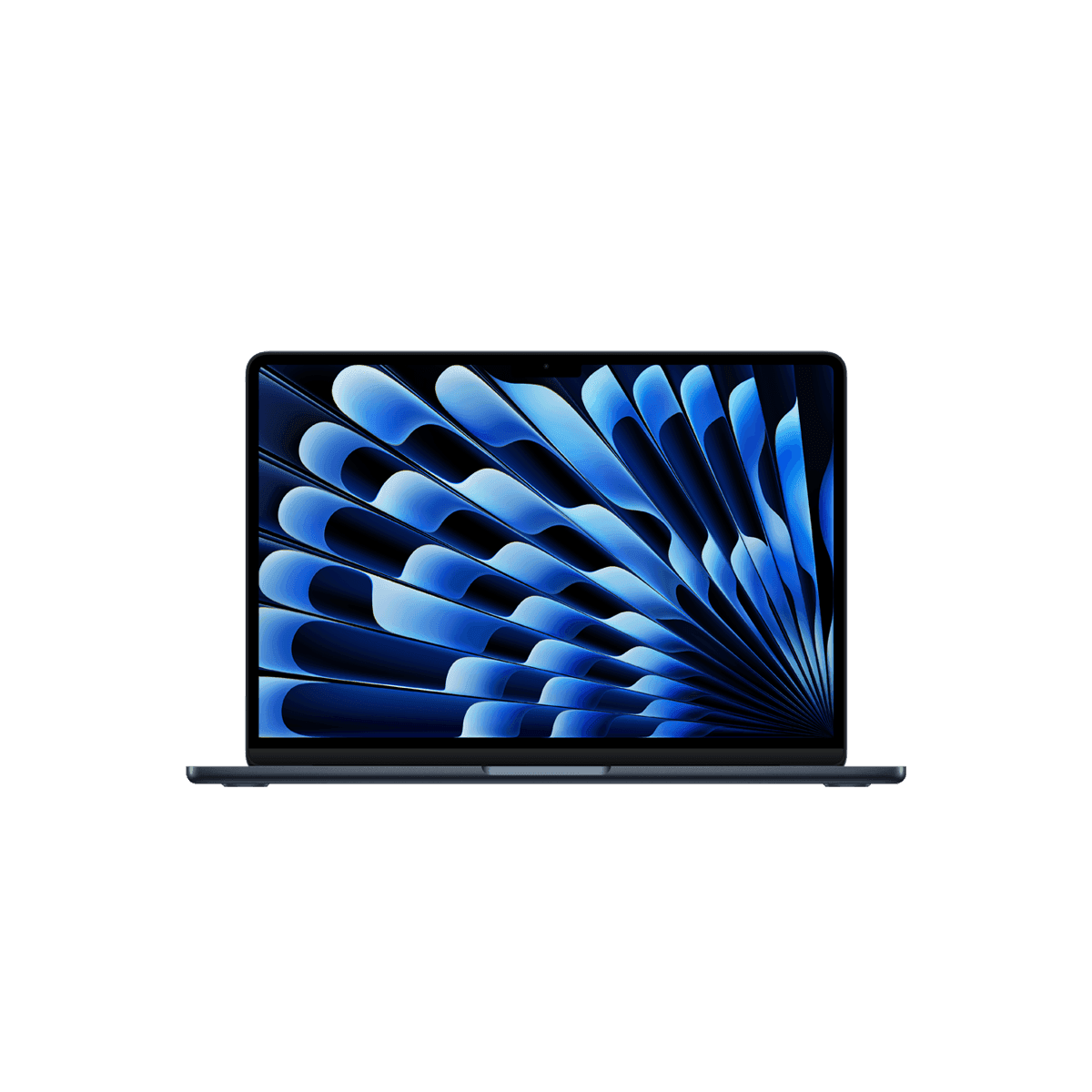
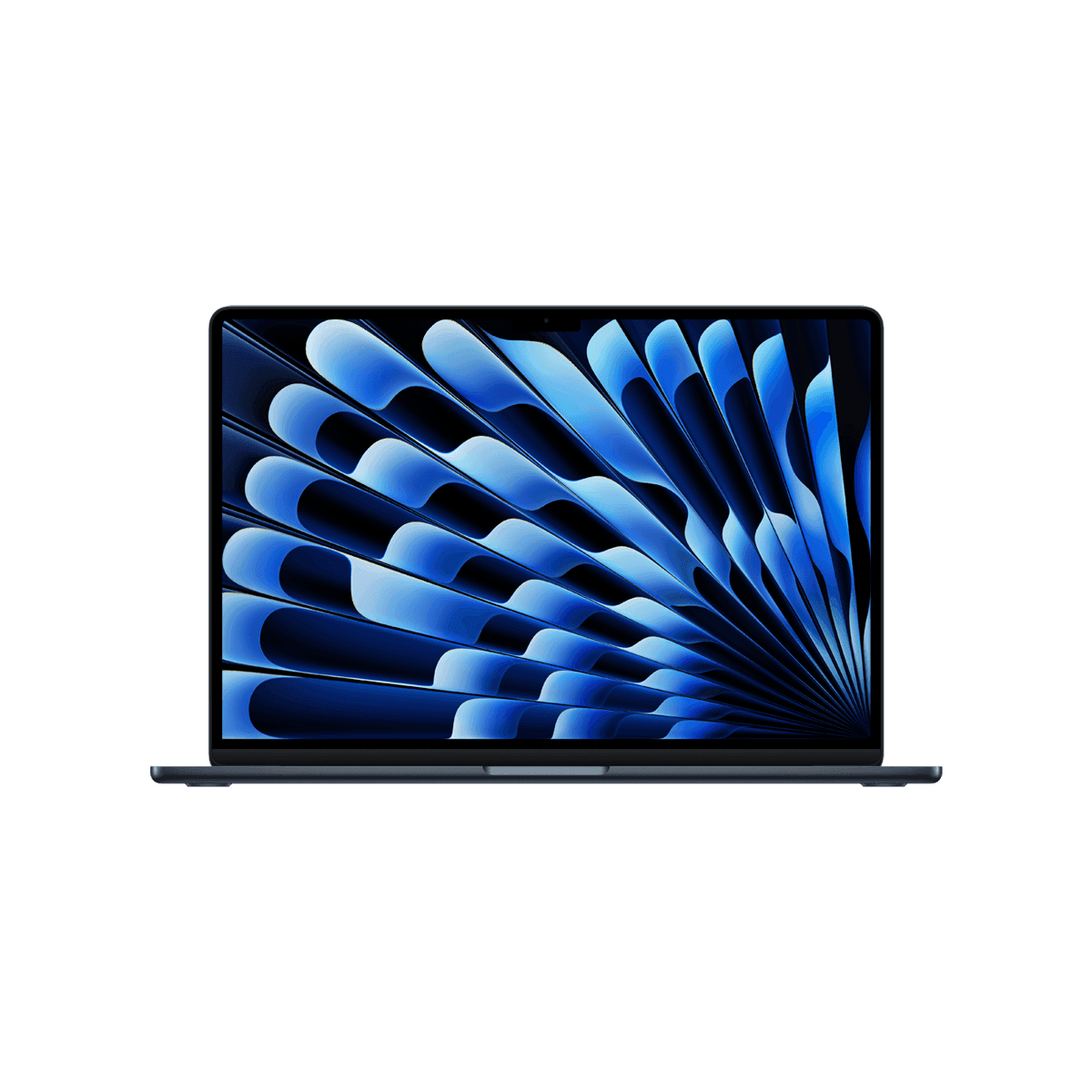
💻 MacBook Air 13 M5 vs MacBook Air 15 M5
AI-powered analysis across 31 matched specifications


Performance Overview
Scores based on quantifiable specification values (1-10 scale)
Detailed Specifications
| Specification | MacBook Air 13" (M5) Apple | MacBook Air 15" (M5) Apple |
|---|---|---|
| Key Metrics | ||
| Display size | 13.6" | 15.3" |
| Native resolution | 2560 × 1664 | 2880 × 1864 |
| Processor | Apple M5 (10-core CPU, 10-core GPU) | Apple M5 (10-core CPU, 10-core GPU) |
| Maximum memory | 32 GB unified | 32 GB unified |
| Maximum storage | 4 TB SSD | 4 TB SSD |
| Battery life (Apple-rated) | Up to 18 hours | Up to 18 hours |
| Display | ||
| Panel type | Liquid Retina (IPS) | Liquid Retina (IPS) |
| Brightness | 500 nits | 500 nits |
| Colour gamut | P3 wide colour | P3 wide colour |
| Refresh rate | 60 Hz | 60 Hz |
| External display support | Up to 2 external displays (lid open) | Up to 2 external displays (lid open) |
| Compute & Memory | ||
| CPU cores | 10 (performance + efficiency) | 10 (performance + efficiency) |
| GPU cores | 10 with per-core Neural Accelerators | 10 with per-core Neural Accelerators |
| Neural Engine | 16-core | 16-core |
| Memory options | 16 / 24 / 32 GB unified | 16 / 24 / 32 GB unified |
| Memory bandwidth | 120 GB/s | 120 GB/s |
| Cooling | Fanless (passive) | Fanless (passive) |
| Connectivity & Ports | ||
| Thunderbolt / USB-C | 2× Thunderbolt 4 | 2× Thunderbolt 4 |
| Charging | MagSafe 3 | MagSafe 3 |
| Headphone jack | 3.5 mm with high-impedance support | 3.5 mm with high-impedance support |
| Wireless | Wi-Fi 7 + Bluetooth 6 (Apple N1) | Wi-Fi 7 + Bluetooth 6 (Apple N1) |
| Camera | 12 MP Center Stage with Desk View | 12 MP Center Stage with Desk View |
| Speakers | Four-speaker system with Spatial Audio | Six-speaker system with force-cancelling woofers |
| Form Factor & Power | ||
| Chassis | 13-inch aluminium unibody | 15-inch aluminium unibody |
| Included power adapter | 30 W USB-C (35 W dual-port option) | 35 W dual-port USB-C (70 W option) |
| Finishes | Sky Blue, Silver, Starlight, Midnight | Sky Blue, Silver, Starlight, Midnight |
| Biometrics | Touch ID in power button | Touch ID in power button |
| Management & Business Fit | ||
| MDM support | Apple Business Manager + any Apple-compatible MDM | Apple Business Manager + any Apple-compatible MDM |
| Zero-touch deployment | Automated Device Enrolment | Automated Device Enrolment |
| Platform security | Apple Silicon Secure Enclave, signed boot, FileVault | Apple Silicon Secure Enclave, signed boot, FileVault |
| OS | macOS (current release) | macOS (current release) |
Expert Analysis
With identical M5 silicon, the same memory and storage ceilings, the same Wi-Fi 7 / Bluetooth 6 N1 wireless and the same 18-hour battery rating, the decision between these two MacBook Airs is almost entirely about screen real estate and acoustics rather than performance. Benchmarks, thermals (both are fanless) and software support will track each other closely throughout the fleet's lifetime.
The 13-inch Air remains the better travel machine. It is lighter, fits comfortably on an economy tray table or a hot-desk with limited depth, and ships with a 30 W adapter that is easier to carry. For field staff, consultants and sales teams who live out of a backpack, the 13" is the obvious pick — and typically the cheaper line item on a fleet quote. The 15-inch Air trades portability for a larger 2880 × 1864 panel and a noticeably better six-speaker system with force-cancelling woofers, which makes a real difference for users who spend their day in spreadsheets, Figma, Xcode or back-to-back Teams calls without an external monitor.
Neither machine is ideal as a single-device power-user workstation: two Thunderbolt 4 ports on the left edge is tight once you add a dock, external display and charging, and there is no HDMI or SD card slot on either model. Buyers who need more I/O or sustained heavy compute should be looking at the MacBook Pro line rather than choosing between Air sizes. For everything else — knowledge work, exec laptops, developer secondary machines, NHS and finance back-office fleets that need silent operation — both Airs are strong, well-supported business endpoints under Apple Business Manager.
Our recommendation: default to the 13" for mobile-first roles and standard-issue fleet rollouts where cost and weight matter, and specify the 15" for desk-anchored users, designers and anyone who would otherwise be asking for an external monitor on day one. Memory is the spec to watch on either size — 16 GB is fine for general office use, but specify 24 GB for developers and creative users given that unified memory cannot be upgraded later.
Ready to proceed?
Want to compare different products or add more to this comparison?
Open Interactive Comparison Tool →