UK’s trusted IT infrastructure partner since 2003
Servnet
FinanceToolsConfiguratorGet in Touch
← Comparison Tool

💻 Dell Pro Max 14 Prem vs 18

AI-powered analysis across 32 matched specifications

Previous gen
dell-pro-max-14-premium
7.3
Overall Score
Mobile professionals who need discrete RTX PRO workstation graphics in a sub-1.7 kg 14-inch chassis they carry every day.
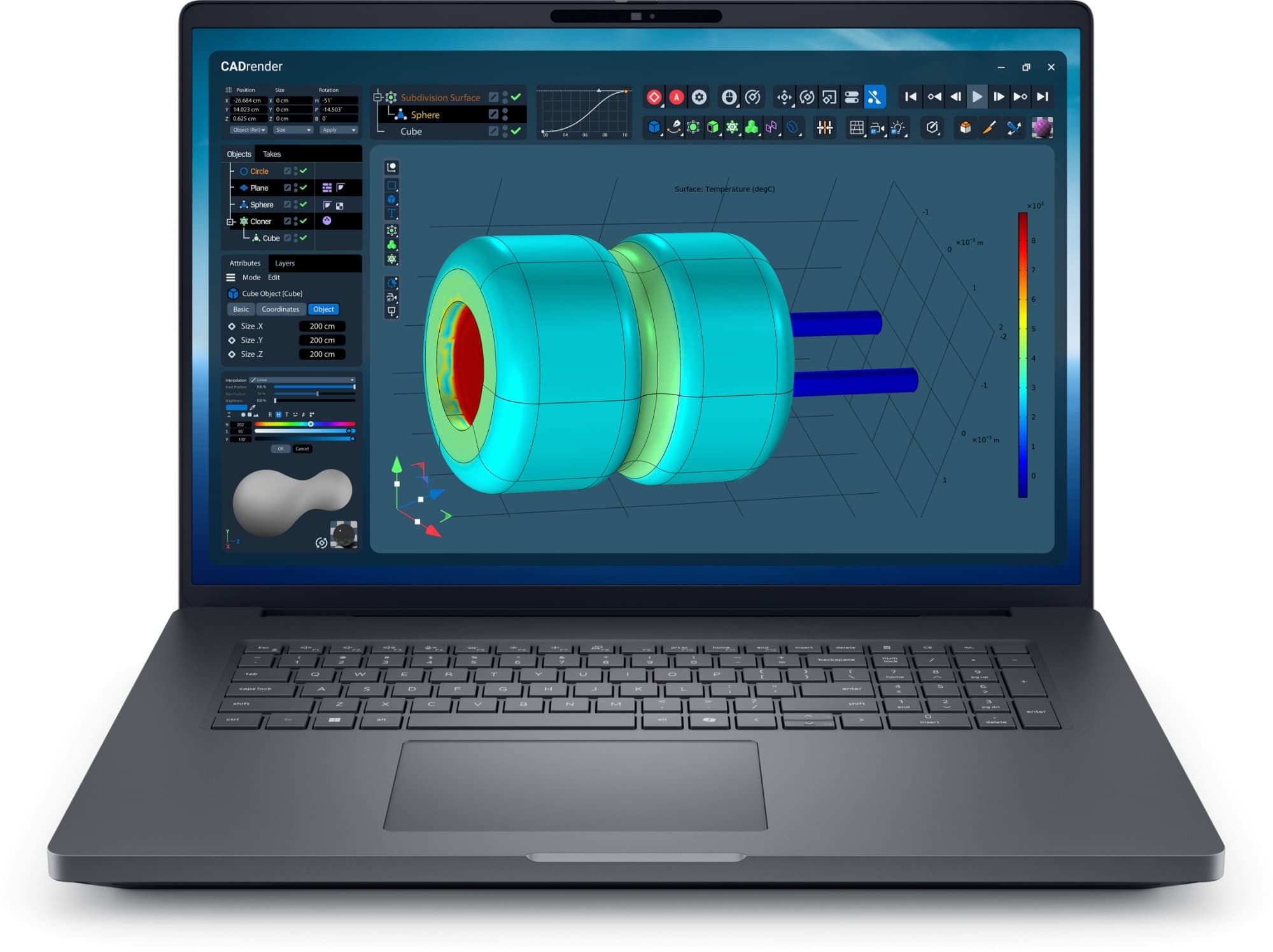
Dell Pro Max 18 Plus (MB18250) mobile workstation in Magnetite — front view with 18-inch QHD+ 120 Hz display
Dell Pro Max 18 Plus
Dell
8.2
Overall Score
Desk-based CAD, media and data teams who want an 18-inch canvas, HX-class compute and four drive bays instead of a tower and monitor.
View Full Details

Performance Overview

Scores based on quantifiable specification values (1-10 scale)

Portability & sizeDisplay & screen estatePeak compute & graphicsMemory & expandabilityConnectivity & I/OSecurity & fleet management
dell-pro-max-14-premium
Dell Pro Max 18 Plus
Portability & size
dell-pro-max-14-premium
9.2
Dell Pro Max 18 Plus
4.5
Display & screen estate
dell-pro-max-14-premium
7.2
Dell Pro Max 18 Plus
8.8
Peak compute & graphics
dell-pro-max-14-premium
7.0
Dell Pro Max 18 Plus
9.3
Memory & expandability
dell-pro-max-14-premium
5.5
Dell Pro Max 18 Plus
9.2
Connectivity & I/O
dell-pro-max-14-premium
7.0
Dell Pro Max 18 Plus
8.7
Security & fleet management
dell-pro-max-14-premium
7.8
Dell Pro Max 18 Plus
8.6

Detailed Specifications

Specification
dell-pro-max-14-premium
Dell Pro Max 18 Plus
Dell
At a Glance
Form factor14″ thin mobile workstation, from 1.61 kg18″ desktop-replacement workstation, from 3.25 kg
Best forRTX PRO graphics you carry every dayTop-end compute and screen estate on a desk
CPU class (stocked)45 W Core Ultra 7 265H — 16 cores55 W Core Ultra 7 265HX — 20 cores
Stocked graphicsRTX PRO Blackwell 8 GB (1000/2000 tier)RTX PRO 3000 12 GB or 2000 8 GB Blackwell
Display & chassis
Screen14.0″ FHD+ 1920 × 1200, 400 nits (stocked)18.0″ QHD+ 2560 × 1600, 500 nits
Refresh rate30–60 Hz variable120 Hz
Colour gamut100% sRGB (100% DCI-P3 OLED to order)100% DCI-P3 typical
Panel optionsFHD+ non-touch, or QHD+ tandem OLED touchSingle QHD+ 120 Hz panel only
Footprint310.6 × 212.5 mm402 × 279.95 mm
Thickness19.32 mm (20.12 mm peak)17.92 mm front, 30.20 mm peak
Weight (from)1.61 kg3.25 kg
ChassisAluminium and magnesium, Magnetite90% recycled magnesium, Magnetite
Compute, graphics & memory
Stocked CPUCore Ultra 7 265H — 16C/16T, up to 5.3 GHz, 45 WCore Ultra 7 265HX — 20C/20T, up to 5.3 GHz, 55 W
CPU ceilingCore Ultra 9 285H — 16 cores, 45 WCore Ultra 9 285HX — 24 cores, 55 W
NPU13 TOPS13 TOPS
Stocked GPURTX PRO Blackwell 8 GB GDDR7 + Arc Pro 140TRTX PRO 3000 12 GB or 2000 8 GB GDDR7
GPU ceilingRTX PRO 2000 Blackwell 8 GBRTX PRO 5000 Blackwell 24 GB
Memory (stocked)32 GB LPDDR5x-8400, onboard32 GB DDR5-6400 (2 × 16 GB CSoDIMM)
Memory ceiling64 GB, soldered — factory-configured only64 GB CSoDIMM (96 GB since launch); CAMM2 to 128 GB
Storage & connectivity
Fitted storage1 TB M.2 2280 PCIe Gen4, SED-ready1 TB M.2 PCIe Gen4, self-encrypting
Drive slotsSingle M.2 (2280 or 2230)4 × M.2 2230/2280, RAID 0/1, up to 16 TB
Thunderbolt2 × TB5 (up to 120 Gbps) + 2 × TB42 × TB5 (80 Gbps) + 1 × TB4
USB-ANone on chassis (optional USB-C dongle)2 × USB-A 3.2 Gen 1 (one PowerShare)
HDMI / EthernetNone on chassisHDMI 2.1 FRL + 2.5 Gigabit Ethernet
Card readermicroSDSD Express 7.0
Mobile broadbandNo optionOptional 5G (Snapdragon X72)
Power, security & fleet
Battery4-cell 72 Wh6-cell 96 Wh
Adapter130 W USB-C280 W USB-C (165 W on integrated graphics)
Fast chargeExpressCharge Boost — 0–35% in ~20 minExpressCharge Boost — 0–35% in ~20 min
Security stackTPM 2.0, fingerprint, wedge lock, SED, vProTPM 2.0, ControlVault 3 Plus, fingerprint, smart card + NFC, Noble lock
KeyboardUK 80-key backlit, no numpadUK 100-key backlit with numeric keypad
ServiceabilityOne M.2 slot; memory solderedScrewed USB-C port modules, modular battery, 4 drive slots

Expert Analysis

Specs web-verified from manufacturer datasheets · Servnet-reviewed · Last reviewed 11 Jul 2026

These two share a name, a Magnetite finish and the RTX PRO Blackwell graphics idea, but they answer opposite briefs. The Pro Max 14 Premium is a genuine thin-and-light — from 1.61 kg, 19.3 mm thick, all-USB-C — that happens to carry a discrete workstation GPU. The Pro Max 18 Plus is a desktop replacement: an 18-inch 120 Hz QHD+ panel, 55 W HX silicon to 24 cores, up to an RTX PRO 5000 with 24 GB and four drive bays, from 3.25 kg. Weight roughly doubles; so does the ceiling on almost every component.

Buy the 14 Premium if the machine leaves the building. Architects on site, engineers at client reviews, developers prototyping local AI and consultants who need CUDA and a 13 TOPS NPU without a workstation-weight bag get real RTX PRO acceleration, four Thunderbolt ports and ExpressCharge in a chassis that fits a normal case. The trade-offs are honest: memory is soldered at 32 GB (64 GB only factory-ordered), there is one drive slot, and there is no HDMI, USB-A or Ethernet on the body — you dock or dongle at the desk.

Buy the 18 Plus where the machine mostly stays put and the work is heavy: CAD and BIM leads, editors and colourists, and data scientists running models against a local GPU. The 18-inch DCI-P3 panel removes the external monitor, while socketed DDR5 (with a factory CAMM2 route to 128 GB), four M.2 slots to 16 TB, 2.5-gigabit Ethernet, HDMI 2.1 and a smart-card reader make it a workstation you provision rather than a laptop you top up. Both stocked builds fix the CPU at the 20-core 265HX and differ only by GPU memory — 12 GB on the RTX PRO 3000 or 8 GB on the 2000 — so size the GPU to the workload and leave the rest.

dell-pro-max-14-premium
Mobile professionals who need discrete RTX PRO workstation graphics in a sub-1.7 kg 14-inch chassis they carry every day.
Dell Pro Max 18 Plus
Desk-based CAD, media and data teams who want an 18-inch canvas, HX-class compute and four drive bays instead of a tower and monitor.

Frequently asked questions

Portability or screen estate — which one is right for me?

If the machine travels — site visits, client work, hot-desking — the 14 Premium wins: it carries RTX PRO graphics from 1.61 kg at 19.3 mm thick. If it mostly sits on a desk and the work is heavy CAD, video or local AI, the 18 Plus replaces an external monitor with its 18-inch 120 Hz panel and offers far more compute and expansion, from 3.25 kg.

How much more powerful is the 18 Plus?

Meaningfully, once configured. It runs 55 W Arrow Lake-HX silicon to 24 cores (Ultra 9 285HX) against the 14 Premium's 45 W 16-core H-series, and its graphics scale to an RTX PRO 5000 with 24 GB where the 14 tops out at an RTX PRO 2000 with 8 GB. Both UK-stocked builds share the 20-core 265HX, so the gap is largest when you build to order.

Can I upgrade memory or storage later?

They differ sharply. The 14 Premium's 32 GB LPDDR5x is soldered — 64 GB is a factory-only option — with a single M.2 slot for storage. The 18 Plus uses two socketed CSoDIMM slots (to 64 GB, 96 GB since launch) plus a factory CAMM2 route to 128 GB, and four M.2 slots with RAID for up to 16 TB. Size the 14's memory at purchase.

The 14 Premium has no HDMI, USB-A or Ethernet — is that a problem?

Only if you skip the dock. Its four USB-C ports are two Thunderbolt 5 and two Thunderbolt 4, plus microSD and a headset jack; a Thunderbolt dock or an optional USB-C dongle adds HDMI and USB-A. The 18 Plus keeps legacy I/O on the body — HDMI 2.1, two USB-A, 2.5-gigabit Ethernet, SD Express and a smart-card reader — so it deploys without accessories.

Specs verified from

Ready to proceed?

Not sure which one fits your environment?

Our UK specialists will recommend the right option for your workload and send itemised pricing — vendor-neutral, no obligation.

Response within 4 business hours · 20+ yr UK reseller

dell-pro-max-14-premium
Dell Pro Max 18 Plus
View Full Details →

Want to compare different products or add more to this comparison?

Open Interactive Comparison Tool →
💷 Spread the cost · IT finance

Made your choice? Spread the cost.

Whichever you choose, you don't have to pay for it all upfront — finance your new hardware from £323/mo ex VAT on hire purchase or lease. Compare monthly payments and terms in seconds.

See finance from £323/mo

Indicative estimate · subject to change · soft search, no credit-file impact · hire purchase, lease & subscription for UK businesses

From
£323/mo
over 60 months · ex VAT · indicative estimate, subject to change

Talk to a UK specialist

Get expert advice or a no-obligation quote — servers, storage, networking, maintenance, finance and cloud. We reply the same working day.

or call 0800 987 4111