
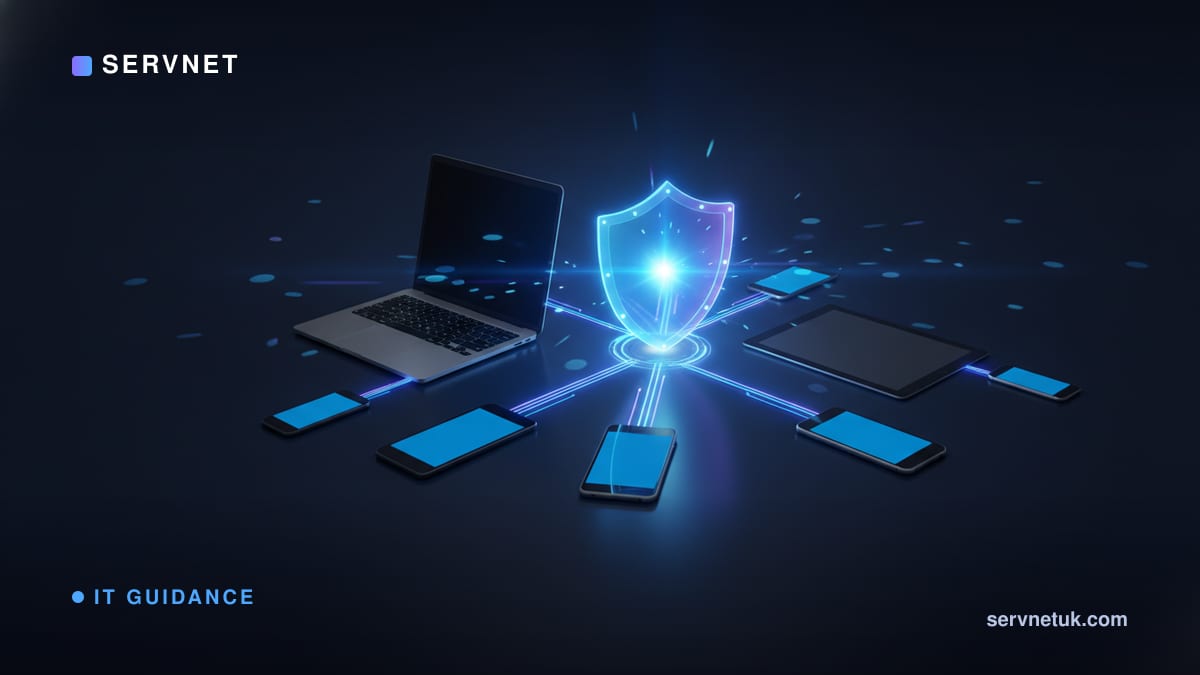
Picture trying to keep twenty, fifty or two hundred laptops and phones secure, up to date and configured the same way - by visiting each one in turn. That is the problem mobile device management solves. MDM is the control panel that lets you manage every company device from one place, push settings and apps, enforce security, and lock or wipe a device that goes missing. If your team has outgrown setting up each new starter's laptop by hand, this is the tool you have been missing.
MDM in one sentence
Mobile device management is software that lets you manage a fleet of devices - laptops, phones, tablets - centrally, from a single dashboard, instead of touching each one individually. Despite the word mobile, it now covers desktops and laptops just as much as phones; the modern term you will hear is unified endpoint management, but most people still say MDM and mean the same thing.
The idea is simple but powerful: enrol a device once, and from then on you can apply settings, install or remove apps, enforce security policy and check its health remotely. A new laptop can arrive at a new starter's desk, connect to the internet, and configure itself to your standard without anyone in IT laying hands on it. That shift, from hands-on to hands-off, is the whole point.
What it actually lets you do
The practical powers fall into a few buckets. Configuration: push email accounts, Wi-Fi, VPN and printer settings automatically. Applications: install the apps people need and remove ones they should not have, all remotely. Security: enforce encryption, require a screen lock and a strong passcode, and make sure updates are actually applied rather than endlessly postponed. Visibility: see what you own, what state it is in, and which devices are drifting out of compliance.
Then there is the power everyone remembers it for: remote lock and wipe. If a laptop is lost or stolen, or someone leaves, you can lock it or erase the company data on it from your desk. On personal devices that hold work data, good MDM can wipe just the work side and leave the owner's photos and messages alone - which matters enormously for staff trust.
- •Configuration: push Wi-Fi, email, VPN and settings automatically on enrolment
- •Apps: install what people need, remove what they should not have, remotely
- •Security: enforce encryption, screen locks, strong passcodes and updates
- •Lock and wipe: secure a lost device, or wipe only the work data on a personal one
Why a fleet changes everything
With a handful of devices you can get away with managing each by hand, and many small businesses do. The trouble is that manual management does not scale and it does not stay consistent. Every device set up individually is a little different, every missed update is a little hole, and every departure is a scramble to remember what that person had access to. The cracks widen quietly until an incident finds one.
MDM turns that effort from per-device to per-policy. You decide once what good looks like - encrypted, locked, patched, only approved apps - and the system applies it to every device and keeps it that way. Onboarding a new starter becomes minutes not hours, offboarding becomes a single action, and you finally have an honest, live inventory of what you own. The bigger and more spread-out your team, the more this matters.
View the data behind this chart
| Layer | Detail |
|---|---|
| Configuration | Wi-Fi, email, VPN pushed on enrolment |
| Applications | Install approved apps, remove the rest |
| Security | Encryption, screen lock, enforced updates |
| Lock and wipe | Secure a lost or stolen device remotely |
MDM, BYOD and the line at staff privacy
A common worry, especially where people use their own phones for work, is that MDM means the company can see everything on a personal device. Done properly it does not. Modern MDM separates work and personal data, so the business manages and can wipe only the work container - email, work apps, company files - while the owner's personal apps, photos and messages stay private and untouched.
Being clear about this is what makes a bring-your-own-device policy actually work. Staff are far happier to enrol a personal phone when they understand the company cannot read their messages and can only remove the work side. Spelling out exactly what MDM can and cannot see, in writing, removes the suspicion that otherwise quietly undermines the whole arrangement.
Where MDM fits your wider security
MDM is a foundation other protections build on. It is what enforces the device side of a zero-trust approach, where access depends on the device being healthy and known, not just on a password - see our plain take on zero trust. It pairs naturally with multi-factor authentication, covered in why passwords are not enough, and with endpoint protection that watches for threats once a device is in use.
If you are running a growing fleet and managing it device-by-device is starting to creak, MDM is usually the highest-value next step you can take. Our endpoint security service covers setting it up and tying it into the rest of your defences, so devices are not just managed but genuinely protected.