
💻 Dell Pro Max 16 vs Precision 7680 vs Precision 7670
Dell Precision 7670 vs Dell Precision 7680 vs Dell Pro Max 16 compared across 44 matched specifications — scores, the full spec table and a verdict.
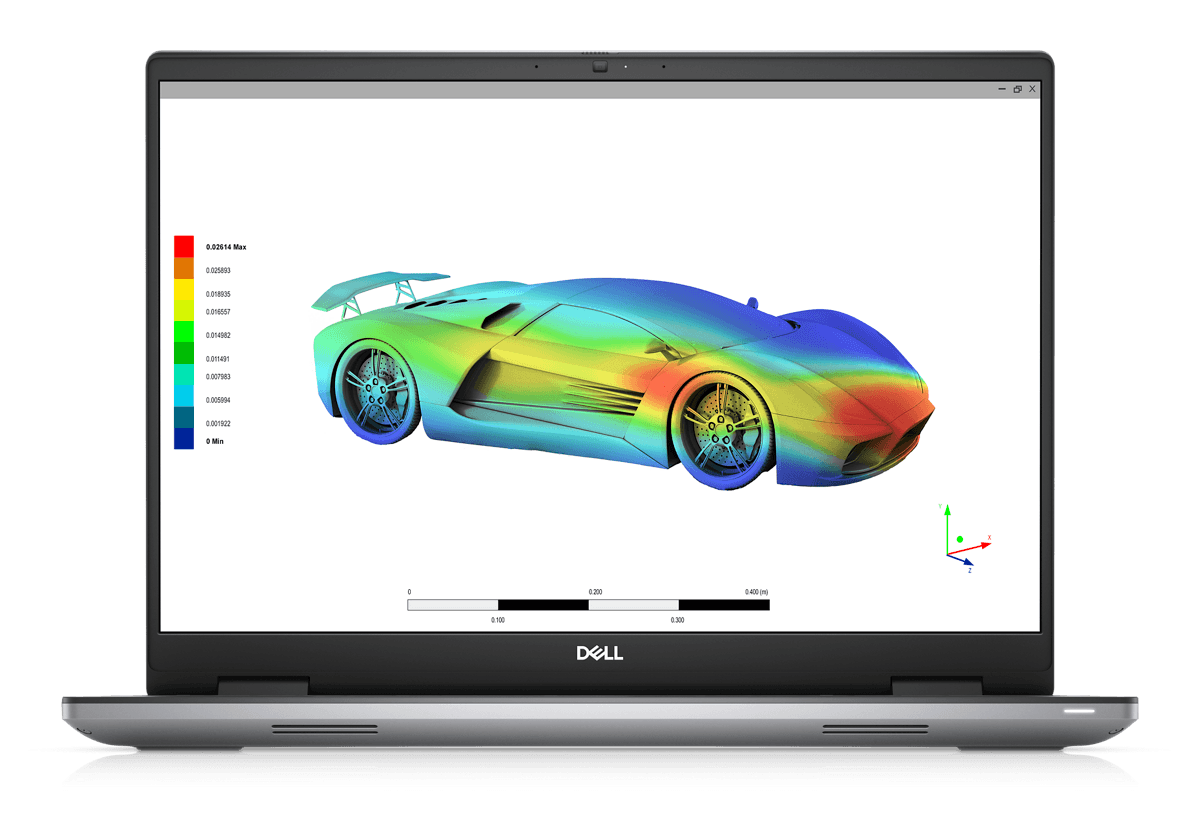

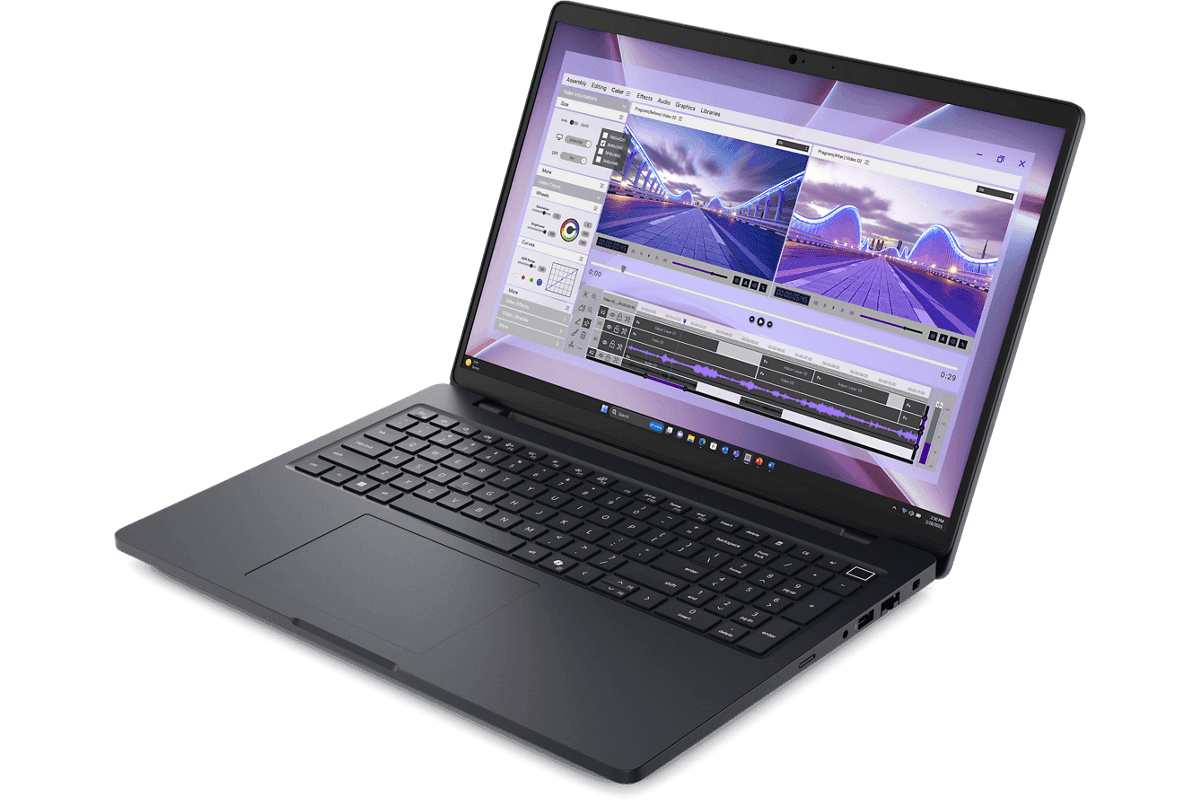
Dell Pro Max 16 vs Precision 7680 vs Precision 7670: performance overview
Scores based on quantifiable specification values (1-10 scale)
Detailed Specifications
| Specification | Dell Precision 7670 Dell | Dell Precision 7680 Dell | Dell Pro Max 16 Dell |
|---|---|---|---|
| Key Metrics | |||
| Launch year | 2022 | 2023 | 2025 |
| Product line | Precision 7000 (mobile workstation) | Precision 7000 (mobile workstation) | Dell Pro Max (entry workstation tier) |
| CPU platform | Intel 12th Gen Core HX (Alder Lake-HX) | Intel 13th Gen Core HX (Raptor Lake-HX) | Intel Core Ultra H (Arrow Lake-H, 45 W) |
| Top CPU | Core i9-12950HX (16-core) | Core i9-13950HX (24-core) | Core Ultra 9 285H (16-core) |
| Top GPU | RTX A5500 16 GB (Ampere) | RTX 5000 Ada 16 GB (Ada Lovelace) | RTX PRO 2000 Blackwell 8 GB |
| Maximum memory | 128 GB CAMM DDR5 | 128 GB CAMM / 64 GB ECC SO-DIMM | 64 GB DDR5 (2× CSoDIMM) |
| Maximum storage | Up to 12 TB (3× M.2, RAID 0/1) | Up to 16 TB (4× M.2, RAID 0/1) | Up to 4 TB (2× M.2) |
| Top interface | Thunderbolt 4 | Thunderbolt 4 | Thunderbolt 4 |
| Display | |||
| Base resolution | 16" FHD+ (1920 × 1200) IPS | 16" FHD+ (1920 × 1200) IPS | 16" FHD+ (1920 × 1200) WVA |
| Top panel option | UHD+ (3840 × 2400) OLED touch | UHD+ (3840 × 2400) OLED touch | QHD+ (2560 × 1600) 120 Hz WVA, 100% sRGB |
| Aspect ratio | 16:10 | 16:10 | 16:10 |
| IPS brightness | Up to 500 nits | 250 / 500 nits | 300 nits (400-nit FHD+ option) |
| Colour (OLED) | 100% DCI-P3 | 100% DCI-P3, 400 nits | No OLED option |
| Colour calibration | Factory calibrated | Factory calibrated | Not listed on Dell spec sheet |
| Compute & Memory | |||
| Max CPU cores | 16 (8P + 8E) | 24 (8P + 16E) | 16 |
| GPU generation | NVIDIA RTX A-series (Ampere) | NVIDIA RTX Ada Generation | NVIDIA RTX PRO Blackwell |
| GPU options | RTX A2000 / A4500 / A5500 | RTX 2000 / 3500 / 5000 Ada (+ A1000) | Integrated, or RTX PRO 500 (6 GB) / 1000 (8 GB) / 2000 (8 GB) Blackwell |
| Memory type | DDR5-4800 CAMM | DDR5-5600 SO-DIMM / DDR5-3600 CAMM | DDR5-5600 SoDIMM / DDR5-6400 CSoDIMM |
| ECC memory | Yes (CAMM ECC) | Yes (64 GB SO-DIMM ECC) | Not listed (non-ECC SoDIMM/CSoDIMM) |
| Memory slots | CAMM module | 2× SO-DIMM or CAMM | 2× SoDIMM / CSoDIMM |
| Storage bays | 3× M.2 PCIe Gen4 (RAID 0/1) | 4× M.2 PCIe Gen4 (RAID 0/1) | 2× M.2 PCIe Gen4 |
| ISV certification | ISV certified | ISV certified | Not listed on Dell spec sheet |
| Connectivity & Ports | |||
| Thunderbolt / USB-C | 2× Thunderbolt 4 | 2× Thunderbolt 4 | 2× Thunderbolt 4 |
| USB-A | 2× USB-A 3.2 | 2× USB-A 3.2 | 2× USB-A 3.2 Gen 1 |
| HDMI | HDMI 2.1 | HDMI 2.0 | HDMI 2.1 |
| Wired network | RJ-45 1 GbE | RJ-45 1 GbE | RJ-45 1 GbE |
| Card reader | SD (full size) | SD (full size) | microSD |
| Wireless | Wi-Fi 6E + Bluetooth 5.2 | Wi-Fi 6E + Bluetooth 5.3 | Wi-Fi 6E + Bluetooth 5.3, or Wi-Fi 7 + Bluetooth 5.4 |
| WWAN option | 4G/5G optional | 5G optional | 5G (MediaTek T700, eSIM) optional |
| Smart Card reader | Optional | Optional | Optional (contact or contactless) |
| Form Factor & Power | |||
| Weight (from) | 2.85 kg | 2.67 kg | 2.10 kg |
| Dimensions | 358 × 258 × 25.4 mm | 356 × 258 × 25.3 mm | 358 × 256 × 15.08–19.08 mm (25.60 mm peak) |
| Battery | 93 Wh | 83 / 93 Wh | 4-cell 64 Wh or 6-cell 96 Wh |
| Power adapter | 240 W barrel | 240 W barrel | 100 W or 130 W USB-C |
| Cooling | Dual-fan vapor chamber | Dual-fan vapor chamber | Not listed on Dell spec sheet |
| Keyboard | Full-size + numeric pad | Full-size + numeric pad | 99-key backlit keyboard |
| Serviceability | Tool-access service panel | Tool-access service panel | Not listed on Dell spec sheet |
| Management & Business Fit | |||
| vPro support | Intel vPro Enterprise | Intel vPro Enterprise | Intel vPro on 235H / 265H / 285H |
| Security chip | TPM 2.0 (FIPS 140-2) | TPM 2.0 (FIPS 140-3) | TPM 2.0 (FIPS 140-2); ControlVault 3 (FIPS 140-3 L3) option |
| Biometrics | Fingerprint + IR Hello | Fingerprint + IR Hello | Fingerprint in power button (optional); IR camera option |
| Linux certification | Ubuntu / RHEL certified | Ubuntu / RHEL certified | Ubuntu 22.04 LTS offered |
| Warranty baseline | 1–3 yr ProSupport (to 5-yr Plus) | 1–3 yr ProSupport (to 5-yr Plus) | 1–5 yr hardware warranty; ProSupport options |
| OS options | Windows 11 Pro / Workstations, Linux | Windows 11 Pro / Workstations, Linux | Windows 11 Home / Pro, Ubuntu 22.04 LTS |
| AI / NPU | None | None | Intel AI Boost NPU (up to 13 TOPS) |
Expert Analysis
The Dell Pro Max 16 (MC16250) is the entry model of Dell's 2025 Pro Max workstation range rather than a like-for-like replacement for the Precision 7670 and 7680. It uses 45 W Intel Core Ultra H processors with up to 16 cores and an NPU, integrated graphics or NVIDIA RTX PRO 500, 1000 or 2000 Blackwell GPUs with up to 8 GB, up to 64 GB of DDR5 across two slots, two M.2 SSD slots (up to 4 TB), two Thunderbolt 4 ports, optional Wi-Fi 7 and 5G, and a 64 Wh or 96 Wh battery, from 2.10 kg. That makes it markedly lighter and more modern than both Precisions, but not faster for heavy GPU work: the Precision 7680 offers up to 24-core HX processors and RTX 5000 Ada graphics with 16 GB, and the 7670 up to 16-core HX processors with RTX A5500 16 GB. For CAD, BIM and general engineering fleets that value weight, battery and current connectivity, the Pro Max 16 is a sensible refresh for ageing 7670s. Teams doing GPU-bound rendering, large simulations or local ML should compare Dell's higher Pro Max tiers before replacing 7680s, which remain strong for mainstream workloads.
Ready to proceed?
Not sure which one fits your environment?
Our UK specialists will recommend the right option for your workload and send itemised pricing — vendor-neutral, no obligation.
Response within 4 business hours · 20+ yr UK reseller
Want to compare different products or add more to this comparison?
Open Interactive Comparison Tool →Made your choice? Spread the cost.
Whichever you choose, you don't have to pay for it all upfront — finance your new hardware from £323/mo ex VAT on hire purchase or lease. Compare monthly payments and terms in seconds.
See finance from £323/mo →Indicative estimate · subject to change · no credit check at this stage · hire purchase, lease & subscription for UK businesses
Indicative illustration only. Servnet Limited is not authorised or regulated by the FCA and does not provide financial advice or arrange finance. All finance opportunities are referred to Number Eight Business Finance. Finance policy
Filter by role, spec and budget across the full range, then send the build for a fleet quotation.
Related comparisons
Other head-to-heads featuring these models — useful if you’re still shortlisting.
Talk to a UK specialist
Get expert advice or a no-obligation quote — servers, storage, networking, maintenance, finance and cloud. We reply the same working day.