
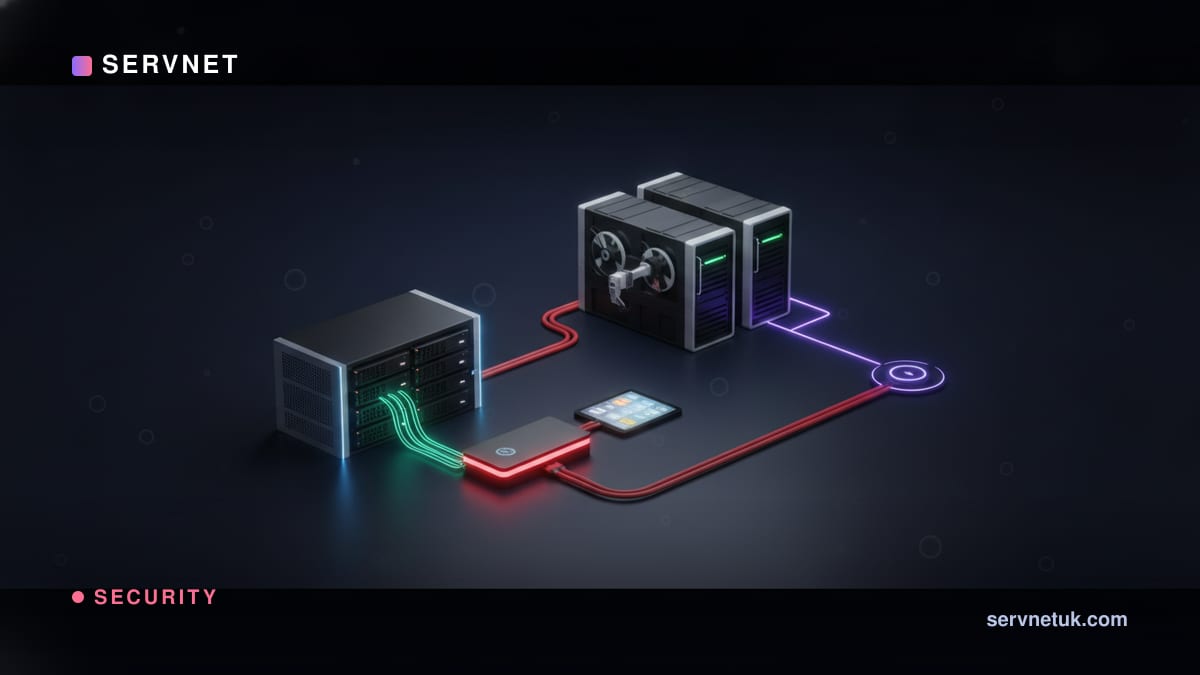
The 3-2-1 rule is the oldest, simplest and most useful piece of backup advice in existence, and most data-loss disasters are simply stories of someone not following it. It fits on a beer mat: three copies of your data, on two different types of media, with one copy kept offsite. That is it. The value is in understanding why each number is there and what it protects against, so let us walk through it with examples a normal business will recognise.
The rule in one breath
Three copies of your data. Two different types of storage media. One copy kept somewhere else. The original counts as one of the three, so in practice it means your live data plus two backups, those backups living on at least two kinds of storage, and at least one of them physically away from the others. You can recite it in five seconds; the point is what each part is quietly defending you against.
It survives because it is a layered defence against the genuinely different ways data disappears: a single device failing, a whole class of storage failing, and an entire location being lost. Each number in the rule neutralises one of those, which is why missing any single number leaves a recognisable, exploitable gap.
Three copies: surviving the obvious failure
Why three and not two? Because two copies is one failure away from one copy, and one copy is one failure away from nothing. Hardware fails, files get corrupted, people delete the wrong thing, and ransomware encrypts. With three copies, a single bad event still leaves you with two, so you are never one mishap from disaster.
A real example: a small accountancy firm keeps client files on a server (copy one) that backs up overnight to a second drive (copy two) and to a cloud service (copy three). The server's drive fails one morning. They restore from the local backup and lose almost nothing. Had they kept only the server and one backup, that same failure during a backup window could have left them dangerously exposed. The third copy is cheap insurance against the day two things go wrong at once.
Two media types: surviving a whole class of failure
Why two different kinds of storage? Because identical things tend to fail in identical ways. If both your backups sit on the same model of drive, the same kind of fault, a firmware bug, a power surge, a manufacturing batch problem, can take out both at the same moment. Spreading copies across genuinely different storage, say local disk and cloud object storage, means no single class of failure wipes out everything.
It also defends against subtler shared risks. Two backups on the same connected network-attached drive are both reachable by the same ransomware; one on local disk and one in immutable cloud storage are not. 'Different media' in the modern reading is really 'different failure characteristics', and that is the spirit to apply.
- •3: enough copies that a single failure never leaves you with nothing
- •2: different storage types so one class of fault cannot destroy everything
- •1: an offsite copy so losing a whole location does not lose your data
- •Missing any single number leaves a specific, recognisable gap
One offsite copy: surviving the bad day
Why keep one copy somewhere else? Because all the copies in the world are useless if they are in the same room when that room floods, burns, is burgled, or is hit by ransomware that reaches every connected device. The offsite copy is your defence against losing an entire location at once, which is exactly the scenario that turns an incident into an extinction event for a business.
Example: a design studio kept its server and both backup drives in the same office cupboard. A burst pipe over a bank holiday weekend ruined all three. Everything they needed to recover was destroyed together, because it was all in one place. An offsite copy, cloud or a rotated drive held elsewhere, would have made it an inconvenience rather than a catastrophe. Offsite is the number people skip most, and the one whose absence hurts most.
The modern upgrade: 3-2-1-1-0
The classic rule predates ransomware, so the industry extended it, and the extension is worth knowing. The newer phrasing is 3-2-1-1-0: the original three, two and one, plus one copy that is immutable or offline, plus zero errors on recovery testing. The extra one acknowledges that an offsite backup an attacker can still delete is not enough, which is the whole point of an immutable backup. The zero acknowledges that a backup you have never tested is a hope, not a plan.
You do not need to over-engineer this. For most UK businesses, 3-2-1 with one immutable copy and a recovery test you actually run is a genuinely strong position. We design backup to exactly this standard, sized to how much data and downtime your business can tolerate, in our backup and disaster recovery service, and the wider product landscape is covered in best backup software for UK businesses.