
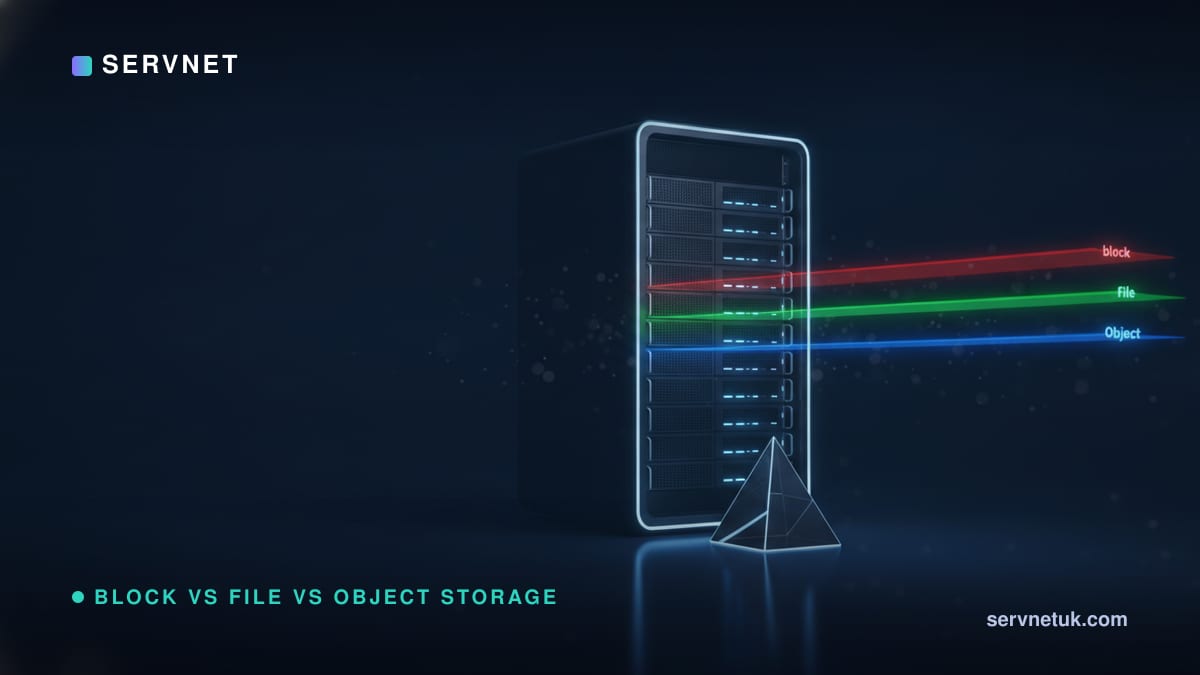
Choosing between block, file, and object storage is fundamentally a choice of access model, not physical media. While public cloud providers frequently frame this decision around proprietary managed services, enterprise deployments in the UK must balance these storage abstractions across on-premises infrastructure, hybrid platforms, and sovereign hosting. Operating systems consume block storage as volumes exposed as block devices divided into equal-sized blocks; any higher‑level filesystem metadata and formatting is typically added by the OS or hypervisor on top of the block device; file storage serves structured, hierarchical filesystems to multiple concurrent users over a network; and object storage aggregates unstructured data into flat address spaces accessed via RESTful APIs. Before selecting and provisioning new enterprise storage solutions, infrastructure architects must map these three access patterns directly to application workloads: SAN LUNs for low-latency databases, NAS shares for collaborative environments, and S3-compatible endpoints for immutable archives and modern application pipelines.
View the data behind this chart
| Block Storage | File Storage | Object Storage | |
|---|---|---|---|
| Data Presentation | Raw block device | Hierarchical filesystem | Flat API namespace |
| Client Concurrency | Single client mount | Multi-client sharing | Massive distributed access |
| Standard Protocols | iSCSI, Fibre Channel | NFS, SMB | S3 REST API, Swift |
| Metadata Scope | Basic device addresses | File system POSIX | Extensible key-value tags |
| On-Premises Target | Enterprise SAN LUN | Centralised NAS share | S3-compatible cluster |
The Data Storage Landscape in 2026: Access Models vs Topology
A common point of confusion in enterprise architecture is the conflation of physical topology with storage access models. Storage Area Networks (SAN), Network Attached Storage (NAS), and Direct Attached Storage (DAS) describe physical connectivity and network fabrics. In contrast, block, file, and object storage define the programmatic interface and logical abstraction presented to the operating system or application.
In mid-2026, enterprise IT environments rarely rely on a single access model. Modern storage platforms increasingly present multiple interfaces from shared underlying hardware, using unified architectures or SDS layers to serve block volumes, file shares, and S3 buckets simultaneously from a consolidated media pool. Choosing the right interface requires evaluating how an application handles metadata, concurrency, latency budgets, and protocol overhead rather than focusing purely on physical drive enclosures.
Block Storage: Low-Level Control for High-Transaction Systems
Block storage presents raw storage volumes directly to the operating system as block devices. In this model, data is split into fixed, equal‑sized chunks; any higher‑level filesystem metadata is added by the OS or hypervisor on top of the block device. The host operating system or hypervisor retains complete control over formatting, partitioning, and filesystem management.
Red Hat technical documentation describes block storage as non‑shareable, meaning only one client at a time can mount an endpoint of this type; sharing across multiple servers requires specialised clustered filesystems and coordination. This single‑initiator architecture avoids the overheads of shared‑network file‑locking, which is one reason industry guidance often positions block devices as a default choice for latency‑critical, high‑IOPS applications.
On-premises environments deploy block storage via SAN protocols such as Fibre Channel or iSCSI, mapping volumes as dedicated LUNs. In virtualised and containerised environments, Red Hat lists AWS EBS and VMware vSphere, which support dynamic persistent volume provisioning for OpenShift, as block‑storage examples in containerised environments.
- •Interface: Raw block device without an intrinsic filesystem.
- •Access Pattern: Single-client access ensuring deterministic I/O performance.
- •Typical On-Prem Formats: SAN LUNs via Fibre Channel or iSCSI.
- •Primary Fit: Relational database management systems, virtual machine hypervisors, and transactional logs.
File Storage: Hierarchical Access for Multi-User Collaboration
File storage manages data using a hierarchical directory tree composed of files, folders, and nested paths. Unlike block storage, where the client manages the filesystem structures, a file storage system handles its own internal allocation tables, file locks, permissions, and directory structures natively.
Red Hat describes file storage as a filesystem export to be mounted and notes that this is also referred to as Network Attached Storage (NAS). AWS describes cloud‑managed file storage as a mounted shared hierarchical filesystem that is based on on‑premises NAS servers or underlying physical block storage managed by the provider.
Because file storage is designed for multi-client concurrency, it implements distributed file-locking mechanisms to prevent write collisions. This multi-user access makes it ideal for shared departmental workspaces, development repositories, and legacy line-of-business applications that depend on standard POSIX filesystem semantics.
Object Storage: Flat Addressing and Programmable APIs at Scale
Object storage discards hierarchical directory paths and block allocations entirely, organising data into a flat namespace. Each discrete piece of data is packaged as an individual object containing the payload itself, an immutable unique identifier, and an extensible set of custom metadata.
Modern object storage is accessed over the network via HTTP/HTTPS endpoints using REST‑style APIs such as S3 or Swift. Red Hat states that object storage access should be compliant with S3 or Swift API specifications. AWS explains that object storage systems are distributed across multiple storage nodes and offer near‑infinite scaling, to petabytes and billions of objects.
Because object stores decouple data retrieval from physical folder structures, they excel at housing massive repositories of unstructured media and binary artefacts. For instance, Red Hat marks object storage as configurable and recommended for the OpenShift container image registry, which illustrates its suitability for hosting large binary artefacts rather than POSIX‑style shared files.
- •Interface: REST API endpoint (predominantly S3-compatible).
- •Addressing: Flat namespace using globally unique identifiers and HTTP verbs (GET, PUT, DELETE).
- •Metadata: Fully customisable, user-defined key-value attributes stored alongside the payload.
- •Primary Fit: Container registries, immutable backup tiers, data lakes, and long-term compliance archives.
Side-by-Side Comparison: Protocols, Scaling, and Architecture
Evaluating these three access models requires contrasting how each handles scaling limits, metadata extensibility, and transport mechanisms. Block storage scales up within enterprise arrays, delivering sub-millisecond latencies (typically 0.2 ms to 1.5 ms over 32 Gb FC or 100 GbE NVMe-oF/iSCSI) and upwards of several hundred thousand IOPS per volume, but lacks native contextual metadata beyond basic logical block addresses.
File storage provides intuitive, tree‑based organisation with standard system metadata (such as timestamps, file size, and POSIX permissions), typically operating with latencies between 2 ms and 10 ms over NFS or SMB. However, when individual directories scale past 100,000 to 1,000,000 files, recursive directory traversals (`ls`, `find`), serialised lock contention, and controller metadata lookups introduce severe latency spikes and throughput bottlenecks.
Object storage addresses scale-out requirements by distributing payloads across autonomous nodes, scaling horizontally past billions of objects and tens of petabytes in a single namespace. While initial HTTP/REST request latency is higher (typically 15 ms to 50 ms time-to-first-byte), massive multi-part parallel transfers enable aggregate throughput scaling past 100 GB/s. By combining rich metadata tagging with REST API calls, modern applications can automate data lifecycle policies directly against storage endpoints without maintaining rigid directory structures.
View the data behind this chart
| Layer | Detail |
|---|---|
| Object Interface (REST API) | S3-compatible HTTP methods, flat ID addressing |
| File Interface (POSIX / NAS) | Hierarchical directory trees, shared network mounts |
| Block Interface (Direct LUN) | Raw unformatted blocks, single host device access |
| Physical Media Layer | SAS, NVMe SSDs, and enterprise mechanical drives |
UK Enterprise Realities: Sovereign Infrastructure and Compliance
For UK infrastructure architects, storage selection is heavily governed by data residency, public sector frameworks, and statutory compliance. Under UK GDPR and NHS Data Security and Protection Toolkit (DSPT) mandates, sensitive public-sector workloads and patient data require strict domestic data-locality controls and cryptographic immutability. This regulatory environment drives the adoption of dedicated on-premises block storage for high-security database processing, complemented by UK-domiciled, WORM-compliant S3 object storage for auditable, tamper-proof long-term retention.
Public sector organisations procuring infrastructure via the UK Government Digital Marketplace must ensure vendor compliance with common standards; A UK Government Digital Marketplace service definition document for Wasabi specifies S3‑compatible/compliant API support, showing that public‑sector procurement can explicitly call out S3 compatibility for storage services. The presence of S3‑compatible/compliant APIs in UK public‑sector procurement documents positions S3 as a commonly expected interface for many UK public‑infrastructure storage services.
To satisfy strict UK data sovereignty requirements without routing data through overseas public cloud regions, UK enterprises utilise regional managed storage providers. Extraordinary Managed Services operates S3-compatible object storage across two UK locations—London and Edinburgh. Furthermore, Extraordinary Data Cloud delivers an S3-compatible object tier marketed as 100% sovereign for UK organisations, allowing enterprise buyers to maintain local compliance and avoid volatile cross-border transfer tariffs.
On-Premises Unified Deployments: Bridging the Protocols
Rather than deploying dedicated, siloed hardware platforms for each individual protocol, modern UK data centres frequently implement unified storage systems capable of serving all three abstractions from an integrated pool of media. Understanding how these platforms expose distinct interfaces prevents vendor lock-in and optimises rack density.
Ceph represents a prominent open-source unified platform, presenting object, block, and file storage simultaneously across a single cluster, leveraging the RADOS Gateway to deliver its S3-compatible object interface. In enterprise appliance environments, Seagate QuantaStor can orchestrate SAS-attached physical block storage to deliver NAS, SAN, and S3-compatible object services concurrently.
At the departmental and edge tier, network attached appliances also incorporate multi-protocol capabilities. QNAP provides QuObjects, which exposes on-premises S3-compatible object storage directly from a NAS operating environment. For dedicated enterprise object stores, platforms like Cloudian HyperStore deliver on-premises and hybrid-cloud S3-compatible object storage running on standard x86 servers within a customer's private data centre.
Before committing capital to a protocol migration, infrastructure teams evaluating whether ageing SAN or NAS arrays can be repurposed or should be decommissioned can check their storage end-of-life status to verify maintenance support roadmaps, firmware updates, and replacement timelines.
Workload Mapping: Practical Decisions for UK Infrastructure
Selecting the right storage access model requires evaluating workload access patterns against protocol capabilities. Latency-sensitive operational databases, such as transactional SQL or NoSQL engines supporting fintech services in the City of London, demand the direct I/O characteristics of a block device mapped as a SAN LUN. Interposing filesystem or API layers introduces latency overhead that degrades write-intensive performance.
Collaborative workloads, digital media post-production workflows, and shared home directories across UK regional offices require the POSIX-compliant semantics and granular access controls of standard file storage over NFS or SMB shares. Multi-client write support and directory hierarchies remain essential for these daily operational tasks.
Modern cloud-native applications, immutable ransomware backup targets, and analytical repositories map naturally to S3-compatible object storage. Using on-premises solutions like Cloudian HyperStore or UK sovereign providers in London and Edinburgh, infrastructure teams can retain programmatic API control over unstructured datasets while maintaining complete governance over domestic data residency.
Sources
Every figure in this article traces to the sources below.
- •Red Hat — OpenShift Container Platform Scalability and Performance Optimization
- •AWS — The Difference Between Block, File, and Object Storage
- •IOMETE — Evaluating S3-Compatible Storage for Lakehouse Deployments
- •Seagate — QuantaStor with Exos Corvault Deployment Guide
- •Cloudian — Best On-Premises Object Storage Guide
- •UK Government Digital Marketplace — Wasabi S3-Compliant API Service Definition
- •Extraordinary Managed Services — UK S3-Compatible Object Storage Infrastructure
- •Storage Newsletter — Extraordinary Data Cloud 100% Sovereign Storage Launch
- •QNAP — QuObjects On-Premises S3-Compatible Storage
- •NHS Transformation Directorate — Data Security and Protection Toolkit (DSPT)