UK’s trusted IT infrastructure partner since 2003
Servnet
FinanceToolsConfiguratorGet in Touch
← Comparison Tool

💻 Latitude 5455 vs Pro 14 Plus

AI-powered analysis across 31 matched specifications

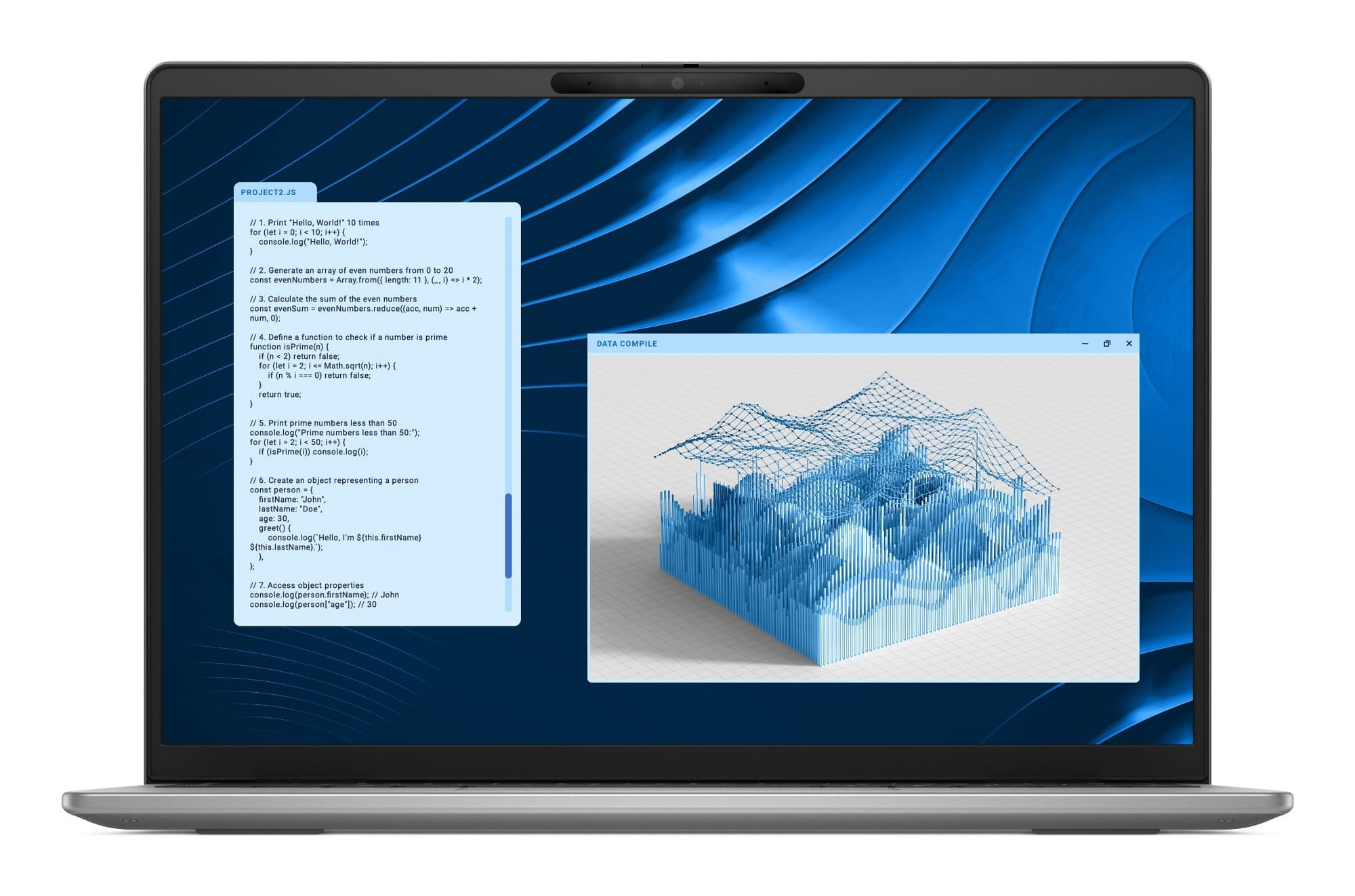
Dell Latitude 5455 Snapdragon X Copilot+ business laptop in grey aluminium — front view of the 14-inch 16:10 display
Dell Latitude 5455
Dell
7.6
Overall Score
Best for cloud-first, Microsoft 365-centric knowledge workers and Copilot+ AI pilots that prize all-day battery and a guaranteed 45 TOPS NPU — provided the application stack survives Windows-on-ARM validation.
View Full Details
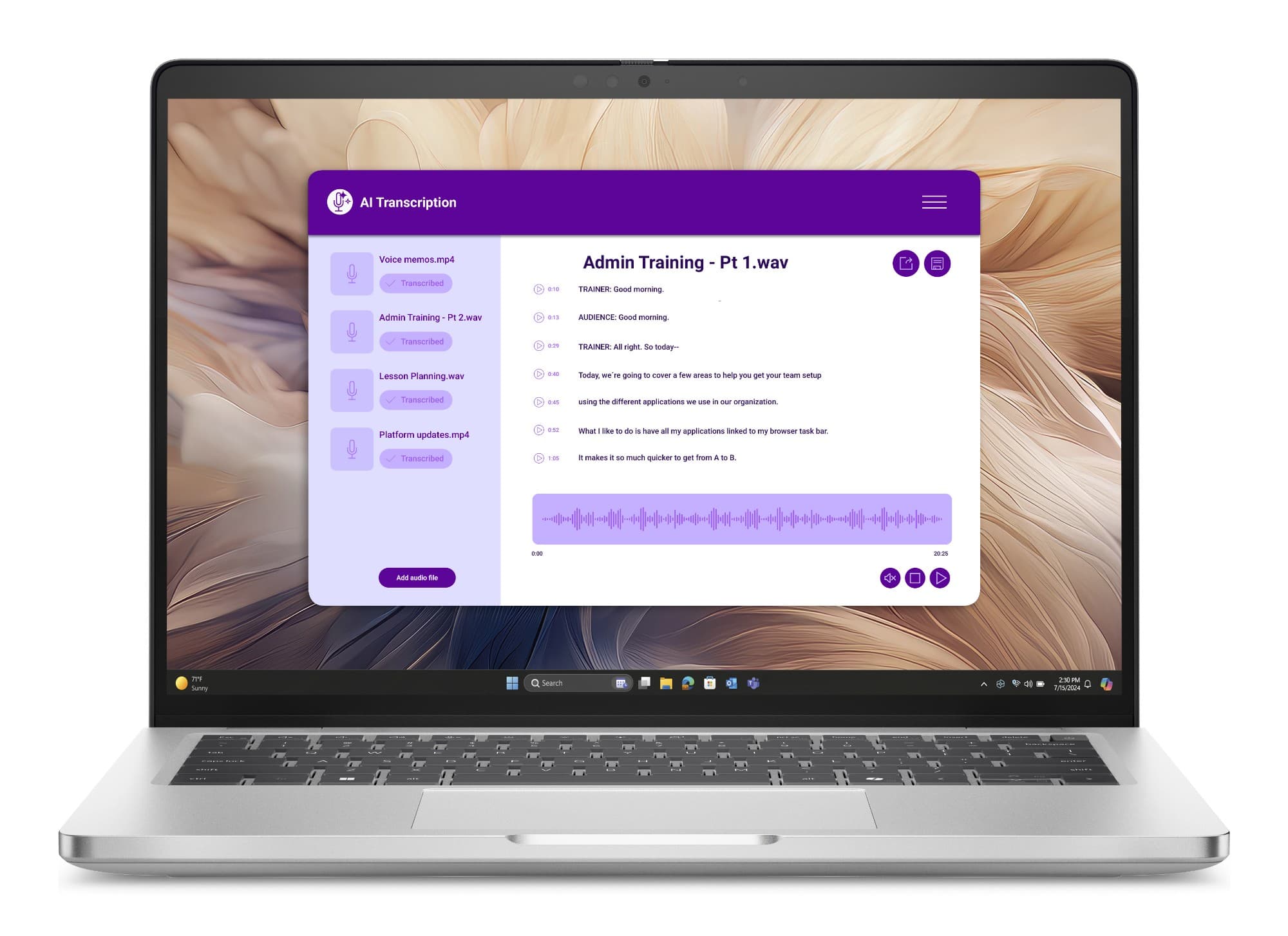
Dell Pro 14 Plus (PB14250) business laptop in Platinum Silver — front view with 14-inch 16:10 display
Dell Pro 14 Plus
Dell
8.7
Overall Score
Best for mainstream UK fleets that need guaranteed x86 compatibility, vPro manageability, fuller I/O (HDMI, optional RJ45 and 5G) and a choice of Intel, Lunar Lake or AMD silicon with upgradeable memory on the 200U builds.
View Full Details

Performance Overview

Scores based on quantifiable specification values (1-10 scale)

Performance & app compatibilityBattery & efficiencyAI / NPU (Copilot+)Connectivity & portsFleet manageabilityConfigurability & upgrade
Dell Latitude 5455
Dell Pro 14 Plus
Performance & app compatibility
Dell Latitude 5455
7.2
Dell Pro 14 Plus
8.8
Battery & efficiency
Dell Latitude 5455
8.9
Dell Pro 14 Plus
8.0
AI / NPU (Copilot+)
Dell Latitude 5455
8.5
Dell Pro 14 Plus
8.3
Connectivity & ports
Dell Latitude 5455
7.0
Dell Pro 14 Plus
9.0
Fleet manageability
Dell Latitude 5455
7.6
Dell Pro 14 Plus
8.9
Configurability & upgrade
Dell Latitude 5455
6.6
Dell Pro 14 Plus
9.1

Detailed Specifications

Specification
Dell Latitude 5455
Dell
Dell Pro 14 Plus
Dell
At a Glance
CPU architectureARM — Qualcomm Snapdragon Xx86 — Intel Core Ultra / AMD Ryzen AI
App compatibility modelNative ARM apps + x86/x64 under Windows emulationNative x86 — no emulation layer
Copilot+ PCYes — 45 TOPS NPU on every configurationOn 200V Lunar Lake & AMD Ryzen AI; not on stocked 200U
Silicon choiceSnapdragon X Plus / X (three options)Intel 200U, Intel 200V (Lunar Lake) or AMD Ryzen AI PRO
Display
Stocked panel14.0" FHD+ 1920×1200 IPS anti-glare, 300 nits, 45% NTSC14.0" FHD+ 1920×1200 anti-glare, 300 nits, 45% NTSC
Panel optionsSingle panel platform-wide (no alternatives)Eight panels: FHD+ touch, QHD+ 120 Hz, 400-nit, 500-nit e-Privacy
Touch inputNo — non-touch onlyOptional (FHD+ touch panels)
Refresh rate60 Hz (48 Hz eco)60 Hz stocked; up to 120 Hz on QHD+ option
Aspect ratio16:1016:10
Compute, Memory & AI
Stocked processorSnapdragon X Plus X1P-42-100 — 8 cores, up to 3.42 GHzIntel Core Ultra 5 235U vPro — 12C/14T, up to 4.9 GHz
GraphicsQualcomm Adreno (integrated)Intel Graphics / Arc 130V–140V / AMD Radeon 800M-series
NPU / AIHexagon up to 45 TOPS — Copilot+ on every config40+ TOPS on 200V & AMD (up to 50); ~12 TOPS on 200U
Memory (stocked)16 GB LPDDR5x-8448, soldered16 GB DDR5-5600, SO-DIMM (235U build)
Memory upgradeableNo — soldered, 32 GB ceiling at order onlyYes on 200U (2 SO-DIMM slots, to 64 GB); soldered on 200V/AMD
vPro fleet siliconNo — Snapdragon is not a vPro platformYes on most Intel configurations
Storage, Ports & Connectivity
Max storage1 TB (single M.2 2230 slot)2 TB (M.2 2230/2280, self-encrypting options)
USB-C / Thunderbolt2× USB4 40 Gbps Type-C (PD + DP 1.4a)2× Thunderbolt 4 (PD + DP 2.1 alt mode)
USB-A1× USB-A 3.2 Gen 12× USB-A 3.2 Gen 1 (one with PowerShare)
HDMI--HDMI 2.1
Wired Ethernet--Optional RJ45 1GbE (200U / AMD builds)
microSD readerYes--
Cellular / WWAN--Optional 5G (Snapdragon X72, eSIM) / 4G CAT12
WirelessWi-Fi 7 (FastConnect 7800) + BT 5.4Wi-Fi 7 (BE201) + BT 5.4; Wi-Fi 6E on some 200U
Power, Build & Security
Battery3-cell 54 Wh3-cell 55 Wh stocked (45 Wh option)
Fast chargeExpressCharge 0–80% in 1 hExpressCharge Boost 0–35% in 20 min
Adapter65 W USB-C60 / 65 / 100 W USB-C
Dimensions (max)314 × 223.75 × 17.9 mm313.5 × 224 × 21.2 mm
Weight (from)1.53 kg1.40 kg (1.53 kg as stocked)
BiometricsIR Windows Hello; fingerprint optionalIR Windows Hello; fingerprint (ControlVault 3+) optional
SecurityDiscrete TPM 2.0 (FIPS 140-2), privacy shutterDiscrete TPM 2.0; ControlVault 3+ (FIPS 140-3 L3), smart card / NFC options
Operating systemWindows 11 Pro (ARM build)Windows 11 Pro (x86); Ubuntu 24.04 LTS option

Expert Analysis

Specs web-verified from manufacturer datasheets · Servnet-reviewed · Last reviewed 11 Jul 2026

The choice here is architecture, not build quality. Both are 14-inch aluminium business clamshells carrying the same stocked FHD+ 1920×1200 anti-glare panel, but the Latitude 5455 runs Qualcomm's ARM-based Snapdragon X while the Dell Pro 14 Plus runs x86 Intel or AMD silicon. That one decision drives everything downstream — emulation versus native compatibility, efficiency versus peak throughput, and a fixed single-panel design versus a broad configuration matrix.

The Latitude 5455 is the efficiency and AI-consistency play. Its 15 W-class Snapdragon and 54 Wh battery give the longer unplugged day, it is the thinner chassis at 17.9 mm, and every configuration ships a 45 TOPS Hexagon NPU that clears the Copilot+ bar — useful for organisations piloting on-device Windows AI across a fleet. The catch is honest and well documented: Windows 11 Pro is the ARM build, so kernel-level VPN and endpoint-security agents, hardware drivers, printer utilities and older line-of-business apps must be validated before rollout. Memory is soldered at 16 GB (32 GB only at order), and there is no HDMI, RJ45 or 5G — plan on a USB-C dock for desk use.

The Dell Pro 14 Plus is the safer volume standard for most UK fleets. Native x86 removes the emulation question entirely, vPro and ControlVault 3+ deepen manageability, and the I/O is fuller: HDMI 2.1, two USB-A, an optional RJ45 and optional 5G. It also offers real choice — three silicon platforms, upgradeable DDR5 SO-DIMMs on the 200U builds, and eight display options up to a 120 Hz QHD+ panel. The recommendation is a split: make the Pro 14 Plus the default-issue machine, and reserve the Latitude 5455 for cloud-first, Microsoft 365-centric roles and Copilot+ pilots where battery life leads and the application tail is short. Pilot the ARM machine against your full stack before you standardise.

Dell Latitude 5455
Best for cloud-first, Microsoft 365-centric knowledge workers and Copilot+ AI pilots that prize all-day battery and a guaranteed 45 TOPS NPU — provided the application stack survives Windows-on-ARM validation.
Dell Pro 14 Plus
Best for mainstream UK fleets that need guaranteed x86 compatibility, vPro manageability, fuller I/O (HDMI, optional RJ45 and 5G) and a choice of Intel, Lunar Lake or AMD silicon with upgradeable memory on the 200U builds.

Frequently asked questions

Will our existing Windows apps run on the ARM-based Latitude 5455?

Mostly, but validate first. Windows 11 Pro on the 5455 is the ARM build — Microsoft 365, mainstream browsers and much business software run natively, and most remaining x86/x64 apps run under Windows' built-in emulation. The tail to test is kernel-level VPN and endpoint-security agents, hardware drivers, printer utilities and older line-of-business tools. The Dell Pro 14 Plus runs everything x86 with no emulation question at all.

Which has the better battery life and AI performance?

Both are strong, differently. The Latitude 5455's Snapdragon platform is built for efficiency — 15 W-class silicon and a 54 Wh battery give the longer unplugged runtime, and every configuration carries a 45 TOPS Copilot+ NPU. The Pro 14 Plus reaches Copilot+ only on its 200V Lunar Lake and AMD Ryzen AI builds (up to 50 TOPS); its stocked Core Ultra 5 235U is not Copilot+-class.

Can we upgrade memory or get wired Ethernet on either machine?

Only on the Pro 14 Plus. Its Intel 200U builds use two DDR5-5600 SO-DIMM slots upgradeable to 64 GB, and it offers an optional RJ45 GbE port plus HDMI 2.1. The Latitude 5455 has 16 GB of soldered LPDDR5x (32 GB only at order), no HDMI, no RJ45 and no 5G — its I/O is USB-C-first, so budget a dock for desk-bound users.

Which should we standardise on for a UK business fleet?

Split by role. Make the Pro 14 Plus the default fleet standard — universal x86 compatibility, vPro, fuller ports, three silicon platforms and upgradeable 200U memory make it the low-risk volume pick. Reserve the Latitude 5455 for cloud-first, Microsoft 365-centric staff and Copilot+ pilots where battery life leads. Pilot the ARM machine against your full application stack before committing to it.

Specs verified from

Ready to proceed?

Not sure which one fits your environment?

Our UK specialists will recommend the right option for your workload and send itemised pricing — vendor-neutral, no obligation.

Response within 4 business hours · 20+ yr UK reseller

Dell Latitude 5455
View Full Details →
Dell Pro 14 Plus
View Full Details →

Want to compare different products or add more to this comparison?

Open Interactive Comparison Tool →
💷 Spread the cost · IT finance

Made your choice? Spread the cost.

Whichever you choose, you don't have to pay for it all upfront — finance your new hardware from £47/mo ex VAT on hire purchase or lease. Compare monthly payments and terms in seconds.

See finance from £47/mo

Indicative estimate · subject to change · soft search, no credit-file impact · hire purchase, lease & subscription for UK businesses

From
£47/mo
over 36 months · ex VAT · indicative estimate, subject to change

Talk to a UK specialist

Get expert advice or a no-obligation quote — servers, storage, networking, maintenance, finance and cloud. We reply the same working day.

or call 0800 987 4111