
📦 The 65 W USB-C adapter is the specified charger for this platform, but adapter-in-box varies by channel SKU — we confirm exact box contents on every quotation.
Configurations & part numbers
Every UK configuration we supply — quote any part number in your enquiry. One stocked UK configuration: Snapdragon X Plus X1P-42-100, 16 GB LPDDR5x (soldered), 512 GB Gen4 SSD, backlit 80-key UK keyboard with Copilot key and Windows 11 Pro (ARM). The platform is configurable to order with the 10-core X1P-64-100 or 8-core X1-26-100 processors, 32 GB memory and up to 1 TB storage — every build shares the same 14″ FHD+ panel, FHD + IR camera and port set.
| Part number | Configuration | Colour | EAN | |
|---|---|---|---|---|
| 2WPF7 | Latitude 5455, Snapdragon X Plus X1P-42-100 Copilot+, 16GB LPDDR5x, 512GB SSD, Windows 11 Pro, UK backlit keyboard, grey | — |
Full specifications
Why buy it from Servnet
Common questions
Will our existing Windows applications run on the Snapdragon-based Latitude 5455?
Mostly, but validate before you standardise. Windows 11 Pro on this machine is the ARM build: Microsoft 365, mainstream browsers and a growing share of business software run natively, and most other x86/x64 applications run through Windows 11's built-in emulation. The exceptions cluster around kernel-level software — VPN clients, endpoint-security agents — plus hardware drivers, printer utilities and older bespoke line-of-business tools. We recommend a pilot unit against your full application stack first; Servnet can supply and support that evaluation.
Is the memory or storage upgradeable?
Memory, no: the 16 GB of LPDDR5x-8448 is soldered, and the platform's 32 GB option exists only at the point of order — so size it for the machine's full life. Storage sits in a single M.2 2230 PCIe Gen4 slot with a platform ceiling of 1 TB, so the 512 GB drive in the stocked build is not the hard limit it is on memory.
Does it have HDMI, wired Ethernet or 5G?
No to all three, on every configuration. I/O is two USB4 40 Gbps Type-C ports (Power Delivery + DisplayPort 1.4a), one USB-A 3.2 Gen 1, a microSD reader and a headset jack; external displays — up to three — run over USB-C, and Dell lists the SIM slot as not supported, so there is no WWAN option at all. For desk use we quote a USB-C dock alongside the unit, which restores HDMI and RJ45 in one cable.
How does it compare with a MacBook Air or Dell's own Pro 14 Plus?
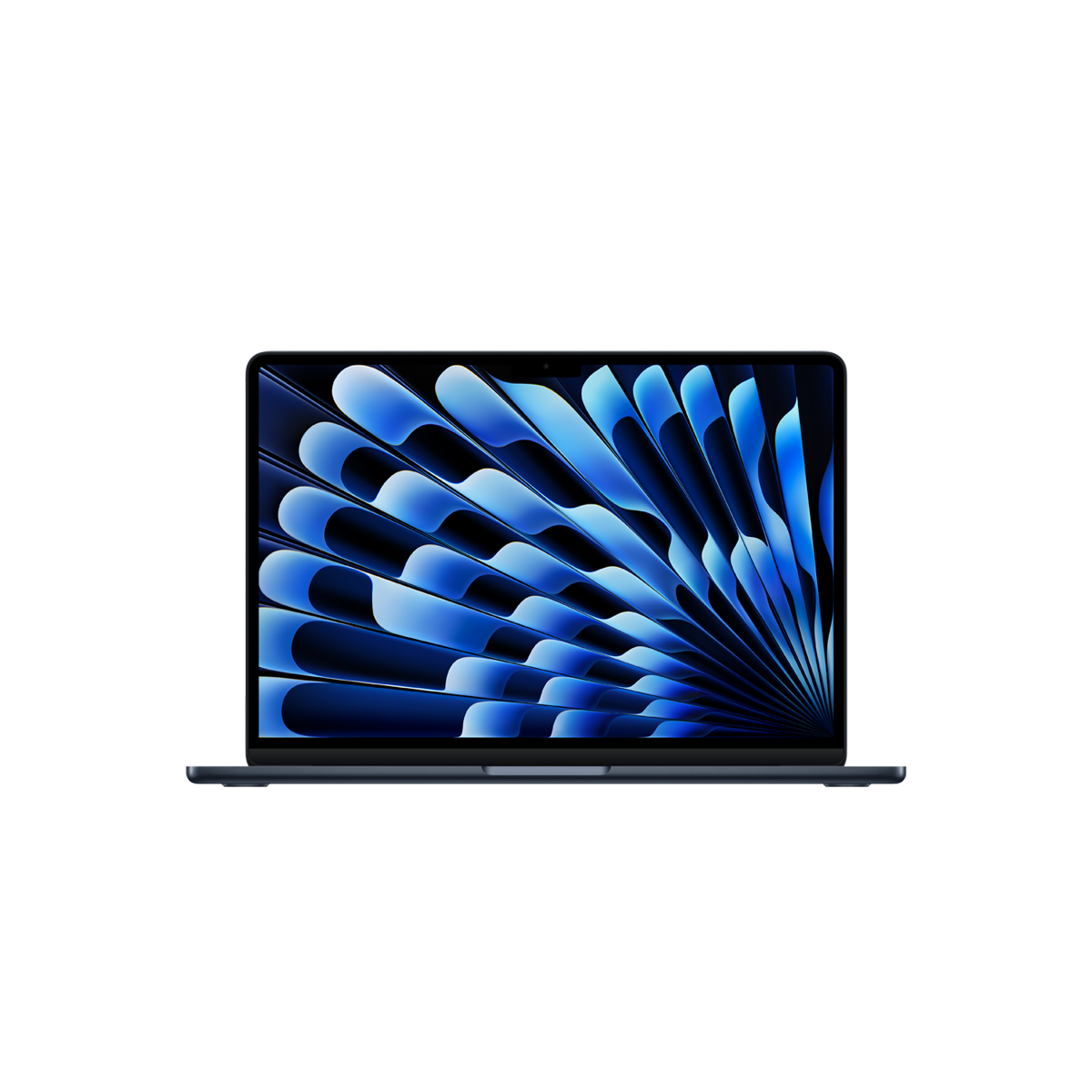
Against Apple's MacBook Air 13 (M5) it is the like-for-like ARM efficiency play that keeps you inside a Windows estate — same efficiency-first ARM battery philosophy, but with your existing imaging, management and licensing intact. Against the Dell Pro 14 Plus the trade is different: the Pro 14 Plus offers x86 silicon with no emulation question, memory that is upgradeable on its 200U builds, HDMI 2.1, optional RJ45 and 5G — while the Latitude 5455 answers with the stronger battery story and a 45 TOPS NPU. We quote both and help you split the estate by role.
Talk to a UK specialist
Get expert advice or a no-obligation quote — servers, storage, networking, maintenance, finance and cloud. We reply the same working day.