
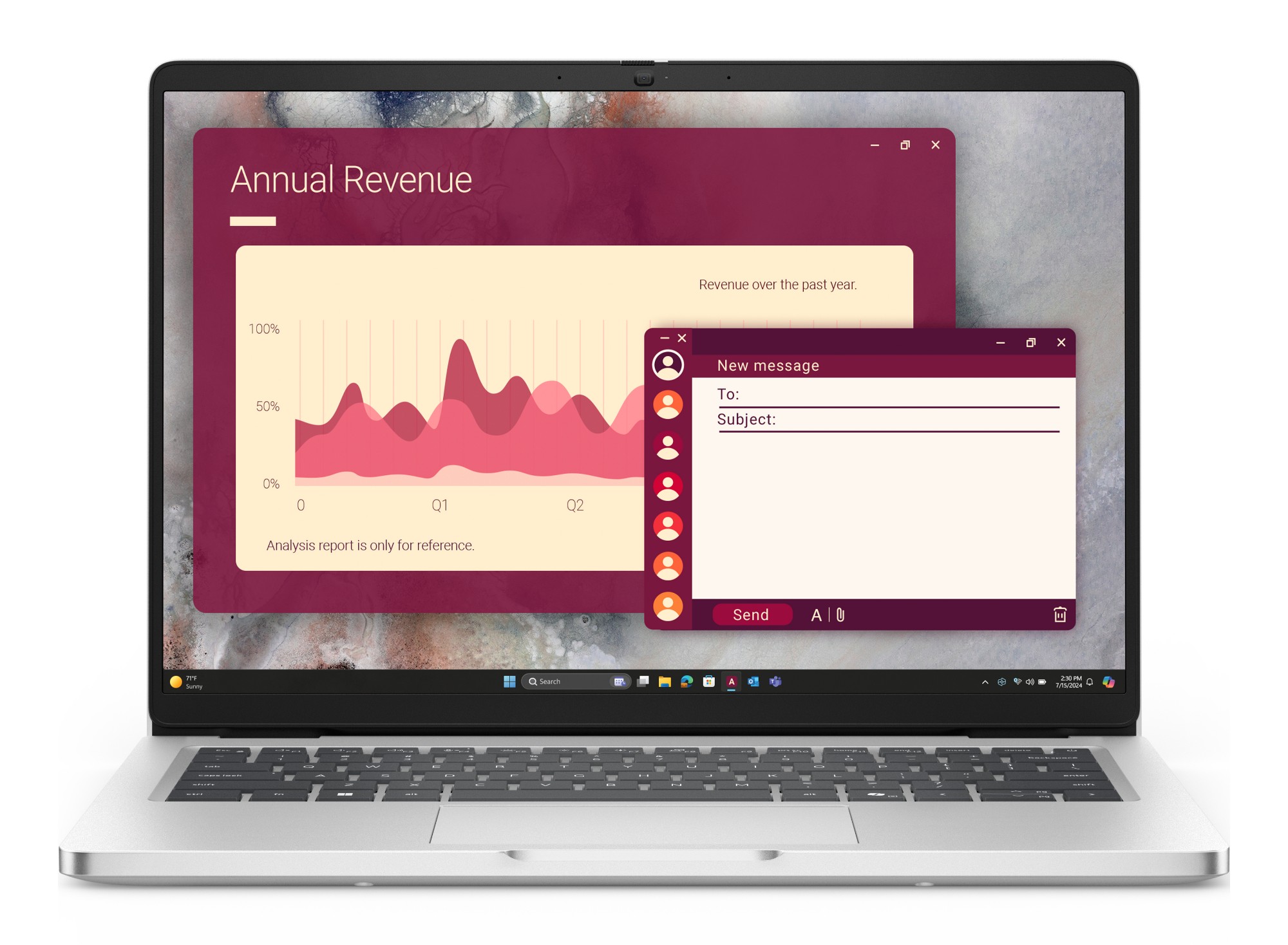
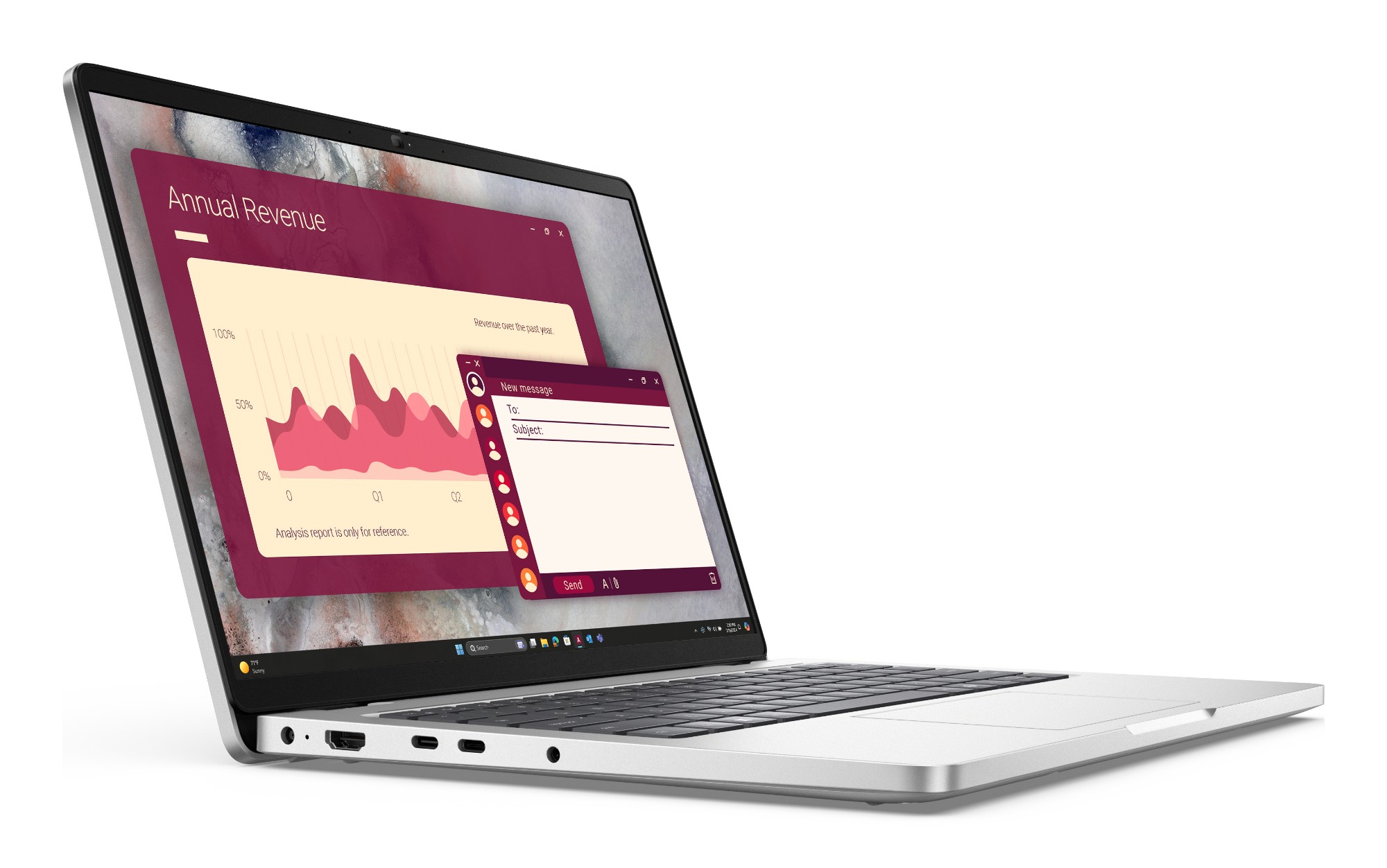
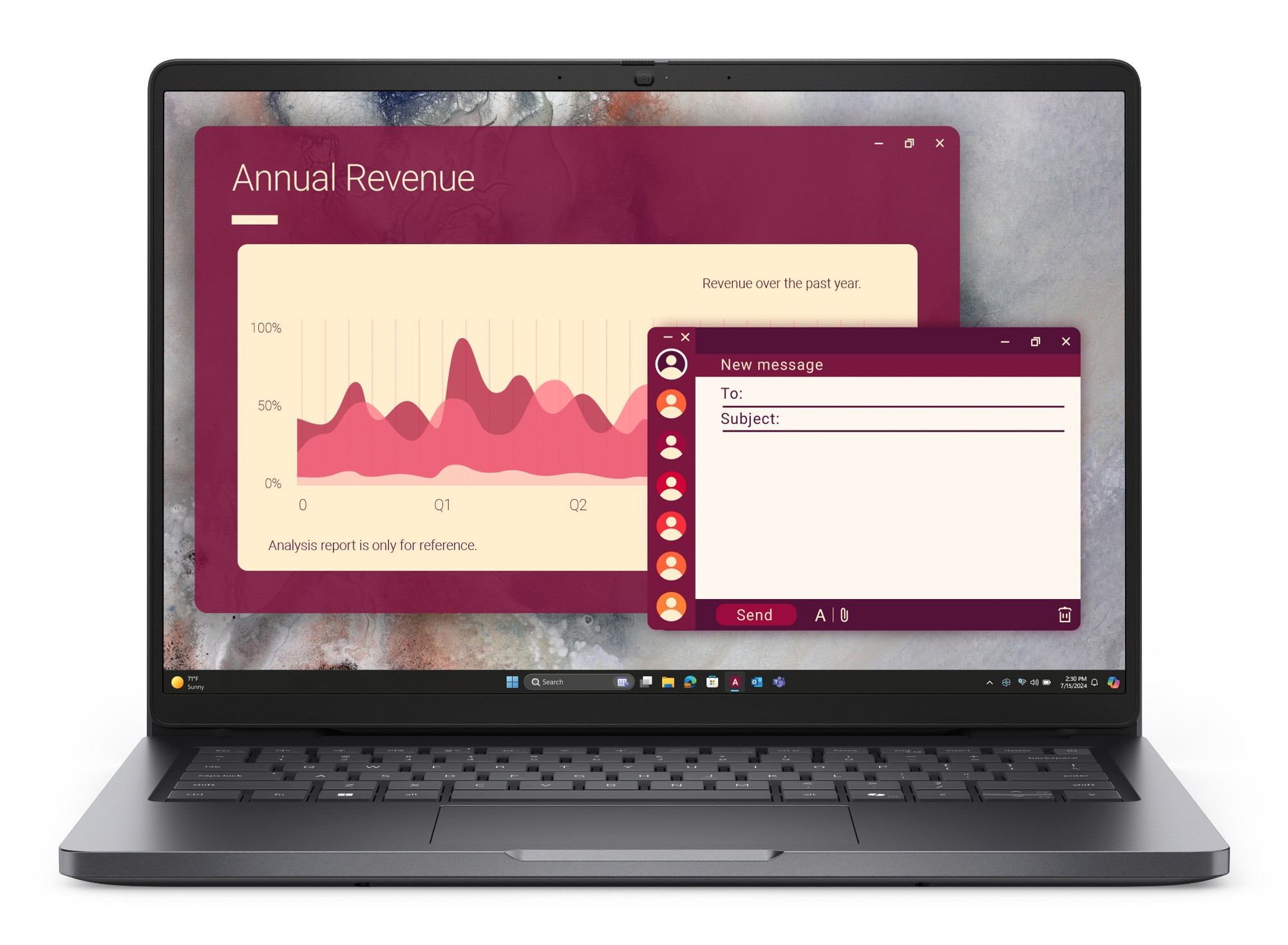
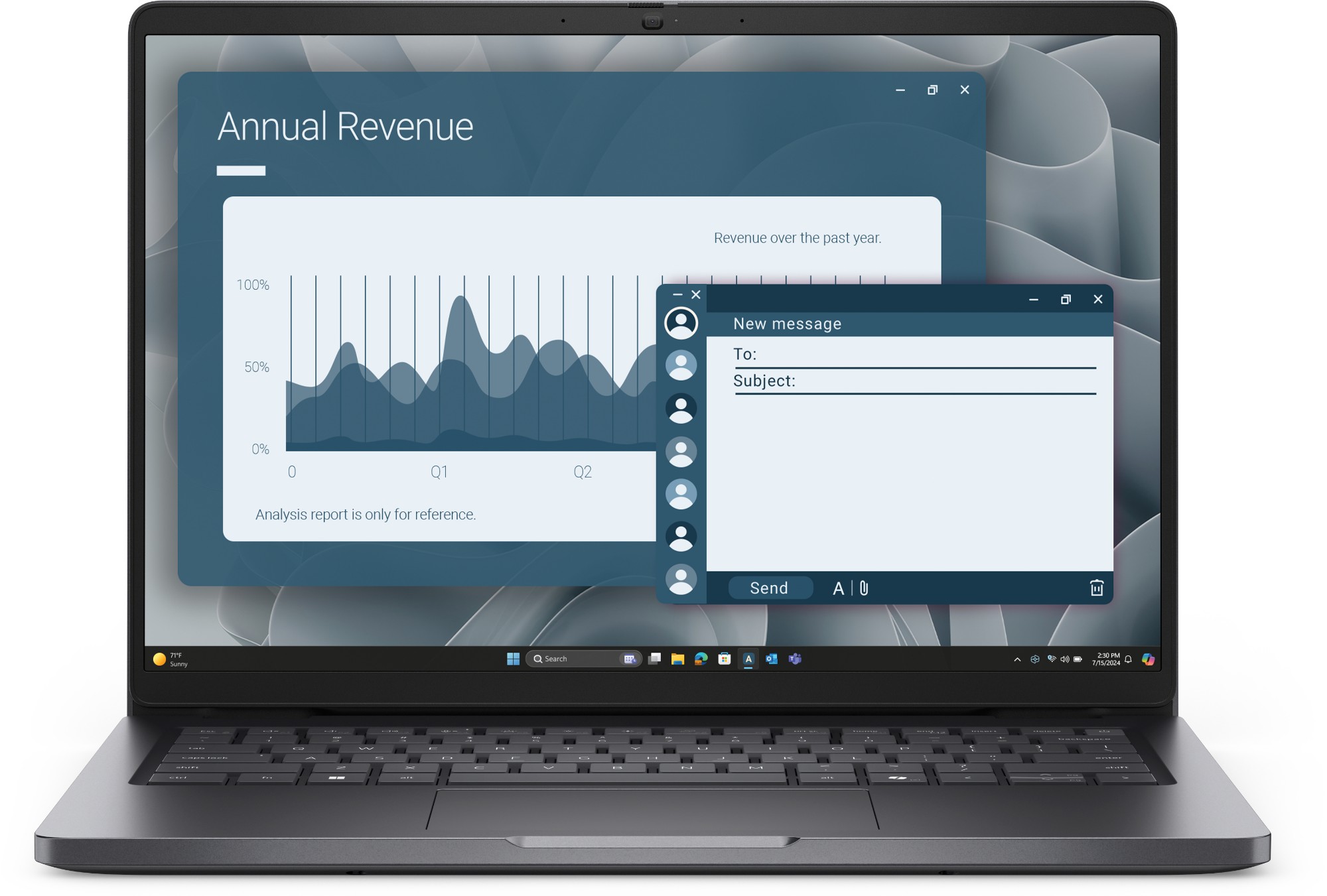
📦 Laptop, 65 W power adapter, power cable and quick start guide in the box — Dell lists these for every Pro 14, whatever individual feed rows say.
Configurations & part numbers
Every UK configuration we supply — quote any part number in your enquiry. Six stocked configurations, all with the 300-nit FHD+ anti-glare panel, 512 GB Gen4 M.2 2230 SSD, backlit UK keyboard and Windows 11 Pro. JYY3J is the only Platinum Silver and only vPro build; TNJK5 is the 8 GB entry configuration (one module fitted, second slot free); 9FC1P pairs the fastest CPU with the smaller 45 Wh battery, Wi-Fi 6 and the non-IR camera. R26W7 and 2X68G are the same AMD platform — their distributor records differ only in which rows they itemise (R26W7 flags the HDR camera, 2X68G the 65 W adapter); Dell's specification for both is the FHD HDR IR camera with an adapter in the box.
| Part number | Configuration | Colour | EAN | |
|---|---|---|---|---|
| JYY3J | Pro 14 PC14250, Core Ultra 5 235U vPro, 16GB DDR5, 512GB SSD, Platinum Silver, IR camera + fingerprint reader, Wi-Fi 6E | — | ||
| T1HG7 | Pro 14 PC14250, Core Ultra 5 225U, 16GB DDR5, 512GB SSD, Magnetite, IR camera, Wi-Fi 6E | — | ||
| 9FC1P | Pro 14 PC14250, Core Ultra 7 255U, 16GB DDR5, 512GB SSD, Magnetite, FHD camera (no IR), Wi-Fi 6, 45Wh battery | — | ||
| TNJK5 | Pro 14 PC14250, Core Ultra 5 225U, 8GB DDR5 (single module — the 8 GB entry build), 512GB SSD, Magnetite, IR camera, Wi-Fi 6E | — | ||
| R26W7 | Pro 14 PC14255, AMD Ryzen 5 PRO 230, Radeon 760M, 16GB DDR5, 512GB SSD, Magnetite, FHD HDR IR camera + fingerprint reader, Wi-Fi 6E | — | ||
| 2X68G | Pro 14 PC14255, AMD Ryzen 5 PRO 230, Radeon 760M, 16GB DDR5, 512GB SSD, Magnetite, IR camera + fingerprint reader, IR camera + fingerprint reader, Wi-Fi 6E | — |
Full specifications
Goes well with
Compare it
Why buy it from Servnet
Common questions
Where does the Dell Pro 14 sit in Dell's new naming?
It is the entry tier of Dell's 2025 commercial rebrand, where the Latitude names were retired — Dell's own product brochure compares the Pro 14 (PC14250) with the Latitude 3450 and 5450. Watch the near-identical names: the Dell Pro 14 Essential (PV14250) is a cheaper chassis with HDMI 1.4 and no RJ-45, while the Pro 14 Plus (PB14250) and Pro 14 Premium (PA14250) sit above the base line.
Can the memory and storage be upgraded later?
Memory, yes — two DDR5-5600 SO-DIMM slots rated to 64 GB (2× 32 GB), and every configuration we stock ships with a single module, so a slot is always free. Storage is a single M.2 2230 PCIe Gen4 slot — Dell's Owner's Manual is explicit that there is no second drive bay — so a larger SSD is a swap rather than an addition.
What's the difference between the Intel (PC14250) and AMD (PC14255) builds?
Chassis, display, memory, battery and keyboard are identical. The Intel build has one Thunderbolt 4 port plus a 10 Gbps USB-C, with Intel AX211 Wi-Fi 6E or MediaTek MT7920 Wi-Fi 6 depending on configuration, and vPro on the Core Ultra 5 235U we stock. The AMD build carries two 40 Gbps USB-C ports (Power Delivery, DisplayPort 1.4a — Dell's manual describes them as USB 40 Gbps rather than certified Thunderbolt), MediaTek MT7922 Wi-Fi 6E, Radeon 760M graphics and a Ryzen AI NPU rated by Dell at up to 16 TOPS.
Is the 8 GB configuration worth buying?
For single-app, kiosk, call-centre and light-browsing roles where budgets rule, yes. Because the 8 GB is one module in one slot, it can later be doubled to 16 GB dual-channel simply by adding a second SO-DIMM — so it is not a dead end. For general office multitasking we recommend starting at 16 GB.
Talk to a UK specialist
Get expert advice or a no-obligation quote — servers, storage, networking, maintenance, finance and cloud. We reply the same working day.