
💻 ThinkPad T14s 2-in-1 Gen 1 vs Dell Pro 14
ThinkPad T14s 2-in-1 Gen 1 vs Dell Pro 14 compared across 23 matched specifications — scores, the full spec table and a verdict.
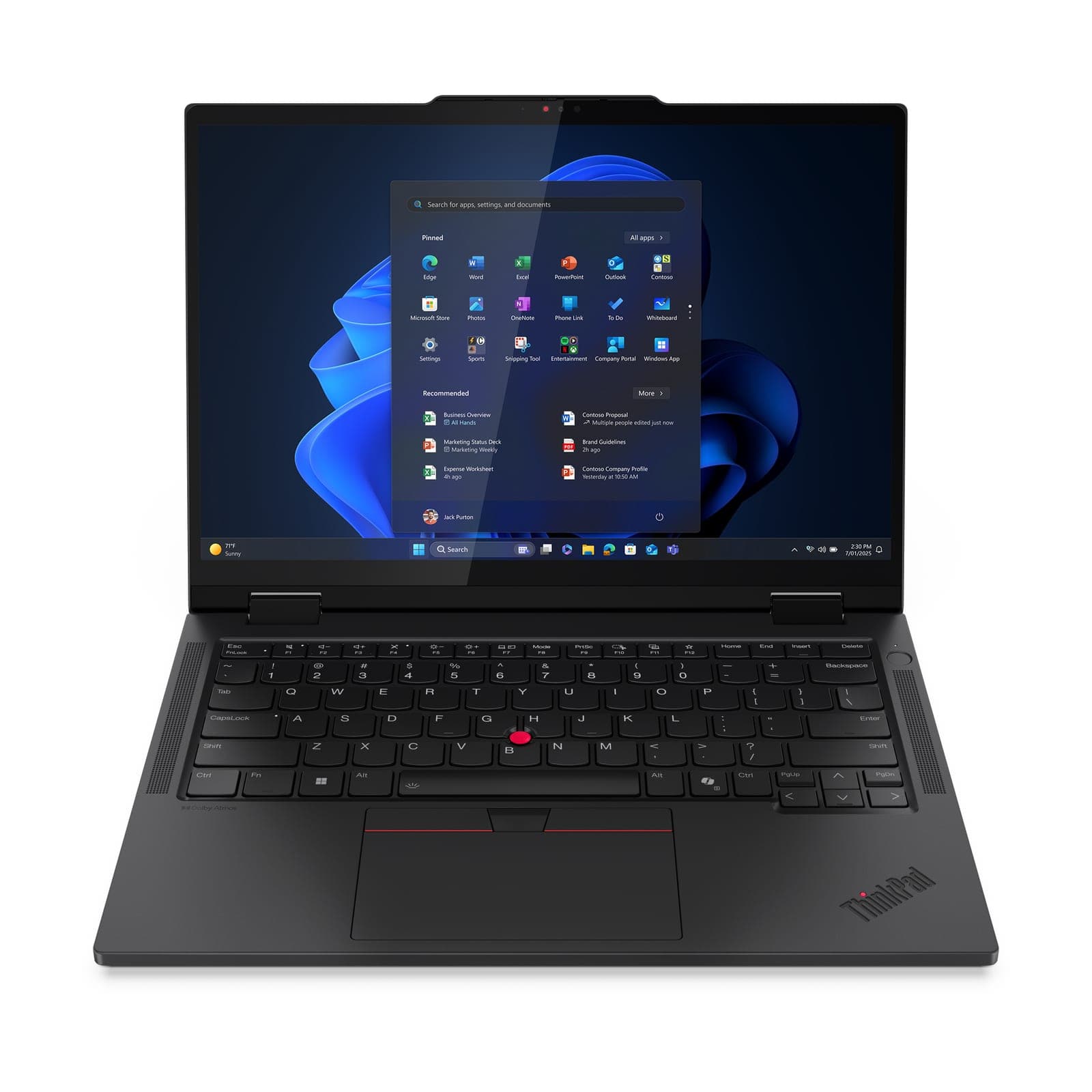
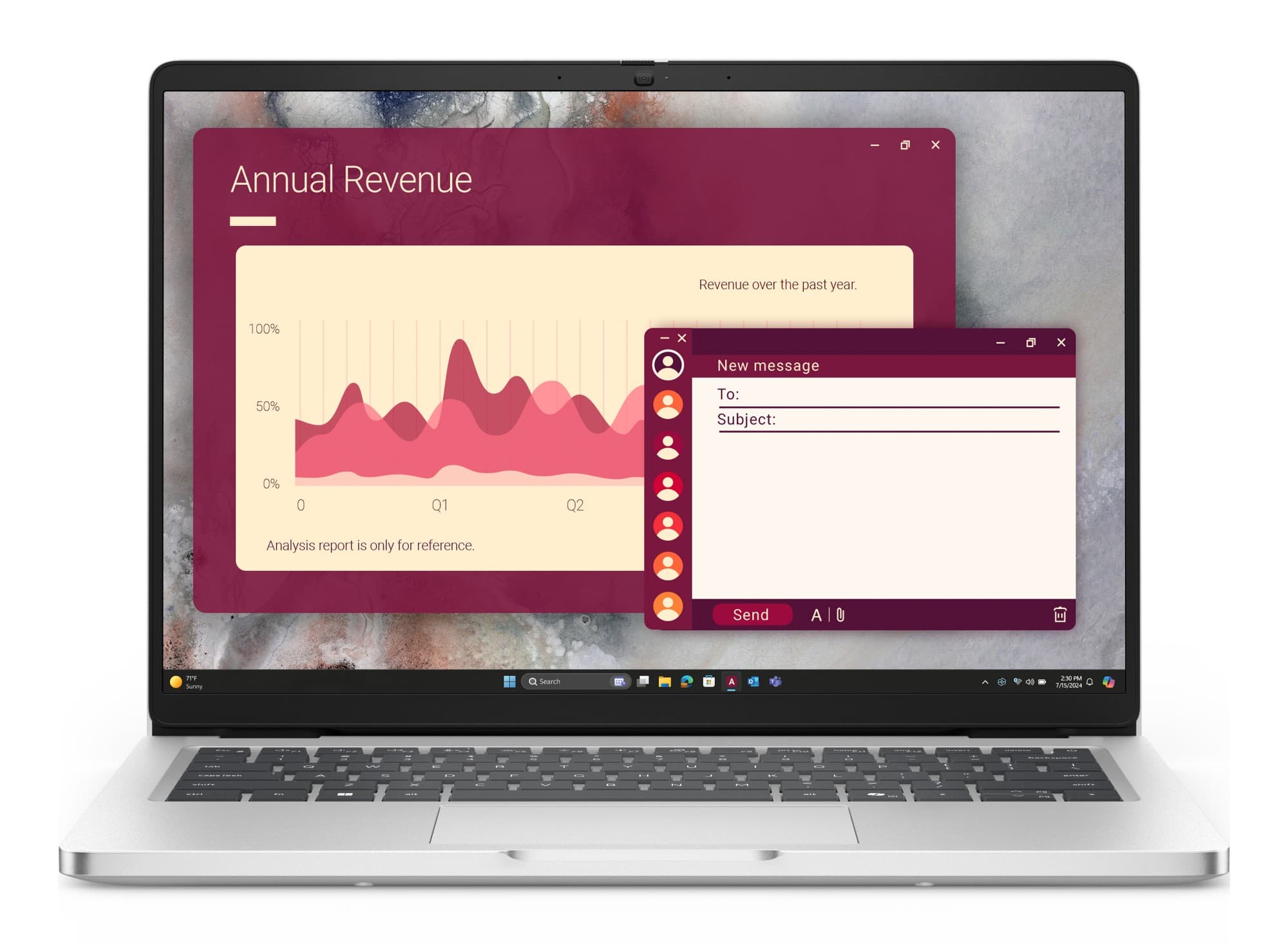
ThinkPad T14s 2-in-1 Gen 1 vs Dell Pro 14: performance overview
Scores based on quantifiable specification values (1-10 scale)
Detailed Specifications
| Specification | ThinkPad T14s 2-in-1 Gen 1 Lenovo | Dell Pro 14 Dell |
|---|---|---|
| Performance | ||
| Processor | Intel Core Ultra 5 225U or Core Ultra 7 255U (Series 2) — 12-core (2 P + 8 E + 2 LP-E) / 14-thread, 12 MB cache | Intel Core Ultra 5 225U / 5 235U vPro / 7 255U (Series 2 — 15 W, 12 cores/14 threads, 12 MB) · AMD Ryzen 5 PRO 230 (6C/12T, up to 4.9 GHz) |
| CPU cores | 12-core (2 P + 8 E + 2 LP-E) / 14-thread | 12 cores / 14 threads (Intel Core Ultra Series 2 U); AMD Ryzen 5 PRO 230 is 6C/12T |
| Graphics | Intel Graphics (integrated), DirectX 12.2 | Intel Graphics + Intel AI Boost NPU · AMD Radeon 760M + Ryzen AI (NPU up to 16 TOPS) on the Ryzen build |
| Discrete GPU | Integrated only | Integrated graphics only |
| Memory & storage | ||
| Maximum memory | 16 GB LPDDR5x-7467 soldered, dual-channel (not upgradeable; 32 / 64 GB configurable to order) | 2× DDR5-5600 SO-DIMM slots, up to 64 GB (2× 32 GB); stocked builds ship one module (16 GB, or 8 GB on the entry build) with the second slot free |
| Memory type | LPDDR5x-7467 soldered, dual-channel | DDR5-5600 SO-DIMM (2 slots) |
| Maximum storage | 512 GB M.2 2280 PCIe 4.0 x4 NVMe SSD (Opal 2.0 options; up to 2 TB) | 1× M.2 2230 PCIe Gen4 NVMe (single-drive design) — 512 GB as stocked; 256 GB–2 TB and Opal 2.0 SED options to order |
| Display | ||
| Display size | 14.0″ | 14.0" |
| Resolution | 1920×1200 (WUXGA) | 1920 × 1200 |
| Brightness | ✓400-nit 45% NTSC (stocked); 500-nit 100% sRGB low-power on 21R3001TUK | 300 nits as stocked; 400-nit to order |
| Panel | WUXGA IPS multi-touch, 16:10, 10-point OGS; 500-nit Privacy Guard to order | 14.0" 16:10 FHD+ (1920 × 1200) IPS anti-glare, 60 Hz, 300 nits as stocked; 400-nit 100% sRGB ComfortView Plus and touch panels to order |
| Touchscreen | 360° convertible, WUXGA IPS 10-point multi-touch; Lenovo Yoga Pen option | Touch panel to order |
| Connectivity | ||
| Thunderbolt / USB4 ports | ✓2× Thunderbolt 4 / USB4 40 Gbps (DisplayPort, USB PD) | Thunderbolt 4 (Intel builds, 40 Gbps) or 2× USB-C 40 Gbps (AMD builds) |
| Ports | 2× Thunderbolt 4 (USB4 40 Gbps, DisplayPort, USB PD), 2× USB-A 5 Gbps (1 Always On), HDMI 2.1, 3.5 mm combo | Intel (PC14250): Thunderbolt 4 USB-C (40 Gbps, DP 2.1, PD 3.1), USB-C 10 Gbps (DP 2.0, PD 3.1), 2× USB-A 3.2 Gen 1 (one PowerShare), HDMI 2.1, RJ-45 GbE, headset jack, DC-in. AMD (PC14255): 2× USB-C 40 Gbps (PD, DisplayPort 1.4a), 2× USB-A 3.2 Gen 1 (one PowerShare), HDMI 2.1, RJ-45 GbE, headset jack, DC-in |
| Mobile broadband (4G/5G) option | ✓WWAN 4G/5G upgradeable (antenna-ready) | No WWAN option on this model |
| Physical | ||
| Weight (from) | from 1.40 kg; black magnesium / aluminium | ✓From 1.35 kg |
| Dimensions | 313.6 × 222.8 × 12.86–19.21 mm (21.6 max) | 313.7 × 225.3 × 18.89–20.37 mm |
| Security & management | ||
| Intel vPro | Intel vPro Enterprise available to order | vPro on the Core Ultra 5 235U build |
| Copilot+ PC (40+ TOPS NPU) | AI PC — Intel AI Boost NPU up to 13 TOPS, below the 40-TOPS Copilot+ bar | -- |
| Battery | ||
| Battery capacity | ✓58 Wh Li-ion, Rapid Charge to 80% in 1 hr | 3-cell 55 Wh (45 Wh on the Ultra 7 build) |
| Rated battery life | up to 16.5 hours on MobileMark 25; up to 25.7 hours local video playback | ExpressCharge to 80% in 60 min, full in 120; Boost 35% in 20 min |
| Support | ||
| Operating system | Windows 11 Pro | Windows 11 Pro (all stocked builds); Windows 11 Home / Pro Education and Ubuntu 24.04 LTS (PC14250) configurable |
| Base warranty | 1-year base (courier/carry-in or onsite), 3-year and Premier Support uplifts to order | Dell business warranty — cover level varies by configuration; ProSupport uplifts quoted |
Expert Analysis
The Lenovo ThinkPad T14s 2-in-1 Gen 1 outclasses the Dell Pro 14 in most areas that matter to business road warriors, offering a superior battery, brighter screen and built-in mobile broadband option. The ThinkPad’s 58 Wh battery and rated 16.5-hour runtime trounce the Dell’s 55 Wh (or even 45 Wh on Ultra 7 variants), while its 400-nit stock display (500-nit available) leaves the Dell’s 300-nit panel in the shade. Lenovo also packs two Thunderbolt 4 ports and an upgradeable WWAN slot for always-on 4G/5G—features the Dell simply lacks. The Dell Pro 14 fights back with socketed DDR5 memory (up to 64 GB), making it easier to extend the laptop’s working life, whereas the ThinkPad’s LPDDR5x is soldered and capped at 64 GB only if ordered that way. Dell also shaves a few grams off the weight and includes a wired RJ-45 Ethernet port. Yet for most professionals, the ThinkPad’s 2-in-1 touchscreen, longer runtime and comprehensive connectivity will outweigh those considerations, delivering markedly better value for mobile-centric UK businesses.
Ready to proceed?
Not sure which one fits your environment?
Our UK specialists will recommend the right option for your workload and send itemised pricing — vendor-neutral, no obligation.
Response within 4 business hours · 20+ yr UK reseller
Want to compare different products or add more to this comparison?
Open Interactive Comparison Tool →Made your choice? Spread the cost.
Whichever you choose, you don't have to pay for it all upfront — finance your new hardware from £47/mo ex VAT on hire purchase or lease. Compare monthly payments and terms in seconds.
See finance from £47/mo →Indicative estimate · subject to change · no credit check at this stage · hire purchase, lease & subscription for UK businesses
Indicative illustration only. Servnet Limited is not authorised or regulated by the FCA and does not provide financial advice or arrange finance. All finance opportunities are referred to Number Eight Business Finance. Finance policy
Filter by role, spec and budget across the full range, then send the build for a fleet quotation.
Related comparisons
Other head-to-heads featuring these models — useful if you’re still shortlisting.
Talk to a UK specialist
Get expert advice or a no-obligation quote — servers, storage, networking, maintenance, finance and cloud. We reply the same working day.