
💻 Dell Pro Plus 14 vs Lenovo ThinkPad T14s Gen 7
Dell Pro 14 Plus vs ThinkPad T14s Gen 7 compared across 23 matched specifications — scores, the full spec table and a verdict.
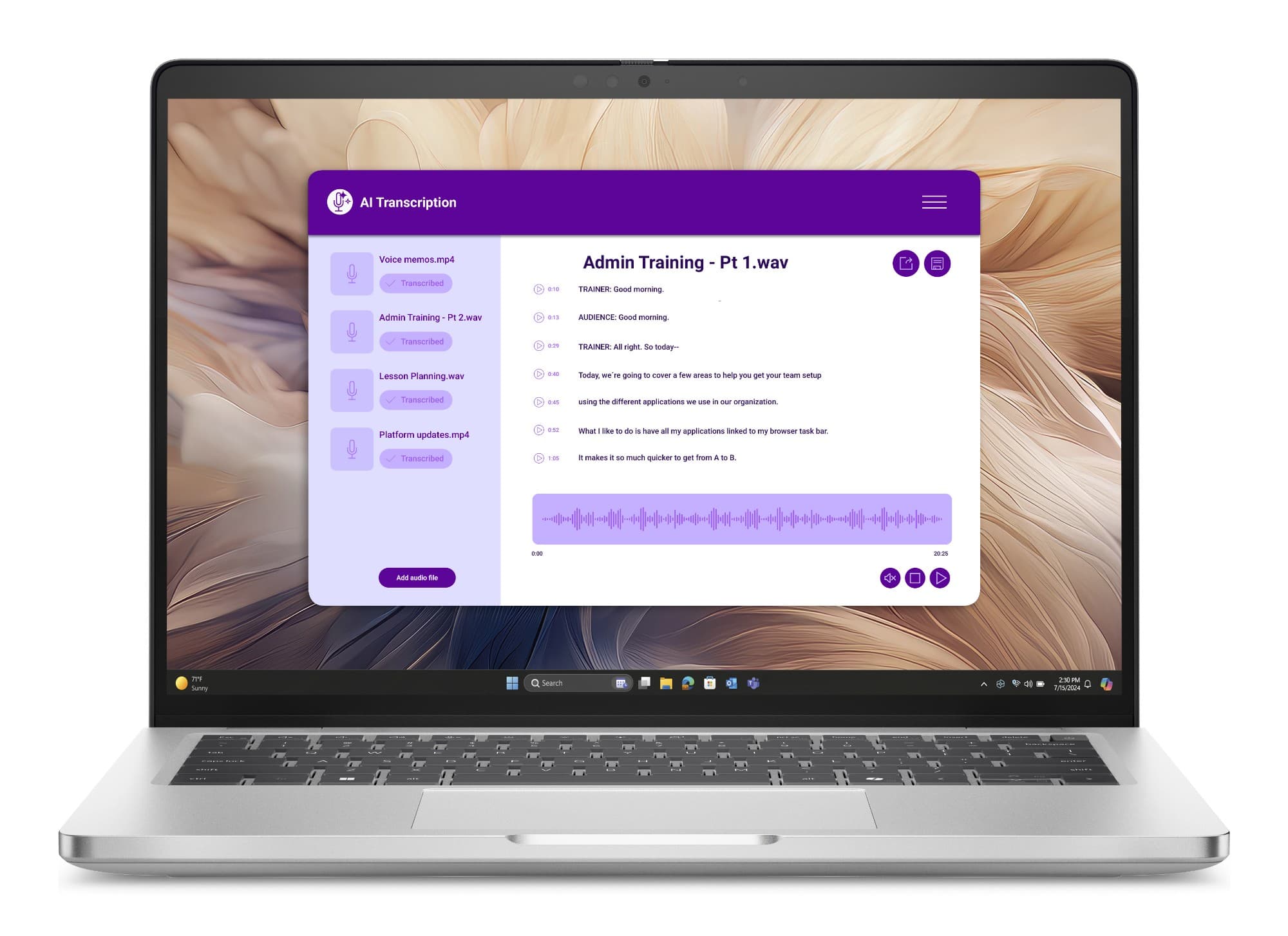
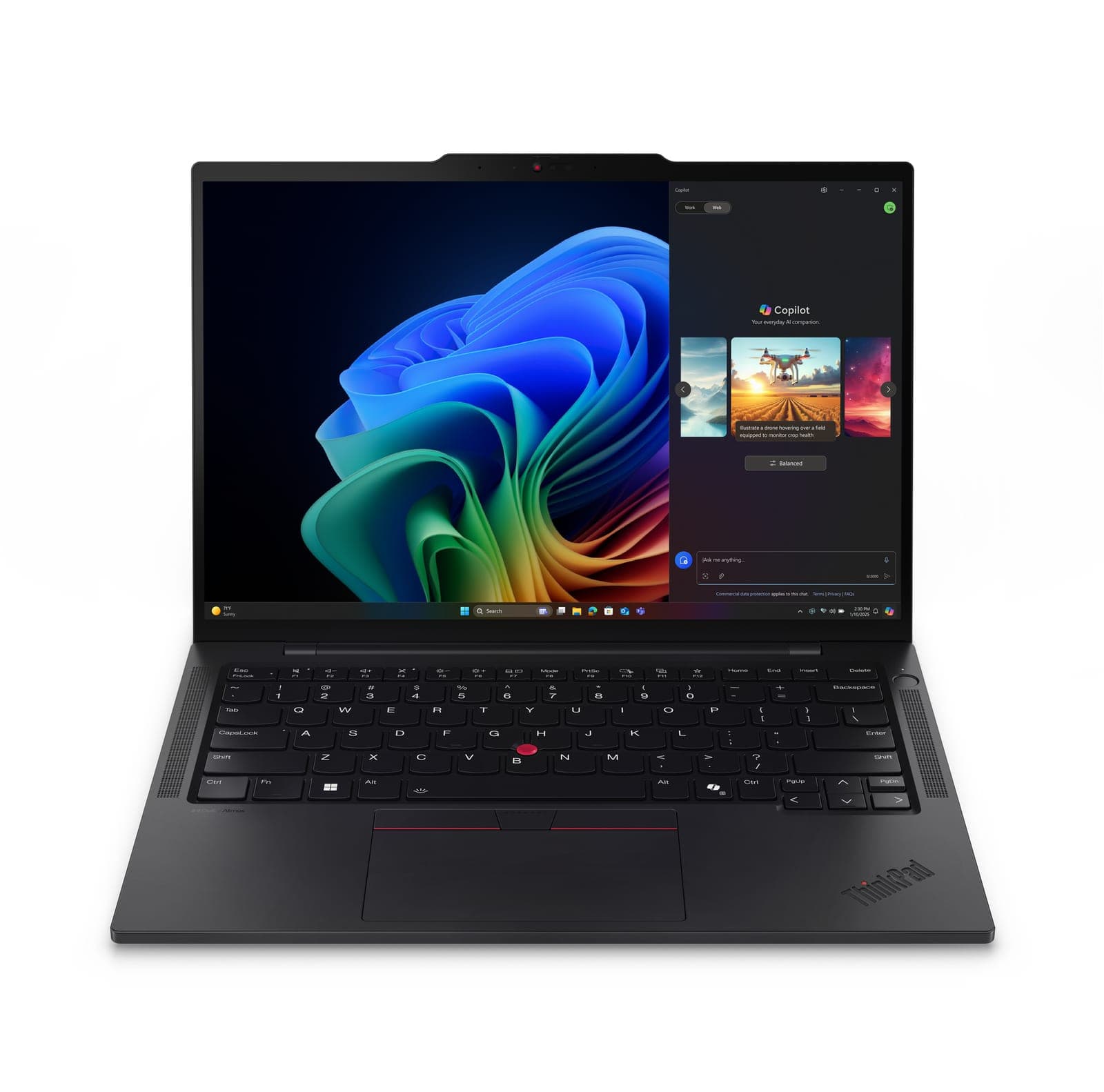
Dell Pro Plus 14 vs Lenovo ThinkPad T14s Gen 7: performance overview
Scores based on quantifiable specification values (1-10 scale)
Detailed Specifications
| Specification | Dell Pro 14 Plus Dell | ThinkPad T14s Gen 7 Lenovo |
|---|---|---|
| Performance | ||
| Processor | Intel Core Ultra 200U (225U–265U, vPro) · Copilot+ Intel Core Ultra 200V (226V–268V, vPro) · AMD Ryzen AI PRO 300 / Ryzen 200 | Intel Core Ultra 5 325 (Series 3) — 8 cores (4 P + 4 LP-E), up to 4.5 GHz, 12 MB Smart Cache (stocked); Core Ultra 7 355/365 to order |
| CPU cores | -- | 8 cores (4 P + 4 LP-E), up to 4.5 GHz |
| Graphics | Intel Graphics (200U) · Intel Arc 130V/140V (200V) · AMD Radeon 800M-series | Intel Graphics (integrated, DirectX 12 Ultimate) |
| Discrete GPU | Integrated graphics only | Integrated only |
| Memory & storage | ||
| Maximum memory | 200U: DDR5-5600, 2× SO-DIMM, up to 64 GB · 200V: 16/32 GB LPDDR5x-8533 on-package · AMD: up to 64 GB LPDDR5x-7500 (soldered) | 16 GB LPDDR5X soldered, dual-channel (stocked); 32 GB / 64 GB to order — not upgradeable |
| Memory type | DDR5-5600 SO-DIMM (200U, 2 slots) / LPDDR5x-8533 on-package (200V) / LPDDR5x-7500 soldered (AMD) | LPDDR5X soldered, dual-channel |
| Maximum storage | M.2 PCIe Gen4 NVMe — 256 GB to 2 TB, self-encrypting drive options | 512 GB M.2 2280 PCIe NVMe SSD, TCG Opal 2.0 (stocked); up to 2 TB in a PCIe 5.0 x4 slot |
| Display | ||
| Display size | 14.0" | 14.0″ |
| Resolution | 1920 × 1200 (QHD+ 2560 × 1600 90/120 Hz to order) | 1920×1200 (WUXGA); 2880×1800 OLED option |
| Brightness | 300 nits (stocked FHD+); 400-nit low-power and 500-nit e-Privacy to order | ✓400 nits (stocked WUXGA); 500-nit touch / 2.8K OLED options |
| Panel | 14.0" 16:10 — FHD+ 1920 × 1200 300-nit anti-glare (stocked); FHD+ touch, QHD+ 2560 × 1600 90/120 Hz, 400-nit low-power, 500-nit e-Privacy to order | WUXGA IPS anti-glare; 500-nit touch, Privacy Guard, 2.8K OLED 120 Hz VRR options |
| Touchscreen | FHD+ touch panel to order | 500-nit touch and Privacy Guard touch options |
| Connectivity | ||
| Thunderbolt / USB4 ports | 2× Thunderbolt 4 (USB-C, DP 2.1 alt mode, PD) | ✓3× Thunderbolt 4 (USB PD 15–65 W, DisplayPort 2.1) |
| Ports | Left: 2× Thunderbolt 4 (USB-C, DP 2.1 alt mode, PD), HDMI 2.1, USB-A 3.2 Gen 1, optional smart-card slot. Right: USB-A 3.2 Gen 1 with PowerShare, universal audio jack, wedge lock slot, optional RJ45 GbE, optional nano-SIM | 3× Thunderbolt 4 (USB PD 15–65 W, DP 2.1), 1× USB-A 5 Gbps Always On, HDMI 2.1 (4K/60 Hz), 3.5 mm combo, Kensington Nano |
| Mobile broadband (4G/5G) option | Optional 5G (Snapdragon X72, eSIM) or 4G CAT12 | 4G/5G upgradeable — Snapdragon X61 5G Sub-6 / X12 4G LTE / Rolling RW220 4G, embedded eSIM |
| Physical | ||
| Weight (from) | From 1.40 kg (thin-and-light build); 1.53 kg as stocked | ✓from 1.065 kg; carbon-fibre hybrid top, aluminium or magnesium bottom |
| Dimensions | 313.5 × 224.0 × 21.2 mm (max) | 313 × 219.4 × 18.56 mm max (10.7 mm at front) |
| Security & management | ||
| Intel vPro | vPro on Core Ultra 200U and 200V builds; vPro on most stocked Intel configurations | Intel vPro Enterprise option |
| Copilot+ PC (40+ TOPS NPU) | Copilot+ on Intel Core Ultra 200V (Lunar Lake, 40+ TOPS) and AMD Ryzen AI PRO (50 TOPS) builds; standard 200U builds are not Copilot+ | Copilot+ PC — Core Ultra 5 325 NPU up to 47 TOPS |
| Battery | ||
| Battery capacity | 55 Wh (stocked) or 45 Wh, 3-cell | ✓58 Wh Li-ion — Rapid Charge to 80% in 1 hour |
| Rated battery life | ExpressCharge Boost 0–35% in 20 min; 60/65/100 W USB-C adapters | up to ~19 hours (MobileMark 30, WUXGA low-power build) |
| Support | ||
| Operating system | Windows 11 Pro (stocked); Ubuntu 24.04 LTS available | Windows 11 Pro (stocked) |
| Base warranty | Dell business warranty — cover level varies by configuration; ProSupport uplifts quoted | 1-year Lenovo Premier Support as stocked — 3/5-year uplifts quoted |
Expert Analysis
The Lenovo ThinkPad T14s Gen 7 emerges as the superior ultraportable for mobile UK workforces, combining exceptional portability with stronger baseline display and connectivity specifications. Weighing from just 1.065 kg, the ThinkPad T14s Gen 7 is substantially lighter than the Dell Pro Plus 14, which starts at 1.40 kg and weighs 1.53 kg in its stocked configuration. Lenovo also provides a brighter 400-nit WUXGA display as standard, outperforming Dell's 300-nit stocked FHD+ panel, alongside a larger 58 Wh battery compared to Dell's 55 Wh or 45 Wh options. Connectivity on the ThinkPad is reinforced by three Thunderbolt 4 ports, whereas Dell supplies two. Nevertheless, the Dell Pro Plus 14 holds distinct advantages for desk-bound roles and specific fleet deployments. Its Intel Core Ultra 200U variants support dual SO-DIMM slots for memory upgrades up to 64 GB DDR5, countering Lenovo's strictly soldered memory. Dell also incorporates broader physical interface versatility, including two USB-A ports, optional RJ45 Gigabit Ethernet, and an optional smart-card reader, while providing native support for Ubuntu 24.04 LTS alongside Windows 11 Pro. Ultimately, organisations prioritising lightweight travel and screen quality should deploy the ThinkPad T14s Gen 7, whilst those requiring modular memory and legacy port connectivity will find the Dell Pro Plus 14 a practical alternative.
Ready to proceed?
Not sure which one fits your environment?
Our UK specialists will recommend the right option for your workload and send itemised pricing — vendor-neutral, no obligation.
Response within 4 business hours · 20+ yr UK reseller
Want to compare different products or add more to this comparison?
Open Interactive Comparison Tool →Made your choice? Spread the cost.
Whichever you choose, you don't have to pay for it all upfront — finance your new hardware from £47/mo ex VAT on hire purchase or lease. Compare monthly payments and terms in seconds.
See finance from £47/mo →Indicative estimate · subject to change · no credit check at this stage · hire purchase, lease & subscription for UK businesses
Indicative illustration only. Servnet Limited is not authorised or regulated by the FCA and does not provide financial advice or arrange finance. All finance opportunities are referred to Number Eight Business Finance. Finance policy
Filter by role, spec and budget across the full range, then send the build for a fleet quotation.
Related comparisons
Other head-to-heads featuring these models — useful if you’re still shortlisting.
Talk to a UK specialist
Get expert advice or a no-obligation quote — servers, storage, networking, maintenance, finance and cloud. We reply the same working day.