
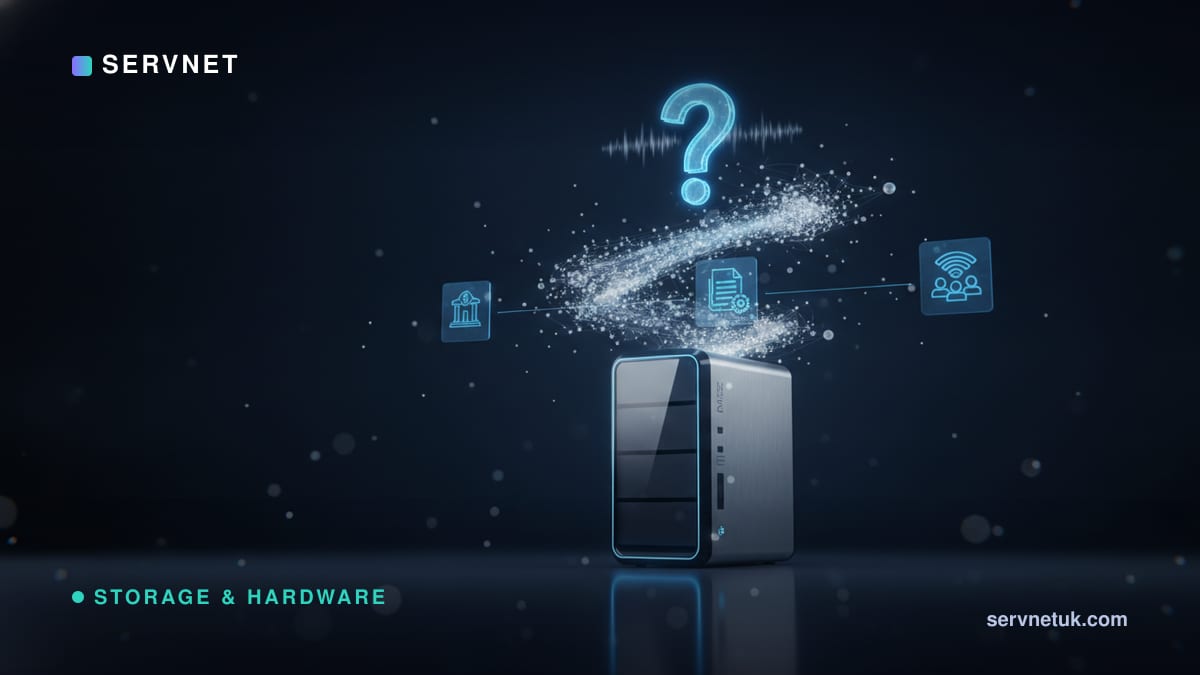
If your team still shares files by emailing attachments back and forth, or by passing round a USB stick, a NAS is probably the upgrade you have been circling without naming. It is one of the most useful and least understood pieces of kit a small business can own - a shared, always-on drive that lives on your network. This explainer covers what a NAS actually is, what it does well, and the honest test for whether your business needs one yet.
NAS, in plain terms
NAS stands for Network Attached Storage. Strip away the acronym and it is simply a small box of hard drives that plugs into your network - usually into the same router or switch as everything else - so that every authorised computer in the office can read and write files on it at once. Think of it as a shared filing cabinet that everyone can reach over the network, rather than a drive locked inside one person's PC.
Unlike a USB drive, which only works for the one computer it is plugged into, a NAS is always on and available to everyone. Unlike a public cloud folder, the data physically sits in your building, on hardware you own. That combination - shared, always available, and on your own premises - is what makes it such a natural fit for a small office.
What a NAS is genuinely good at
The headline job is shared files. Instead of three copies of the same proposal scattered across three laptops, there is one copy on the NAS that everyone opens, edits and saves back. That alone ends a surprising amount of version confusion and lost work. Most NAS units also let you set permissions, so the accounts folder is visible only to the people who should see it.
Beyond file sharing, a modern NAS does a lot more. It can act as the destination for backups from every PC and laptop in the office, so a single machine dying never means lost work. Many will run a few simple applications too - hosting your CCTV recordings, a private file-sync service so staff can reach documents from home, or a media library. For a lot of small businesses it quietly becomes the hub the whole office leans on.
- •One shared place for files, with per-folder permissions
- •A backup target for every PC, laptop and even phones
- •Remote access to your own files without a public cloud subscription
- •A home for CCTV footage, shared calendars or simple apps
What a NAS is not
Two honest limits are worth stating up front. A NAS is shared storage, not a server in the full sense - it is excellent at holding files but it is not where you would run a demanding line-of-business application or a busy database for dozens of users. When you reach that point you are looking at a proper server; we cover where that line sits in our insight on the file server and NAS spec.
The second, and this one trips up businesses constantly: a NAS is not a backup by itself. Most NAS boxes use a technique called RAID that keeps working if one drive fails, and people wrongly assume that makes their data safe. It does not - a fire, theft, ransomware or an accidental deletion can take the whole box at once. A NAS is a brilliant place to keep files and to receive backups, but it still needs its own backup somewhere else. We explain exactly why in RAID is not a backup.
The honest 'should you' test
You probably do need a NAS if more than a couple of people share files regularly, if you have ever lost work because the only copy was on a laptop that broke, or if you are juggling USB drives and email attachments to move documents around. Those are the everyday frustrations a NAS removes for a modest one-off cost.
You probably do not need one yet if you are a sole trader, or if your team is already happily and securely living in a cloud platform that handles sharing and backup for you. There is no prize for owning hardware you do not need. The deciding question is simple: is sharing and protecting files a daily friction for more than one person? If yes, a NAS will likely pay for itself in saved time and avoided disasters.
If you decide to get one
Buy more capacity than you think you need - data only ever grows, and it is far cheaper to start with room to spare than to migrate to a bigger box in eighteen months. Choose a unit with at least two drive bays so it can survive a single drive failure, and fit business-grade drives rated for running continuously rather than the cheapest consumer ones.
Most importantly, plan the backup before you plan the storage. Decide where the second copy of your data will live - a second device, an offsite location, or a cloud backup service - so that the NAS is one copy of your data, never the only one. Get that right and a NAS becomes one of the best-value purchases a small business can make. For protecting that data against the worst case, our backup and disaster recovery service is the natural partner.