
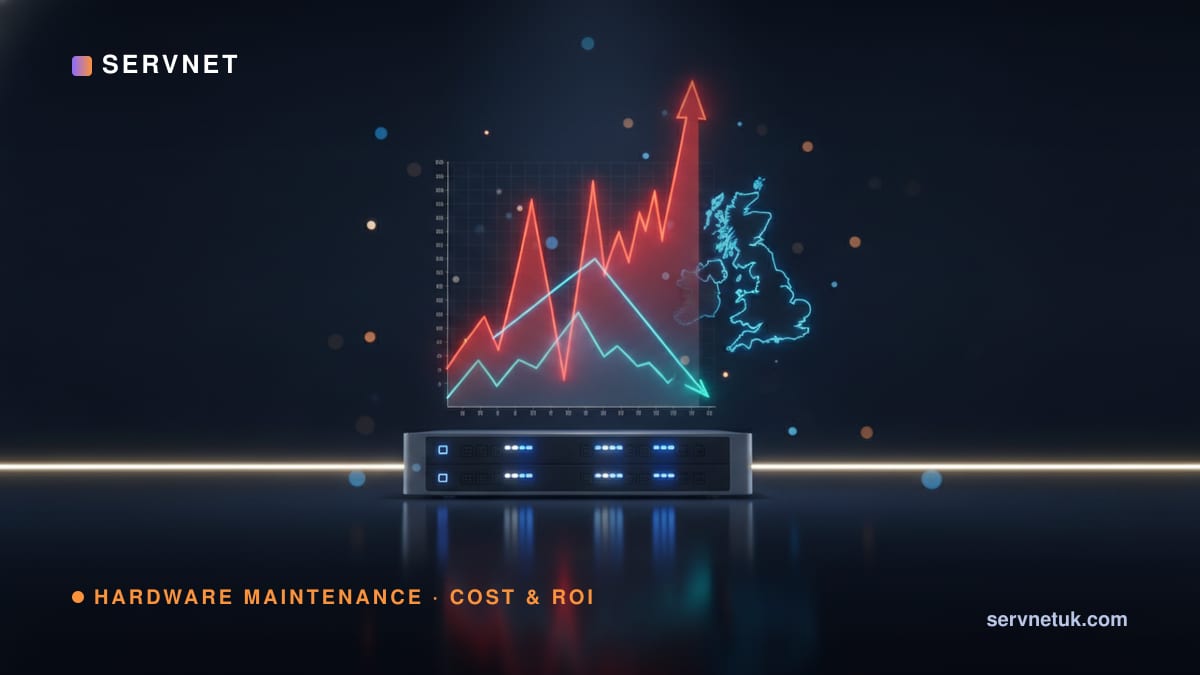
Every renewal cycle, the OEM support quote lands a little higher — and by year four or five, the line for maintaining kit you already paid off can rival the cost of new hardware. That is not an accident of pricing; it is the design. This is the cost-control playbook: why post-warranty renewals climb, where the negotiable slack actually sits, and how to choose between extending with a third-party maintenance provider and refreshing. Start with the free TPM Savings Calculator to see an indicative figure against your own spend.
View the data behind this chart
| Yr 3 | Yr 4 | Yr 5 | Yr 6 | |
|---|---|---|---|---|
| OEM support renewal | £k42 | £k51 | £k63 | £k78 |
| TPM contract | £k19 | £k20 | £k20 | £k31 |
The renewal ratchet is a feature, not a bug
OEM support is priced to reward buying new and to make keeping old kit quietly expensive. Programmes such as Dell ProSupport, HPE Tech Care and Cisco SmartNet are attractively bundled at the point of sale, then re-priced upward once the initial term lapses. As an asset ages past its warranty toward end-of-service-life, the support rate tends to climb while the residual value of the hardware falls — the two curves diverge by design. The message every rising renewal quote is built to send is simple: buy the next generation.
For finance leaders, the trap is that the line item looks fixed. It is not. Post-warranty support is one of the most negotiable — and most substitutable — costs in the infrastructure budget. Treating it as an untouchable subscription is precisely how organisations end up paying a growing premium to keep fully depreciated assets on cover.
List price is theatre — net price is the number that matters
The most important nuance in this market is the gap between list and net. OEM support carries a high published list price partly so that the discount off it can feel generous at renewal. A headline reduction against list can still leave you paying more than last year in absolute terms. When you benchmark alternatives, the honest comparison is always against the net price you would actually pay — not the list rate on the quote.
This is why the one sourced figure worth anchoring to is a net-price figure. Independent analysts put third-party maintenance at 50–70% below OEM support net prices (Gartner, Market Guide for Data Center and Network Third-Party Hardware Maintenance, 2019, ID G00414695). That band is a starting reference, not a promise — the actual saving depends on your estate, mix and SLAs, which is what a TPM-versus-OEM comparison exists to establish.
The case for sweating the asset
A server, storage array or switch does not become unreliable the day its warranty ends. Enterprise hardware is engineered for years of duty well beyond the OEM's preferred refresh window, and failure rates for mature, burned-in kit are typically low and predictable. The real risk after warranty is not the hardware failing — it is being unable to get a part fast when it does. That is a break-fix and spares-logistics problem, and it is exactly what independent maintenance is built to solve, often with SLAs that match or beat the OEM's.
Sweating the asset for another two or three years turns a capital decision into an operating one and frees budget for the workloads that actually differentiate the business. It is not about running kit into the ground; it is about refusing to refresh on the vendor's timetable when the hardware still does the job. A third-party maintenance contract is what makes deferring a refresh a controlled, supported decision rather than an act of faith.
Where TPM helps — and the one place it honestly does not
Be clear about scope, because this is where readers get misled. TPM covers hardware break-fix, spare parts, engineer dispatch and, for storage, the drive replacements and firmware access needed to keep an array running past end-of-life. Providers report it can extend a useful service life by 3–5 years, and up to 7 — indicative, not guaranteed. What it does not do is supply the OEM's ongoing software and firmware security patches.
So the honest rule is this: for a system that must stay actively patched to meet a compliance obligation — PCI DSS, a regulated data-handling boundary, an internet-facing tier — the right answer may be a refresh, and a good adviser will tell you so. For the large population of internal, segmented or steady-state systems where break-fix and spares are the real need, extending with TPM is usually the better economics. Knowing which bucket each system sits in is half the cost-control work.
View the data behind this chart
| Cumulative £k | 0 | 1 | 2 | 3 | 4 | 5 |
|---|---|---|---|---|---|---|
| OEM support | 0 | 42 | 90 | 148 | 220 | 308 |
| TPM (50–70% band, mid) | 0 | 19 | 39 | 59 | 80 | 101 |
Align support to the budget cycle, not the vendor's
Much of the overspend on renewals is structural, not price-driven: contracts co-terminate awkwardly, auto-renew at list, or get signed under deadline pressure because the estate was allowed to drift into an unsupported gap. Take back the calendar. Map every device's warranty end and end-of-service-life date, then decide the support strategy per system before the OEM quote arrives — not in the fortnight after it does.
Consolidating multiple OEM contracts under a single independent maintenance agreement also collapses several renewal dates into one predictable, multi-year operating cost you can plan around. That makes the number forecastable and removes the annual scramble. If the decision is partly about how to fund the estate over that window, model it alongside the hardware itself using the IT finance calculator so the support and asset decisions are made together, not in isolation.
The extend-versus-refresh decision at EOSL
When a system reaches end-of-service-life, there are three honest outcomes, and the right one depends on the workload — not on the renewal quote. Extend with TPM when the hardware still meets the requirement and the need is break-fix cover; the storage and server estates are usually rich with these candidates. Refresh when performance, density, power draw or a hard patching obligation makes the old platform a liability. And sometimes the answer is a targeted refurbished capacity top-up to bridge the gap.
The vendor-specific detail matters here, because programmes and end dates differ — see the Dell, HPE and Cisco guides for how each behaves post-warranty. Whatever the estate, every figure in this playbook is indicative until it is checked against your actual serial numbers, SLAs and dates — which is exactly what a free Servnet audit does, and it produces a benchmark, never a pressured quotation.