
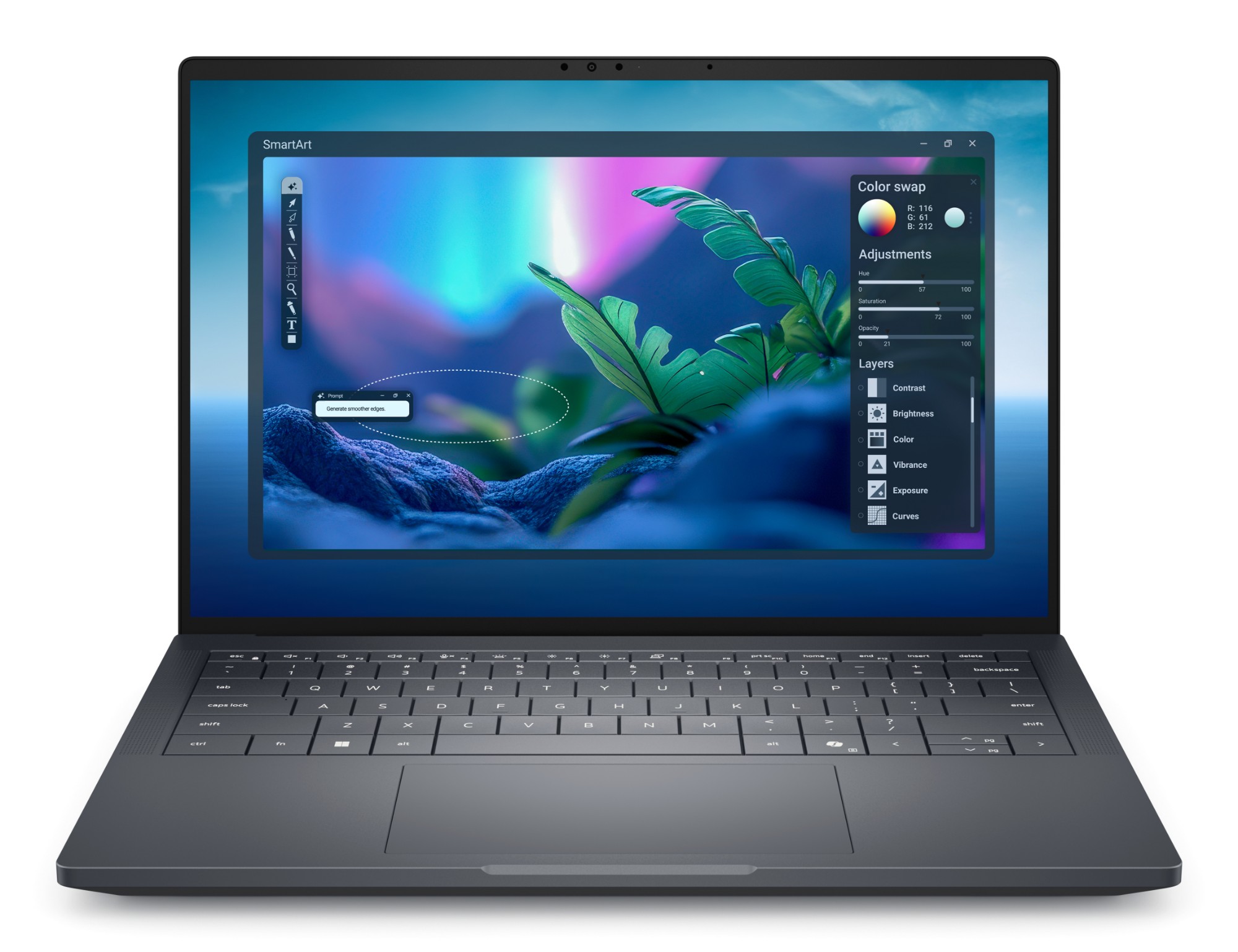
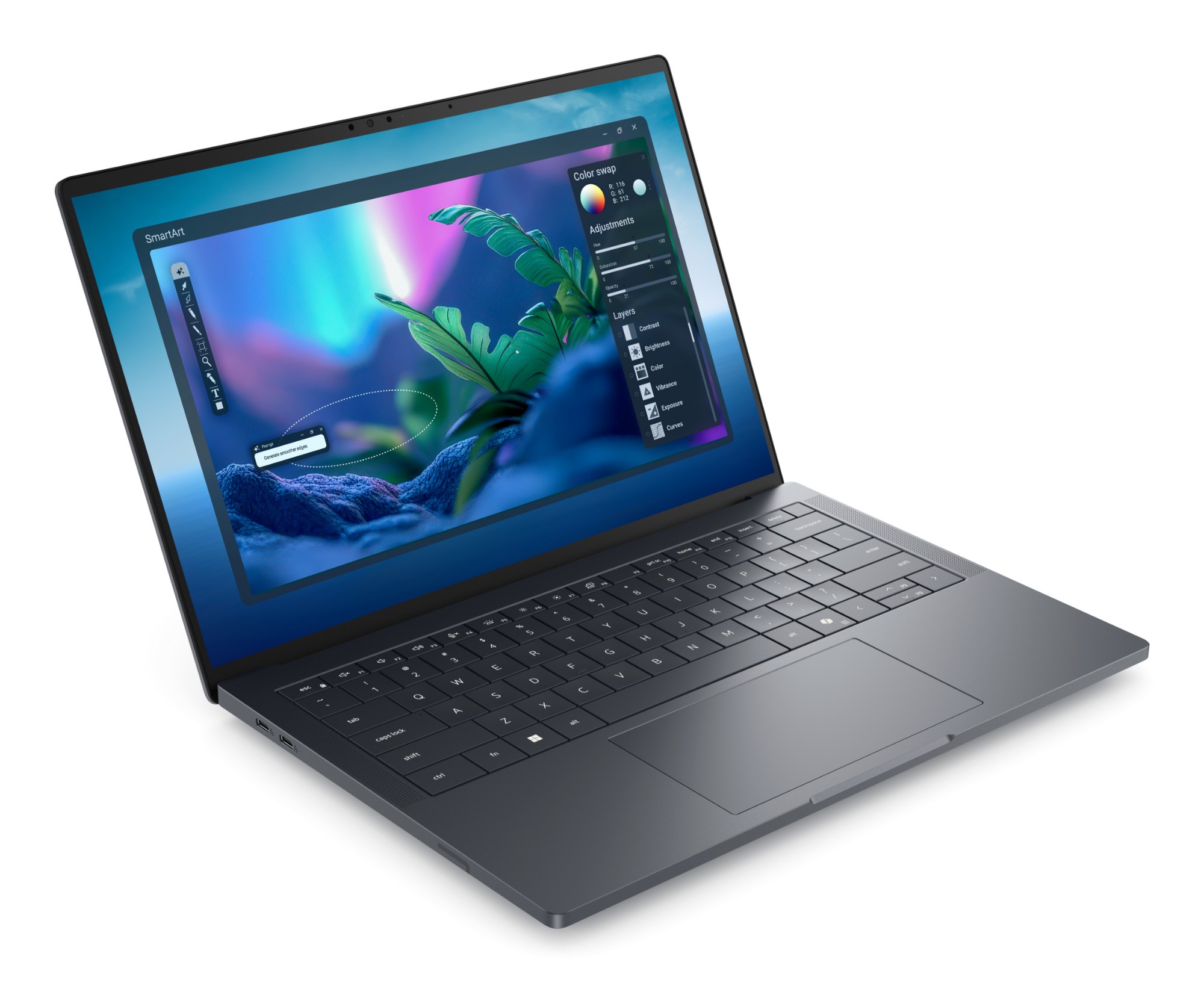
📦 USB-C power adapter in the box — Dell pairs discrete-GPU builds with the 130 W unit, charging over the left-side Thunderbolt 5 ports.
Configurations & part numbers
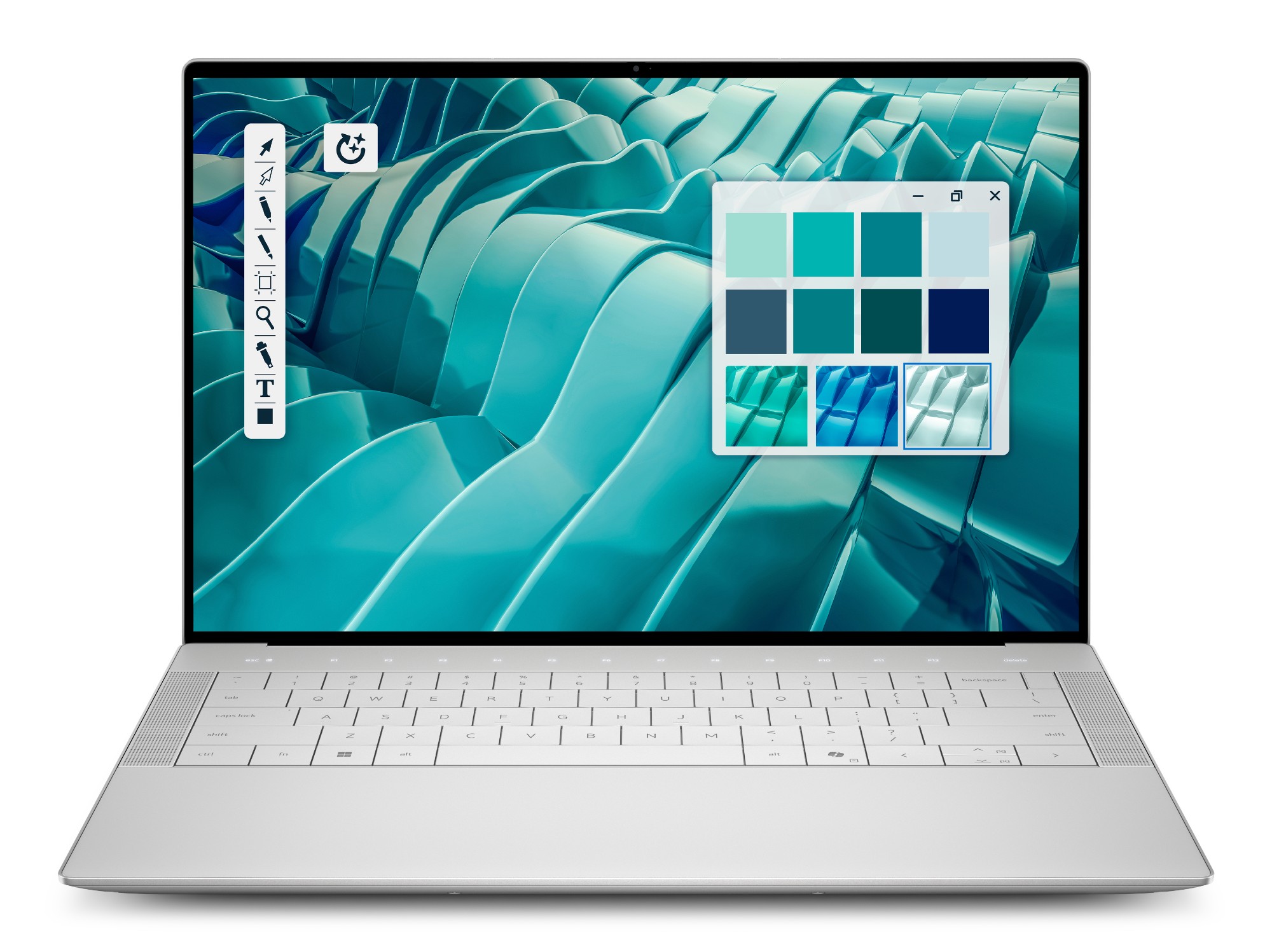
Every UK configuration we supply — quote any part number in your enquiry. Both stocked configurations share the same platform — Core Ultra 7 265H vPro Enterprise, 32 GB LPDDR5x, 1 TB SED-ready Gen4 SSD, FHD+ anti-glare panel, backlit UK keyboard and Windows 11 Pro — and differ only by NVIDIA RTX PRO Blackwell tier. Distributor data lists 07R7V as the RTX PRO 2000 build and TVY31 as the RTX PRO 1000, so we confirm the GPU tier in writing on every quote. QHD+ tandem OLED touch and other factory options to order.
| Part number | Configuration | Colour | EAN | |
|---|---|---|---|---|
| 07R7V | Pro Max 14 Premium MA14250, Core Ultra 7 265H vPro Enterprise, 32GB LPDDR5x, 1TB SED-ready SSD, FHD+ anti-glare, RTX PRO Blackwell 8GB — listed as the 2000-tier build, GPU tier confirmed at quote | — | ||
| TVY31 | Pro Max 14 Premium MA14250, Core Ultra 7 265H vPro Enterprise, 32GB LPDDR5x, 1TB SED-ready SSD, FHD+ anti-glare, RTX PRO Blackwell 8GB — listed as the 1000-tier build, GPU tier confirmed at quote | — |
Full specifications
Goes well with
Compare it
Why buy it from Servnet
Common questions
Which RTX PRO tier do the two stocked configurations carry?
Both carry NVIDIA RTX PRO Blackwell graphics with 8 GB of GDDR7 — the platform is sold with either the 1000 or the 2000 tier, and Servnet stocks one of each. Distributor data lists part 07R7V as the RTX PRO 2000 build and TVY31 as the RTX PRO 1000, so we confirm the exact GPU tier in writing on every quote before you order. Everything else about the two configurations is identical.
Is the memory or storage upgradeable?
Memory, no: the 32 GB of LPDDR5x-8400 is onboard and fixed for the machine's life — the platform reaches 64 GB only as a factory configuration, so size it at purchase. Storage, yes: the single M.2 Key-M slot takes 2280 or 2230 drives (2230 needs Dell's SSD bracket kit), and the fitted 1 TB Gen4 drive is SED-ready for encrypted fleets.
There's no USB-A or HDMI — how do we deploy it?
Correct — the chassis carries four USB-C ports (two Thunderbolt 5, two Thunderbolt 4), a microSD reader and a headset jack, and nothing legacy. Plan a Thunderbolt dock at the desk and Dell's optional USB-C dongle (USB-A + HDMI) in the bag; we quote both alongside the machine, and the TB5 ports handle charging so the dock replaces the adapter at the desk.
How does it differ from the standard Dell Pro Max 14?
The Premium is the thin-and-light interpretation of the Pro Max idea: an aluminium-magnesium build at 19.32 mm and from 1.61 kg, onboard LPDDR5x, a single M.2 slot and an all-Thunderbolt port set. The standard Dell Pro Max 14 (MC14250) is the heavier, more expandable machine with socketed memory and fuller legacy I/O. Choose the Premium for mobile professionals who still need workstation graphics; the standard model where expandability beats carry weight.
Talk to a UK specialist
Get expert advice or a no-obligation quote — servers, storage, networking, maintenance, finance and cloud. We reply the same working day.