
What to look for
Our top picks for cad / engineering
Compare the top 3 →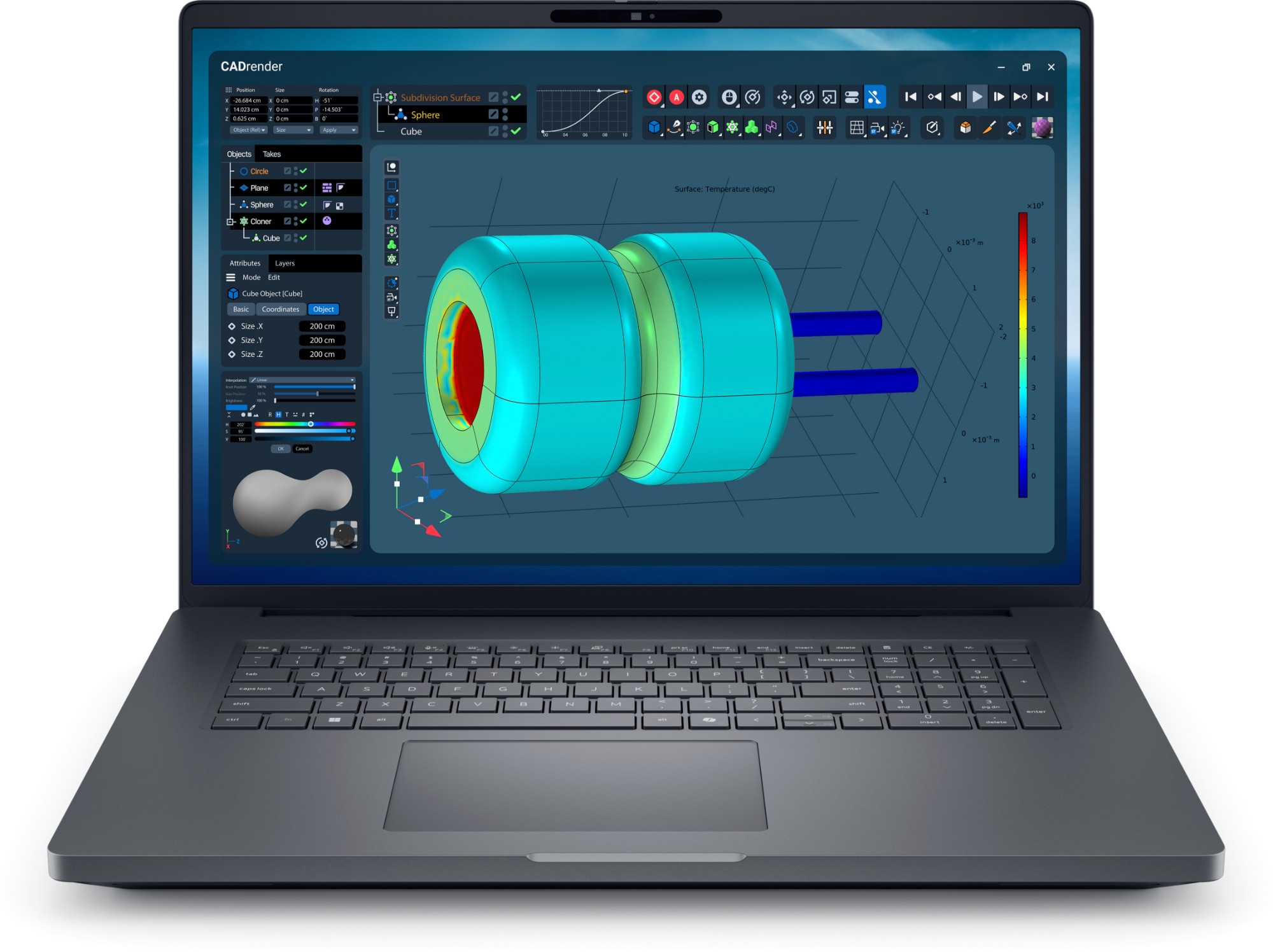
Why it fits: Workstation-class CPU + discrete GPU · Up to 256 GB RAM. 18-inch desktop-replacement flagship workstation with Thunderbolt 5 and RTX PRO Blackwell.
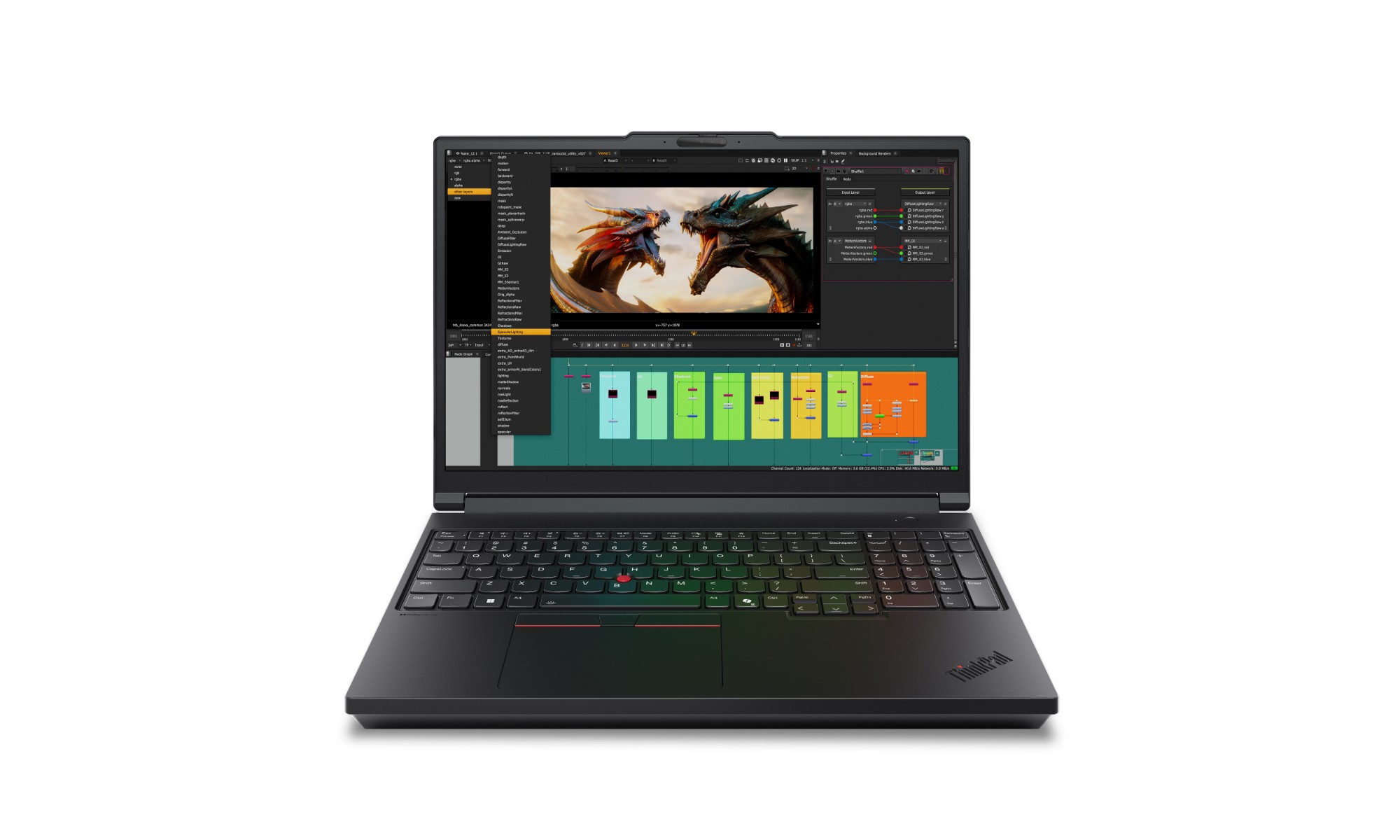
Why it fits: Workstation-class CPU + discrete GPU · Up to 192 GB RAM. GeForce RTX 5090 16-inch mobile workstation — desktop-class Core Ultra HX and Thunderbolt 5.
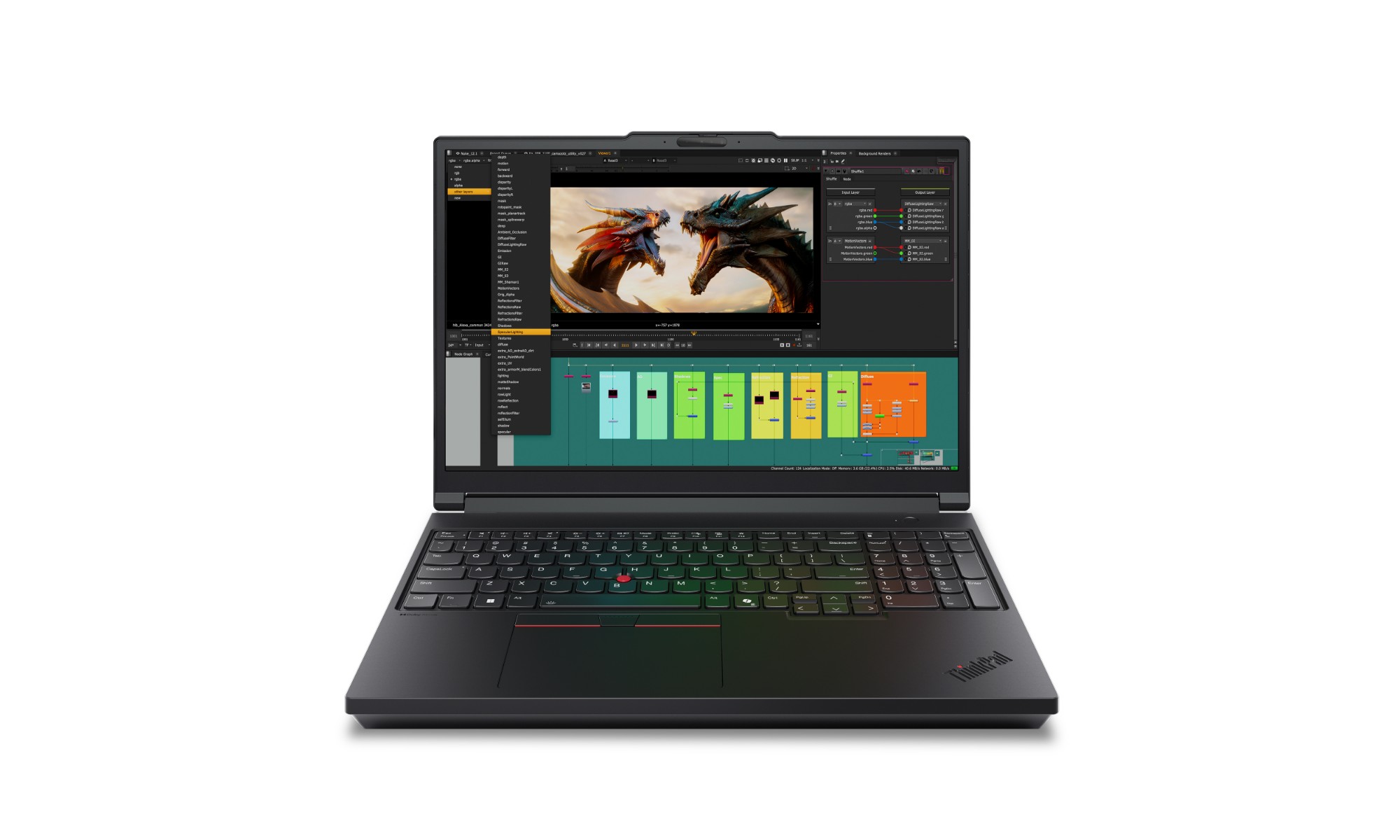
Why it fits: Workstation-class CPU + discrete GPU · Up to 192 GB RAM. Flagship 16-inch workstation — Core Ultra HX to 24 cores, RTX PRO Blackwell, Thunderbolt 5.
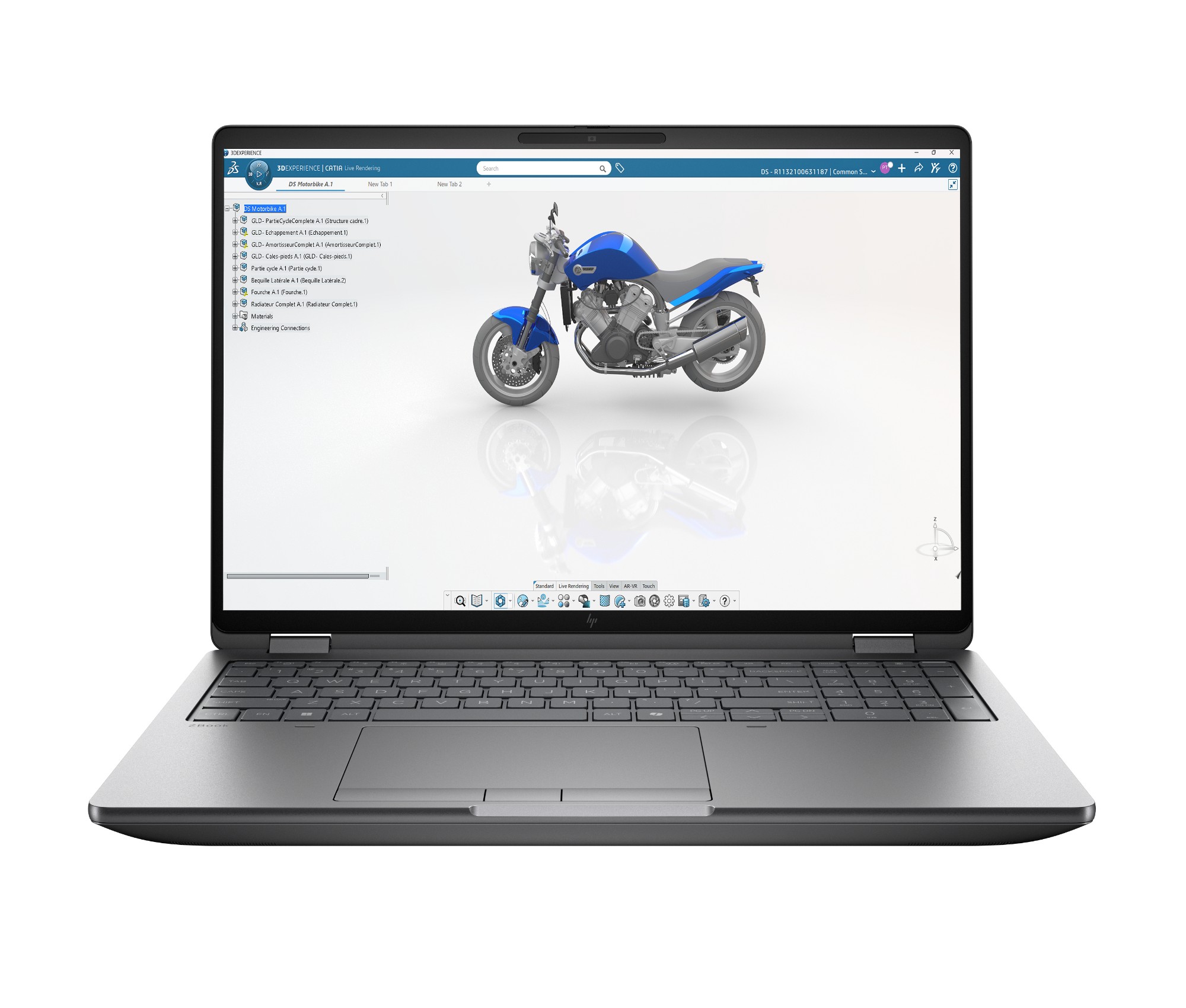
Why it fits: Workstation-class CPU + discrete GPU · Up to 256 GB RAM. Flagship 16/18in workstation, Core Ultra HX + RTX PRO Blackwell, Thunderbolt 5.
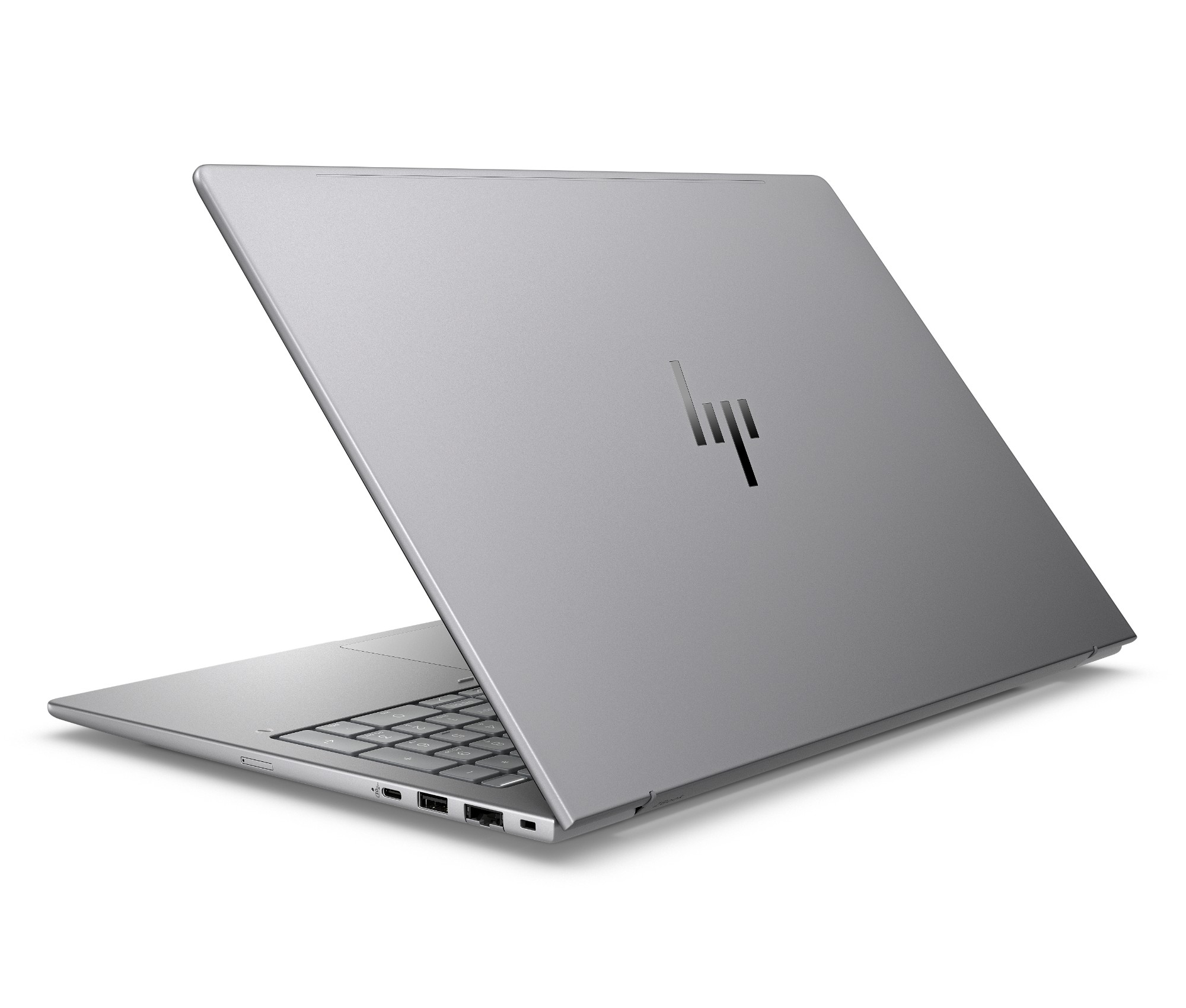
Why it fits: Workstation-class CPU + discrete GPU · Up to 64 GB RAM. Thin 14in Intel data-science mobile workstation with RTX 500 Ada.
Ranked by Servnet’s vendor-neutral finder. Facets are a structured projection of the manufacturer-verified specifications published on each Servnet product page (Lenovo PSREF · HP QuickSpecs · Dell · Apple · TD Synnex) — no prices, no distributor data.
The differentiator here is ISV certification and pro graphics — consumer GPUs can render but aren’t validated against CAD software, which matters for support and stability. Expect a heavier, higher-power chassis; that’s the trade for the compute. The finder surfaces the workstation-class machines in the catalogue for these workloads.
CAD / engineering laptops — FAQs
Can a normal laptop run CAD?
Light 2D CAD, yes — but for 3D modelling, assemblies and simulation you want a mobile workstation with a professional, ISV-certified GPU and a workstation CPU. Consumer laptops lack the certified drivers CAD vendors validate against.
How much RAM for CAD and simulation?
32 GB is a practical minimum; 64 GB or more (with ECC where accuracy is safety-critical) suits large assemblies, FEA/CFD simulation and multitasking with rendering.
What GPU do I need for CAD?
A professional GPU — NVIDIA RTX PRO (formerly Quadro) or AMD Radeon Pro — with certified drivers for your software. These are validated by CAD/CAE vendors, unlike consumer GeForce cards.
Best business laptops for other roles
Talk to a UK specialist
Get expert advice or a no-obligation quote — servers, storage, networking, maintenance, finance and cloud. We reply the same working day.